You have a Unitree Go2 on your bench, the battery is charged, and the SDK’s README links to examples that assume you already know which control layer fits your task. The documentation is thin, and the difference between a high-level command and a low-level joint command is not just API surface—it’s a decision about safety, latency, and how much of the robot’s dynamics you’re willing to own.
What the SDK Is
What the SDK Is (and Isn’t)
Unitree Robot SDK v2 is a client library that lets your application talk to Unitree robots over UDP. It provides APIs for sending motion commands, reading sensor data, and integrating custom control algorithms. The SDK sits between the robot’s firmware and your code—similar to ROS, but specific to Unitree hardware and often used alongside ROS. It is not a simulator and not a high-level behavior engine. Simulation is handled by separate tools like Gazebo or MuJoCo, which expose the same control interface so you can develop without a physical robot.
Layers
Layers
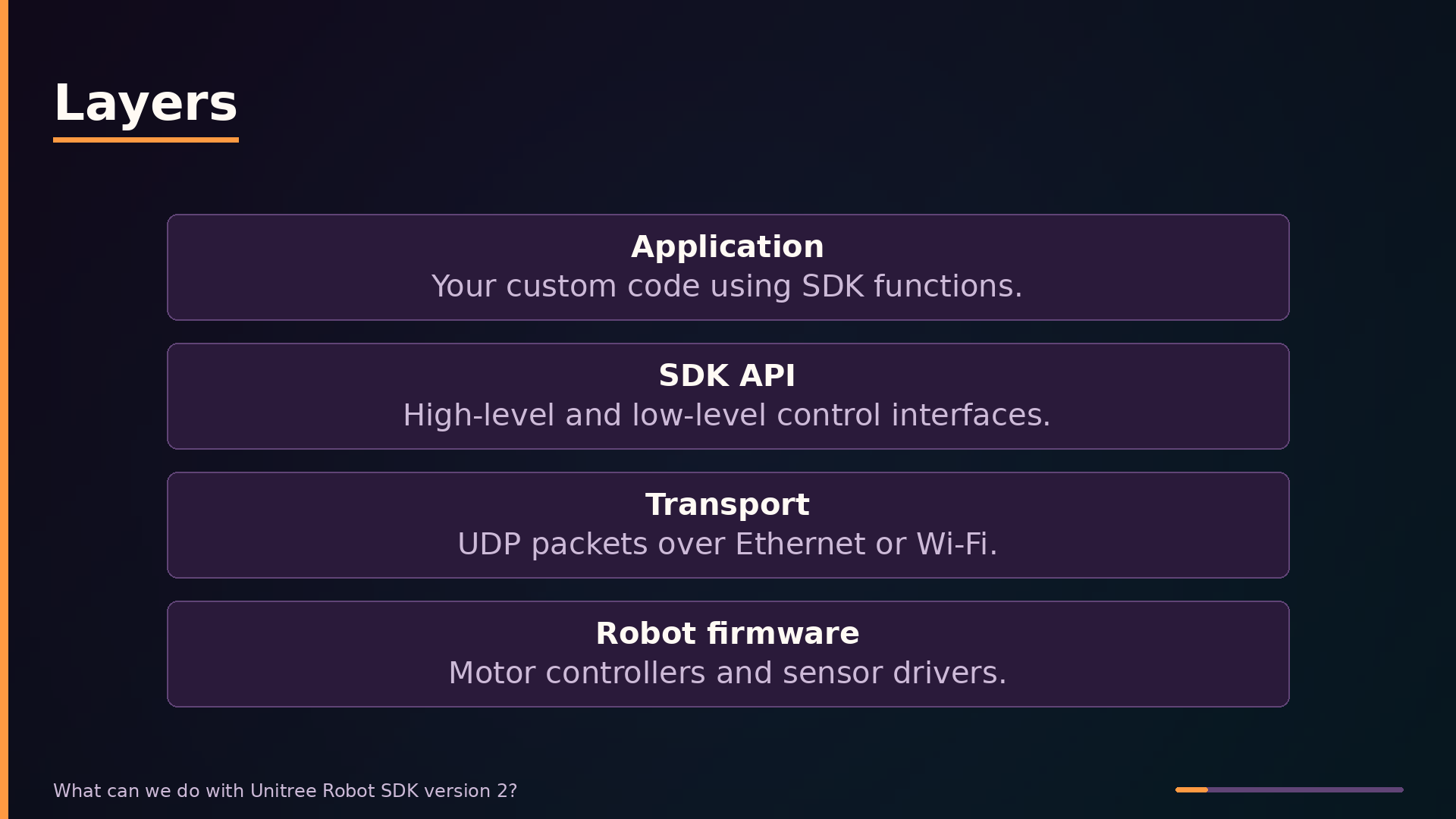
Top to bottom, the stack looks like this. Application holds Your custom code using SDK functions.. SDK A P I holds High-level and low-level control interfaces.. Transport holds UDP packets over Ethernet or Wi-Fi.. Robot firmware holds Motor controllers and sensor drivers..
Call flow
Call flow
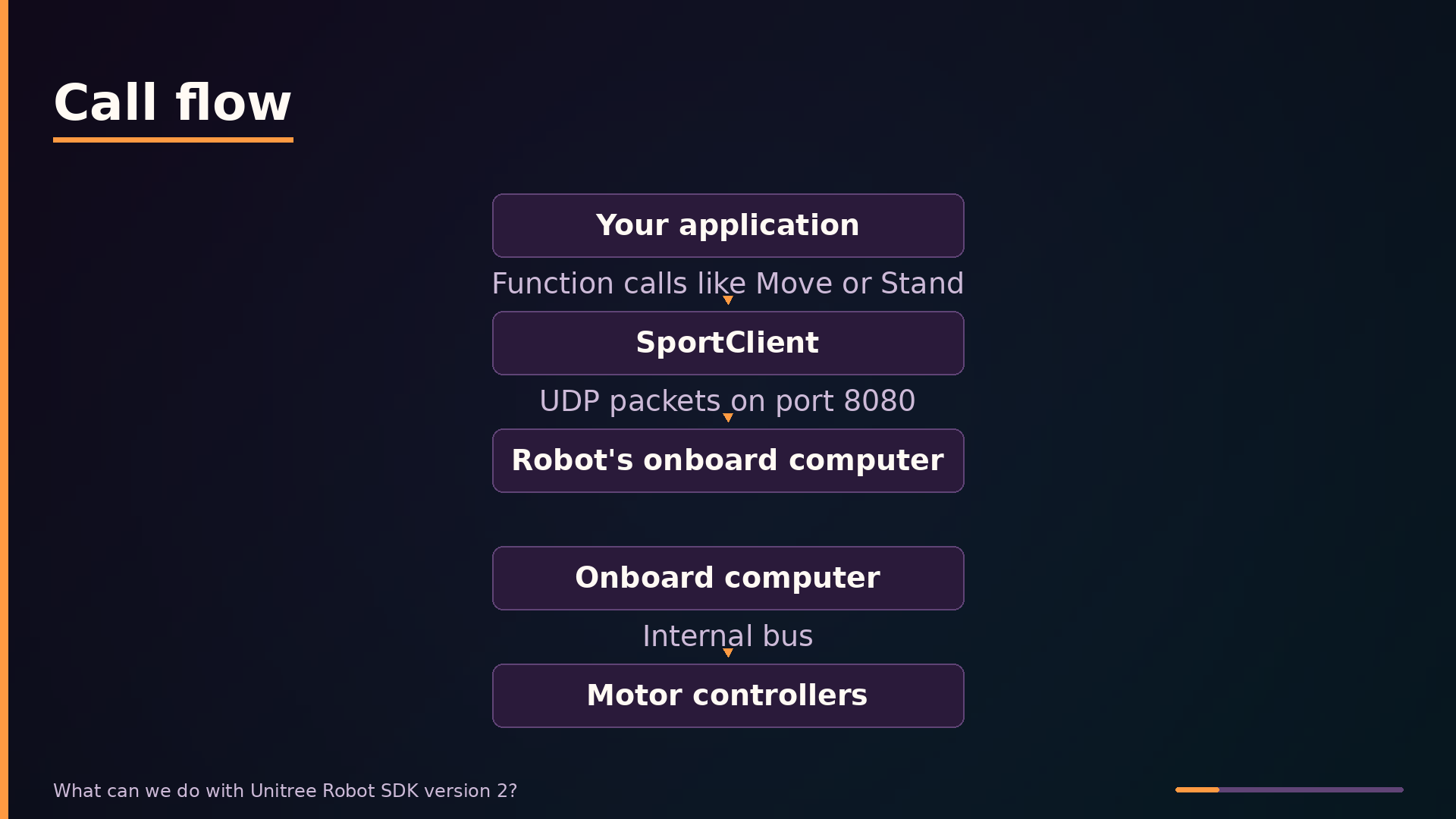
Who calls whom. Your application calls SportClient over Function calls like Move or Stand. SportClient calls Robot’s onboard computer over UDP packets on port 8080. Onboard computer calls Motor controllers over Internal bus.
Control flow
Control flow
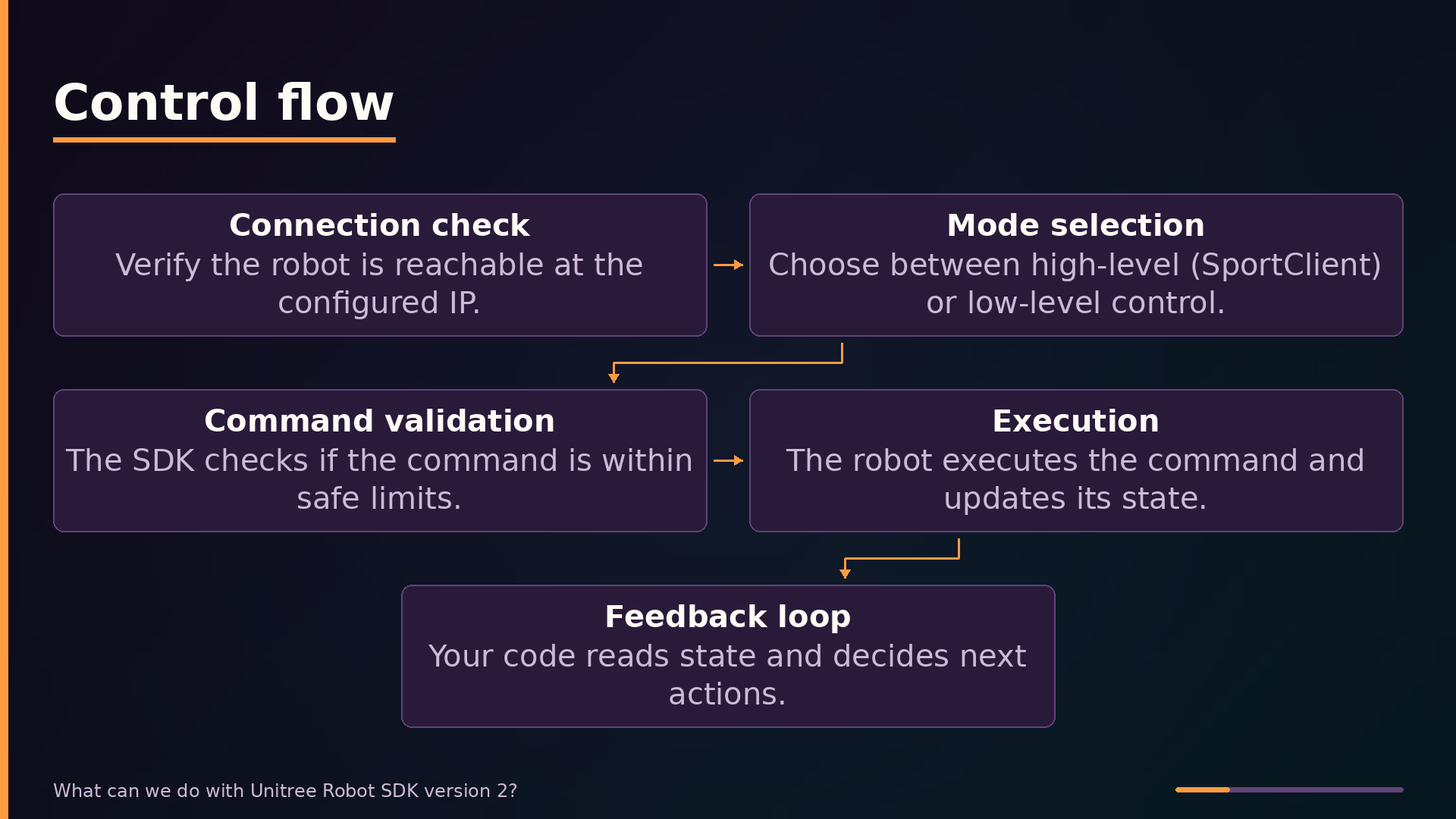
The decision points along the way. Connection check: Verify the robot is reachable at the configured IP.. Then Mode selection: Choose between high-level (SportClient) or low-level control.. Then Command validation: The SDK checks if the command is within safe limits.. Then Execution: The robot executes the command and updates its state.. Then Feedback loop: Your code reads state and decides next actions..
What the SDK Is
Correcting Common Misconceptions
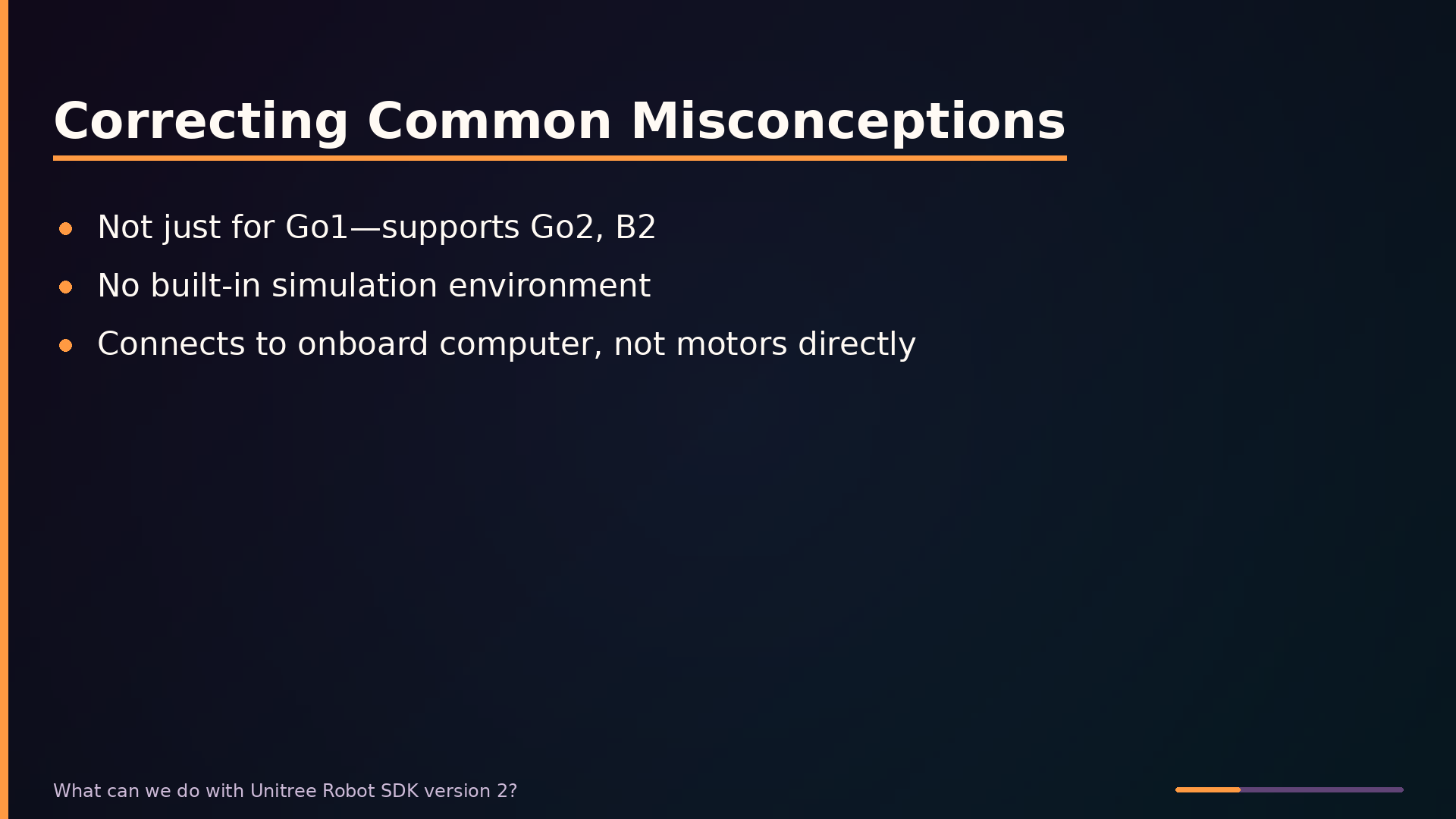
A common misconception is that the SDK only supports the Go1. SDK v2 supports newer models including the Go2 and B2, with model-specific configurations. The architecture is consistent across these platforms: your program acts as a UDP client, sending commands to the robot’s onboard computer—typically a Jetson Orin—and receiving state feedback at high frequency. The SDK does not interface directly with motor controllers or a physics engine.
Architecture
Architecture: Client-Server over UDP
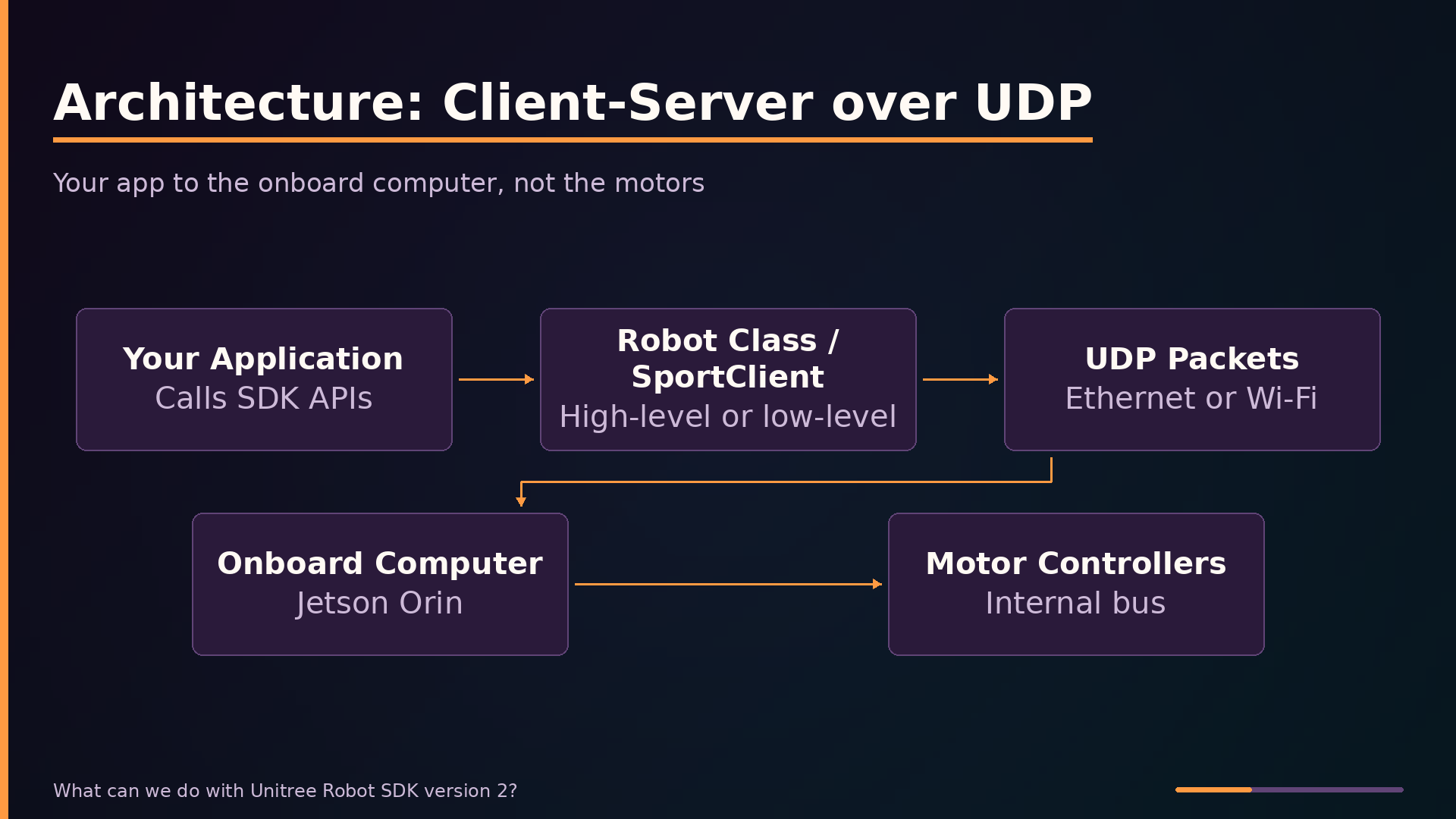
The SDK operates on a client-server model over UDP. Your program is the client; the robot’s onboard computer is the server. The SDK connects to that onboard computer, not directly to the motors. When you call a function, you’re sending a network packet to a computer riding on the robot, which then translates your intent into motor commands over an internal bus.
Four-Layer Software Stack
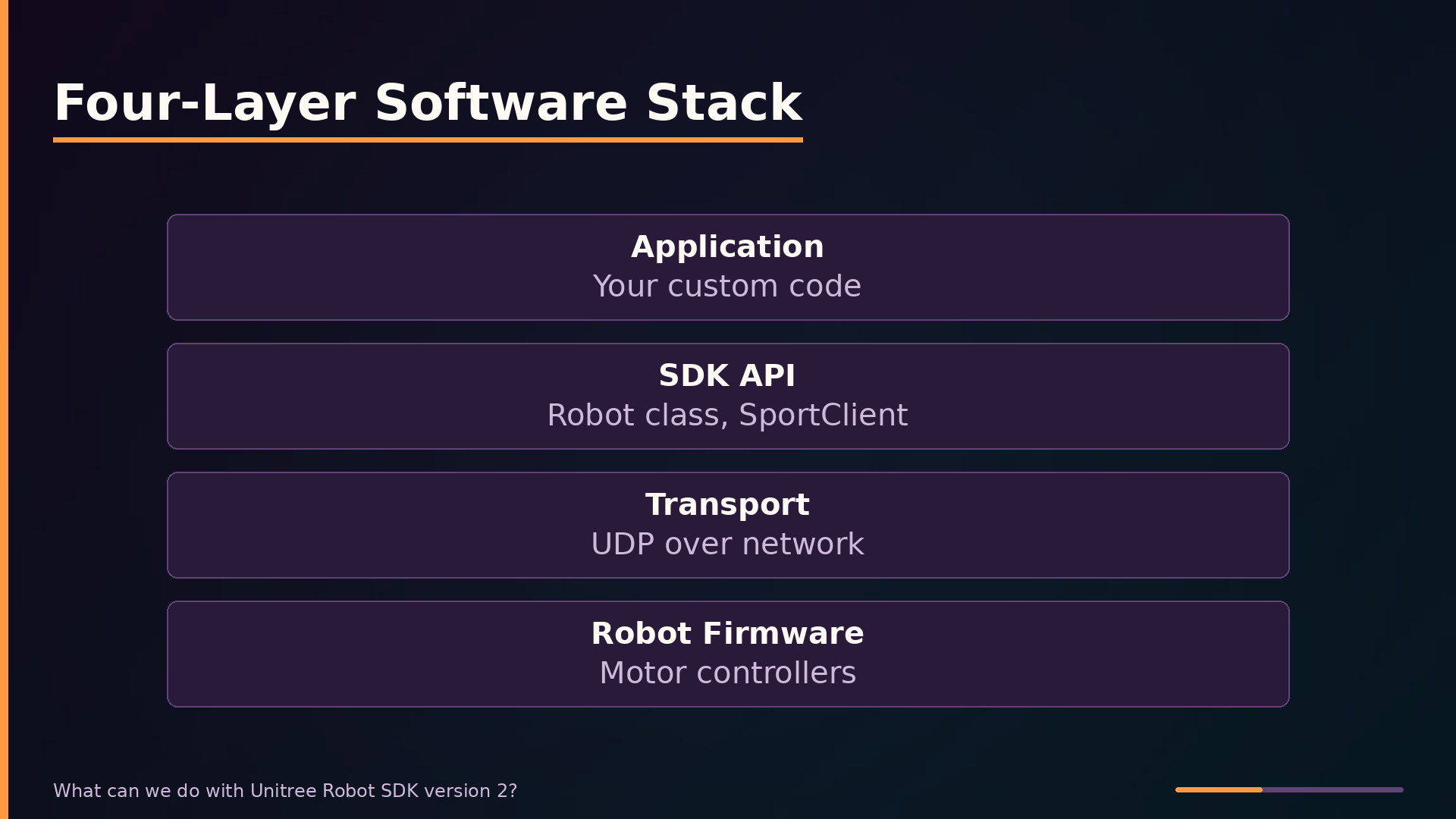
The software stack has four layers. At the top, your application calls SDK functions. The SDK A P I layer—comprising the Robot class as the entry point and SportClient for high-level motion—translates those calls into UDP messages. The transport layer carries those packets over Ethernet or Wi-Fi to the robot. At the bottom, the robot’s firmware executes the commands and streams back state.
Data Flow Loop
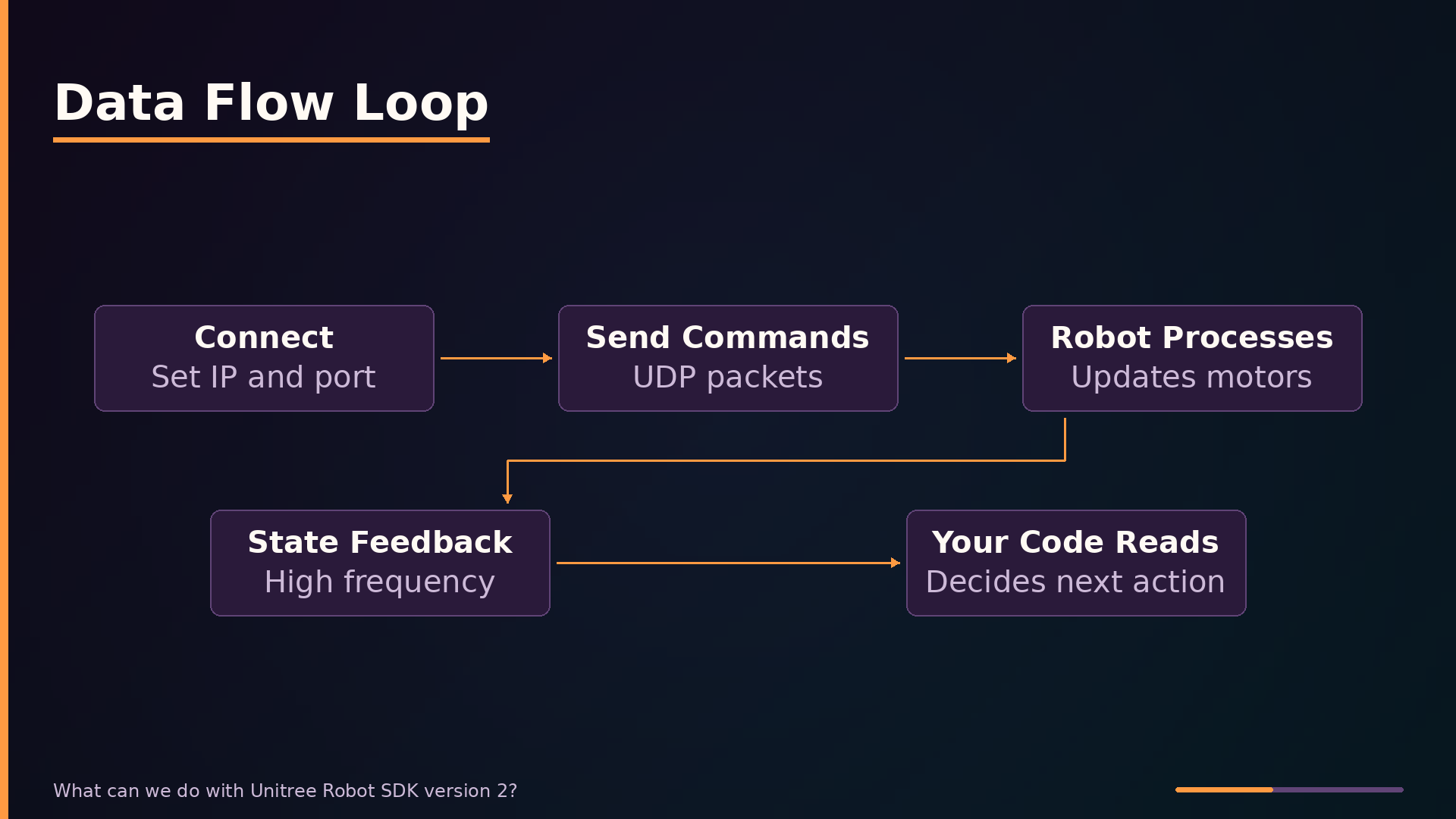
Data flows in a continuous loop. First, the client connects to the robot’s IP address on a designated port. Your application then sends motion commands or state requests as UDP packets. The onboard computer interprets each command and updates the motor controllers. Simultaneously, the robot streams back joint angles, IMU readings, and battery status at high frequency. Your code reads that state data to make decisions or log information for the next command cycle.
Key Features
Two Control Paths
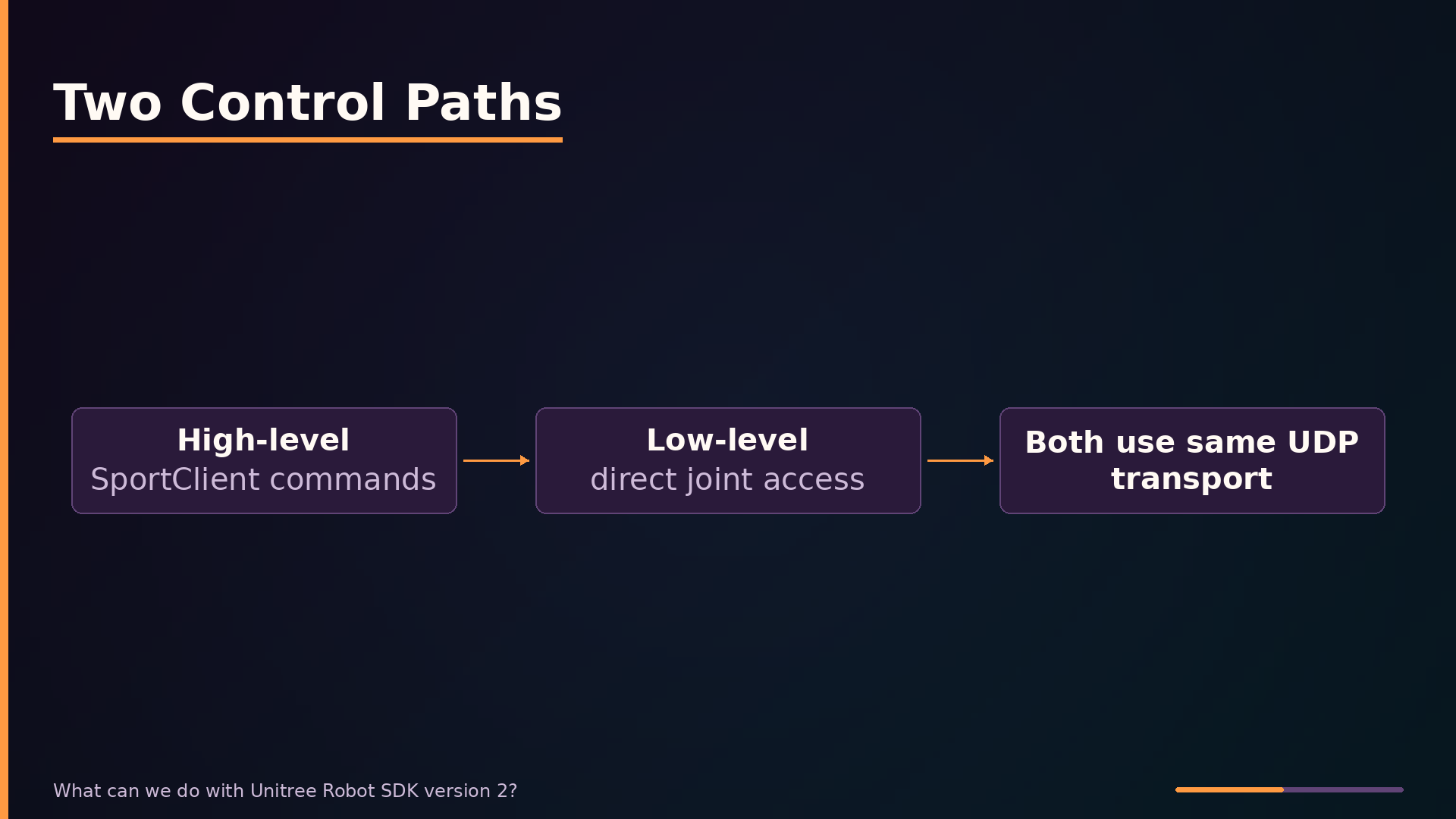
The SDK exposes two control paths. High-level control through SportClient abstracts away joint-level details—you request a velocity, and the onboard gait generator handles leg coordination. Low-level interfaces give you direct access to joint states and commands for custom control algorithms, at the cost of managing the robot’s dynamics yourself. Both paths traverse the same UDP transport to the onboard computer.
Key Features
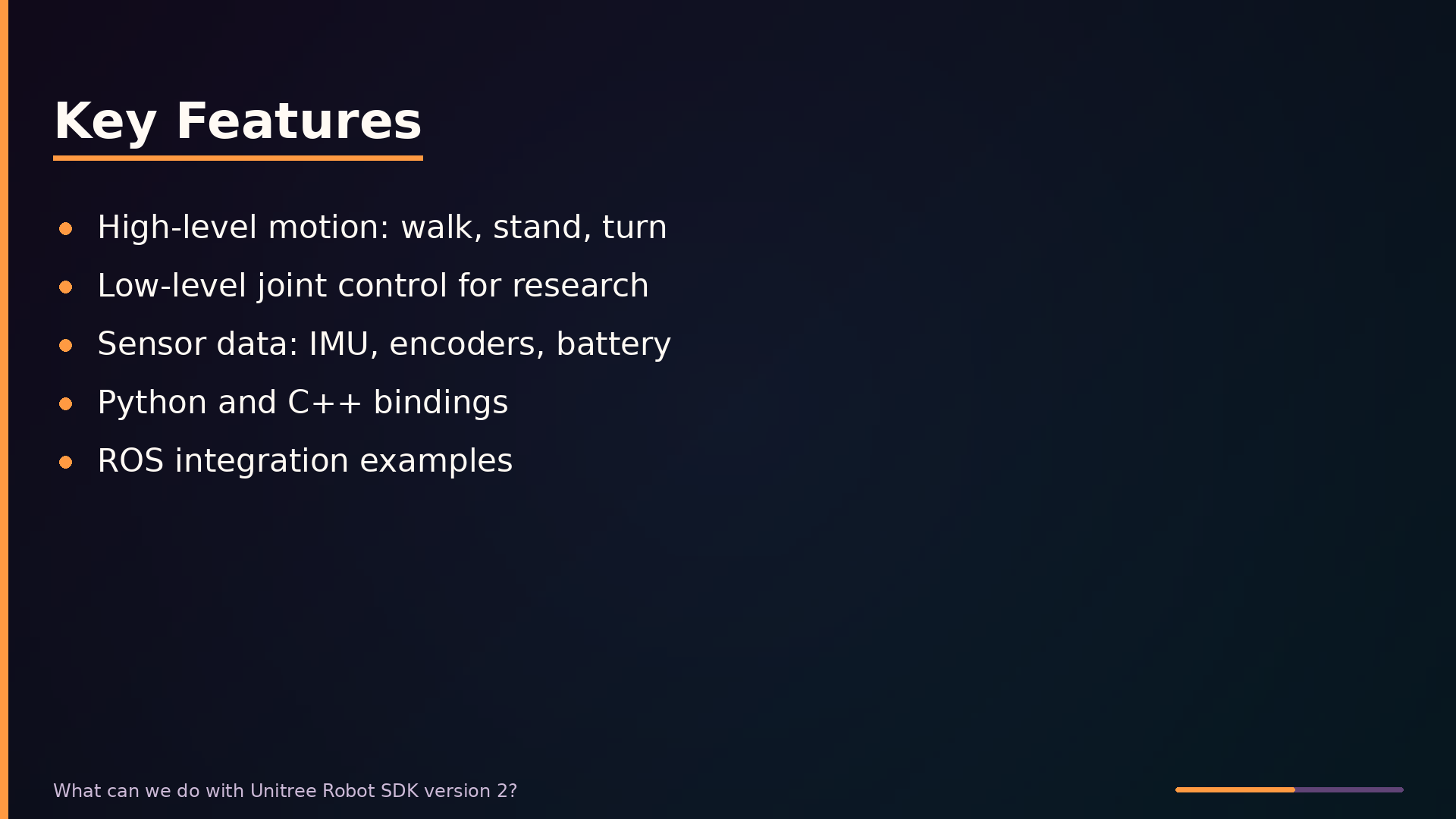
The SDK’s primary value is its two-tier control model. High-level motion control through SportClient exposes commands like walk, stand, turn, and jump, abstracting away joint-level gait generation. This lets you build teleoperation apps or choreography by calling Move with target velocities. Below that sits the low-level A P I, giving direct access to joint positions, velocities, and torques for custom locomotion research. Sensor access arrives through state messages streamed from the robot. The SDK ships official bindings for both Python and C++, and ROS integration examples round out the offering.
Usage Example
Minimal Control Example
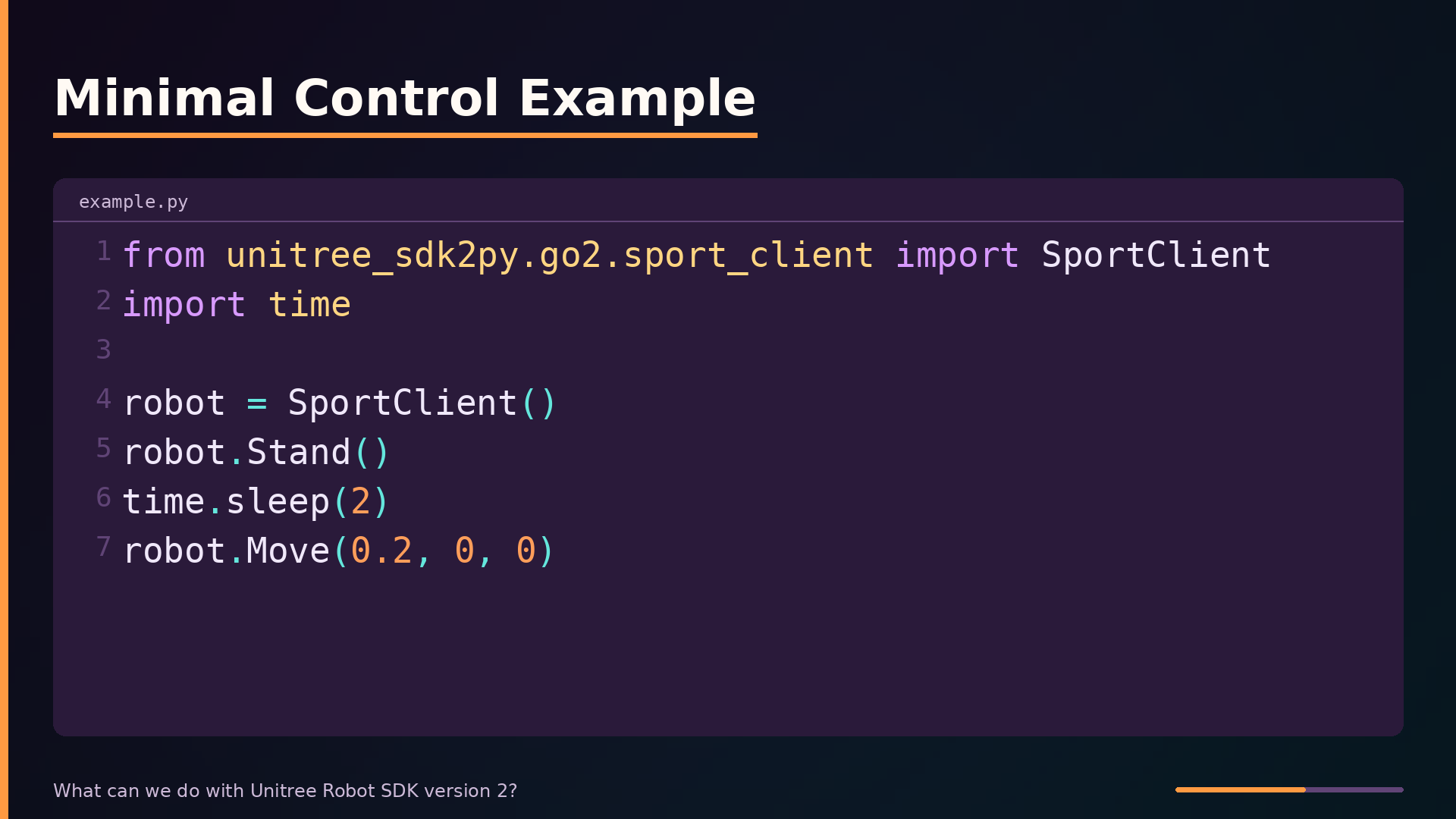
The fastest way to understand the SDK is to run a minimal control script. This Python example connects to the robot, commands it to stand, then moves it forward. The SportClient constructor assumes the robot is reachable at a default IP address. In practice, you must configure your computer’s network interface to match the robot’s subnet. Stand transitions the robot to a standing position. Move takes linear velocities in x and y plus a yaw rate. This call commands forward motion at 0.2 meters per second.
Use Cases
Use Cases: Where It Shines
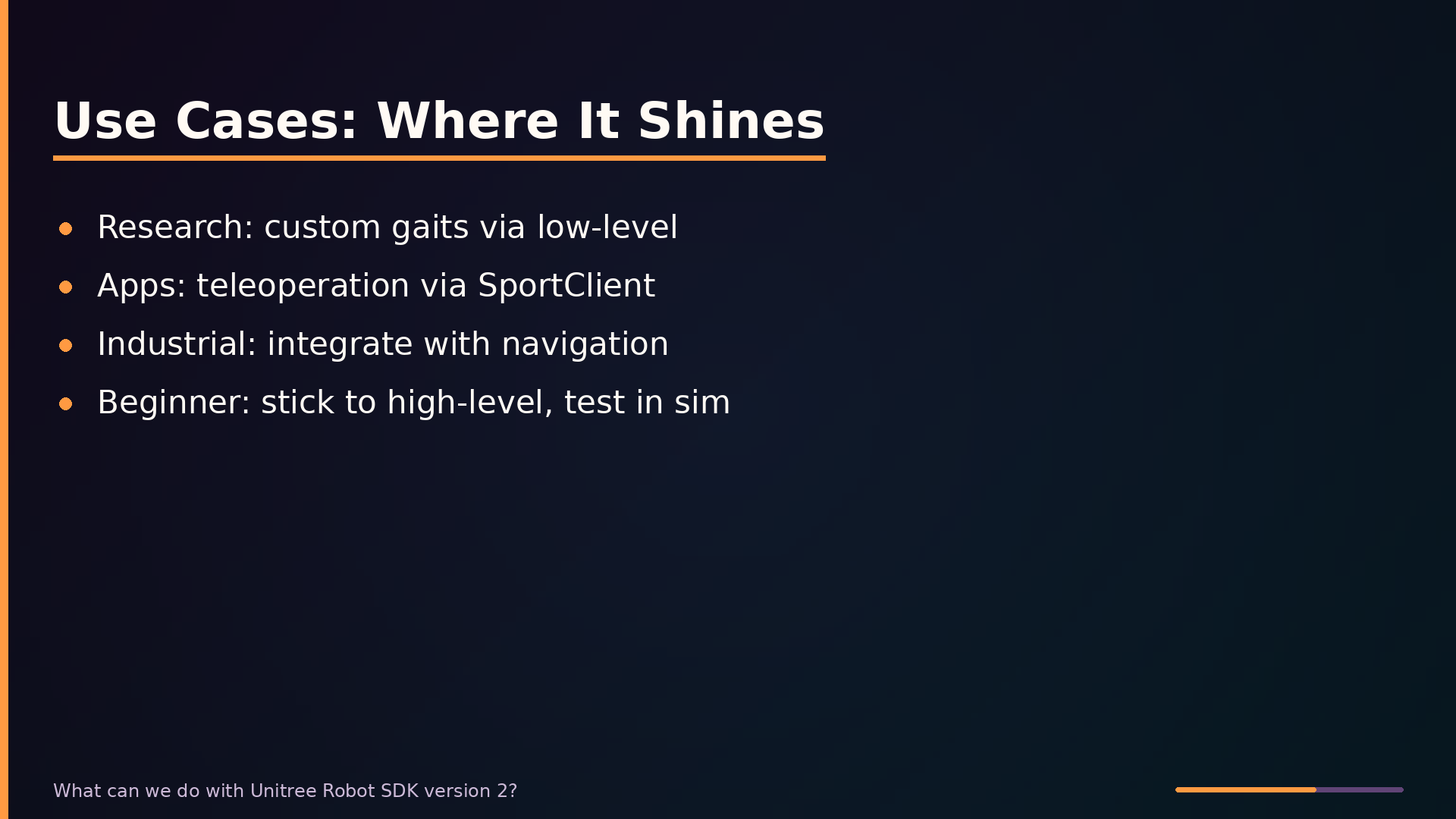
The SDK’s strongest fit is research on locomotion. A researcher testing a new walking algorithm can use the low-level A P I to send custom joint commands while reading state data. For application development, the high-level SportClient is the right tool—a teleoperation app can call forward velocity and turning rate without implementing balance. Industrial deployment works well too, combining SportClient with custom navigation code. The poor fit is the beginner who sends commands without understanding the platform. Low-level control is genuinely dangerous without robotics experience.
Comparison
SDK vs. Alternatives
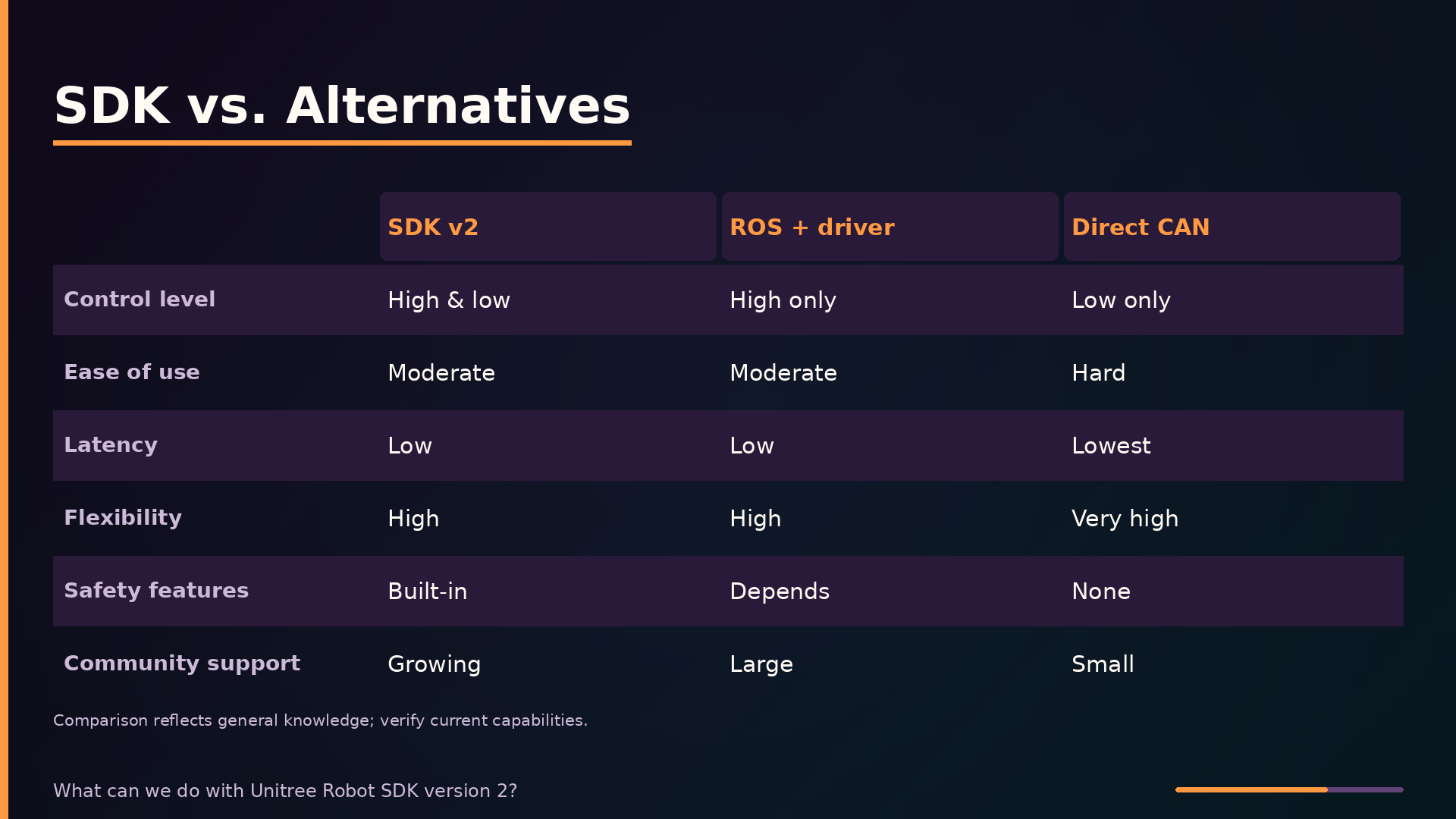
The SDK v2 sits between two extremes: ROS with a Unitree driver and direct CAN control. The SDK’s distinguishing strength is that it spans both control levels. You can issue high-level SportClient commands for rapid prototyping, then drop to low-level joint commands when you need custom gaits. ROS with the Unitree driver operates almost entirely at the high level. Direct CAN control gives raw motor access but forces you to implement everything from the communication protocol upward. Latency figures are not publicly documented, so values reflect architectural expectations.
SDK vs. Alternatives (cont.)
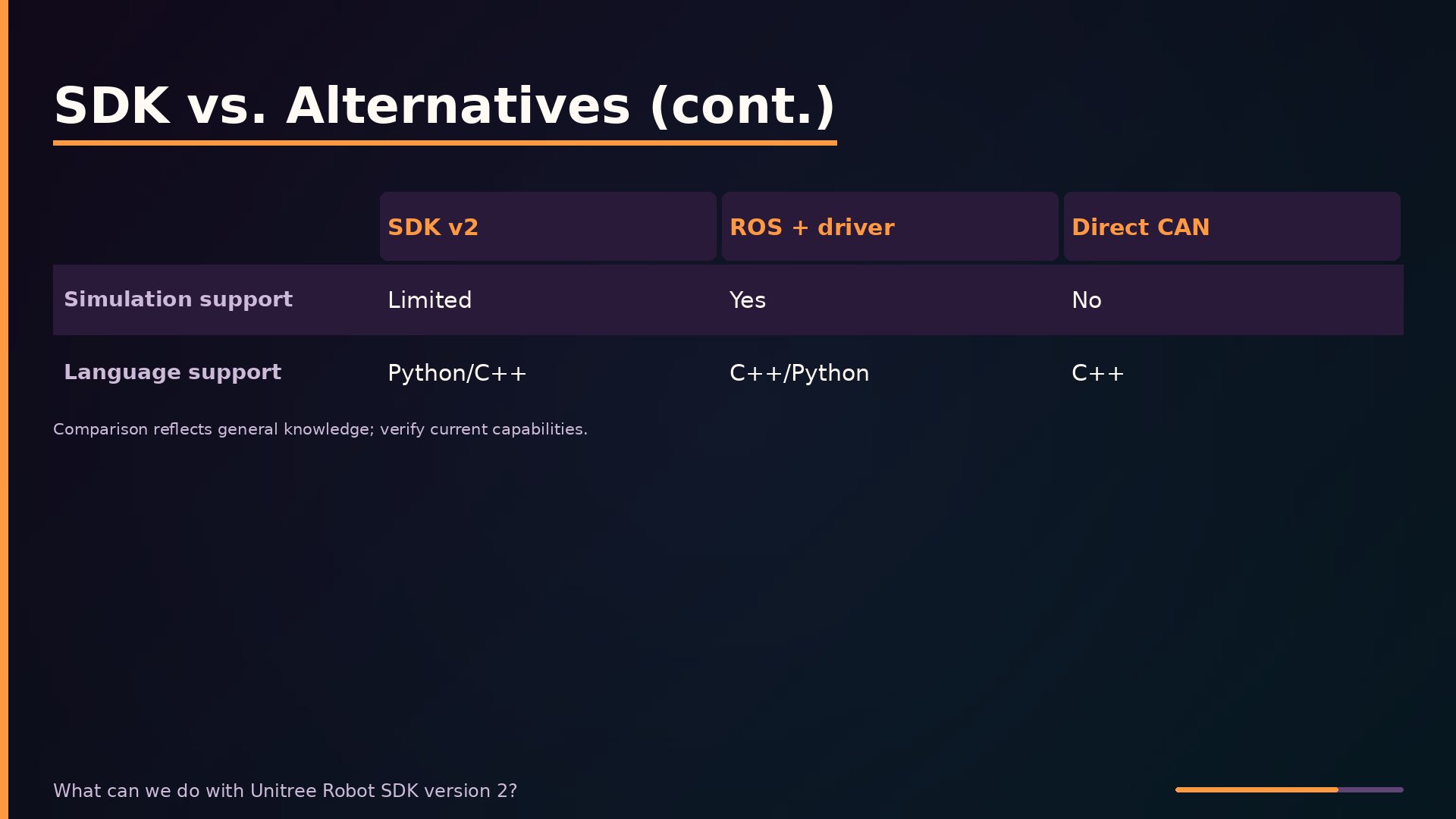
Simulation support deserves a caveat. The SDK itself targets real-robot control over UDP and does not include a physics engine. Unitree provides separate Gazebo models and MuJoCo configurations that expose a similar control interface, which is why the table shows Limited rather than None. Language support is Python and C++ for the SDK, C++ and Python for ROS, and C++ for direct CAN. This comparison reflects general knowledge and may be out of date, so verify current capabilities against vendor documentation.
Gotchas
Gotchas and Pitfalls
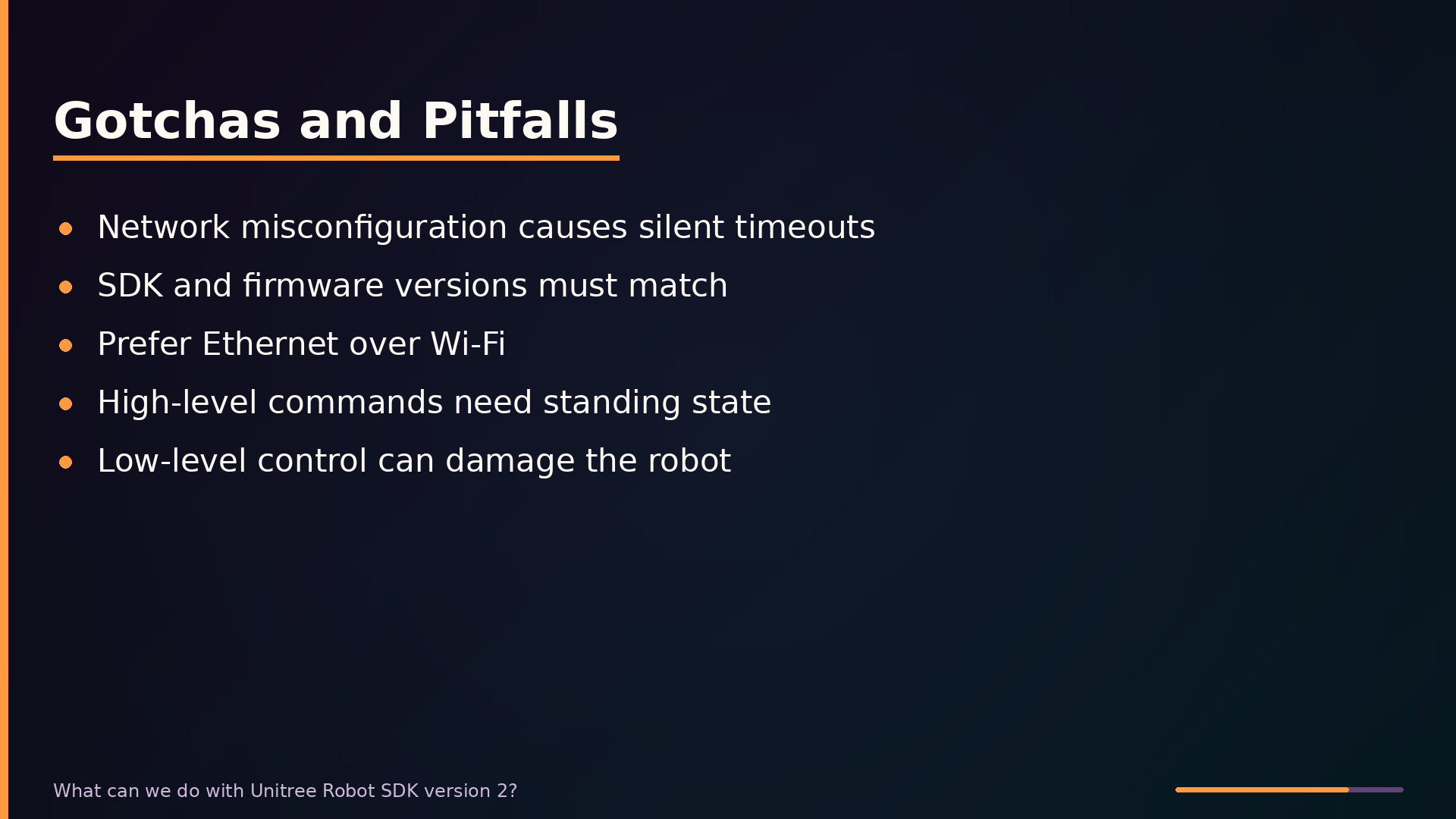
The most common source of communication failures is network misconfiguration. Your development machine must be on the same subnet as the robot, and the IP address must match. A wrong IP produces silent timeouts. Firmware and SDK versions must stay in sync—a mismatch causes communication errors that are hard to diagnose. Prefer wired Ethernet over Wi-Fi, which introduces latency and packet loss. High-level commands are not instantaneous; always call Stand first. Low-level joint control is where robots get damaged—test in simulation first.
Choosing Control Level
Choosing High-Level vs. Low-Level
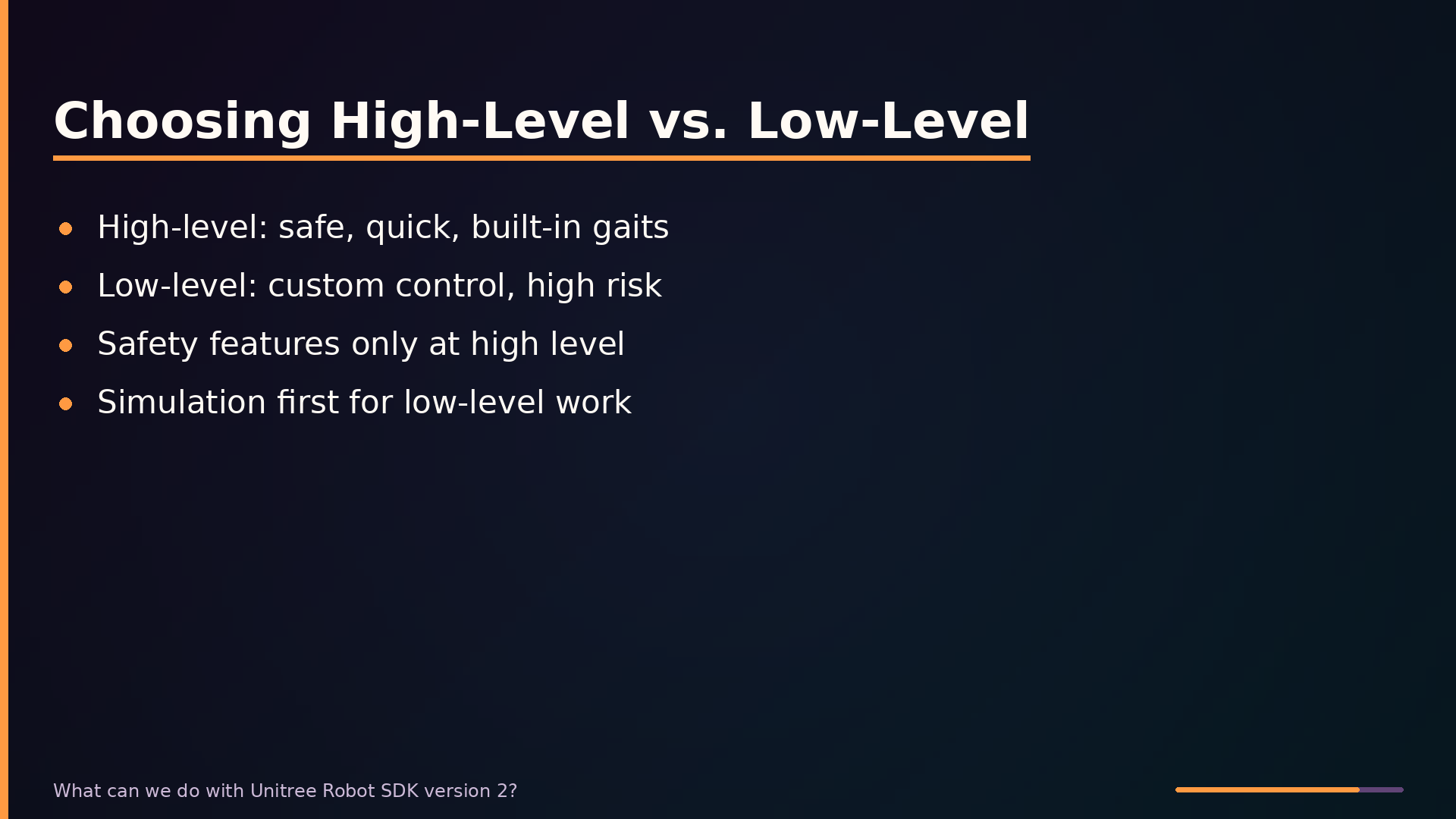
The SDK presents two fundamentally different control paths. The high-level SportClient interface exposes commands like Move, Stand, and Turn that map directly to built-in gait generators. This path is safe and quick, but you cannot alter the gait itself. The low-level A P I gives direct access to joint positions, velocities, and torques, enabling custom locomotion research. The trade-off is steep—you must understand the robot’s dynamics. Built-in safety features are enforced primarily at the high-level layer. When you bypass SportClient, those protections largely disappear.
Usage Example
Reading Low-Level State
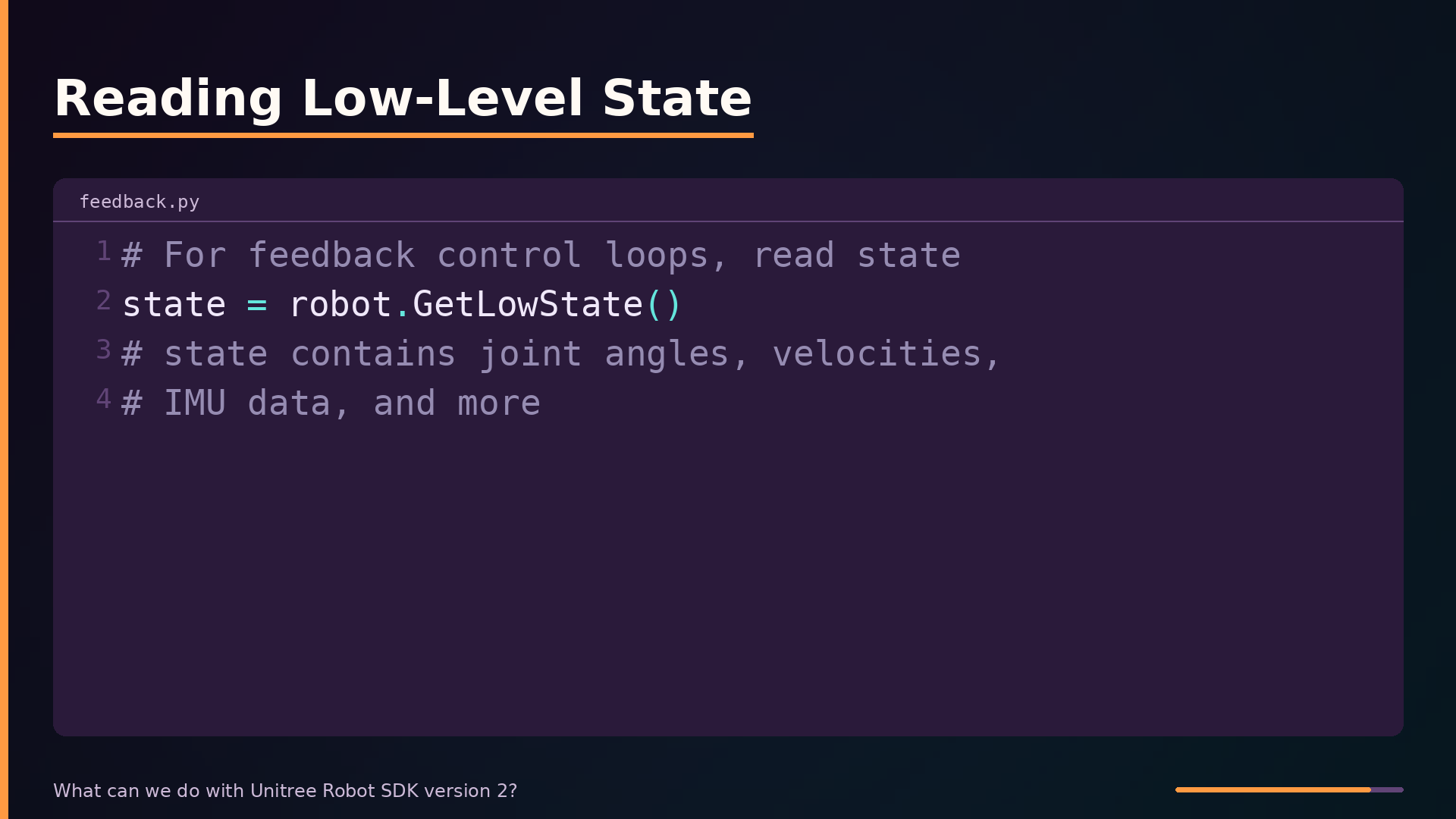
For feedback control loops, you can call GetLowState to read joint angles, velocities, and IMU data. This method returns a state structure you can poll at high frequency. Note that high-level commands require the robot to already be in a standing state; issuing Move immediately after power-on will fail or be ignored.
High-Level Move Command
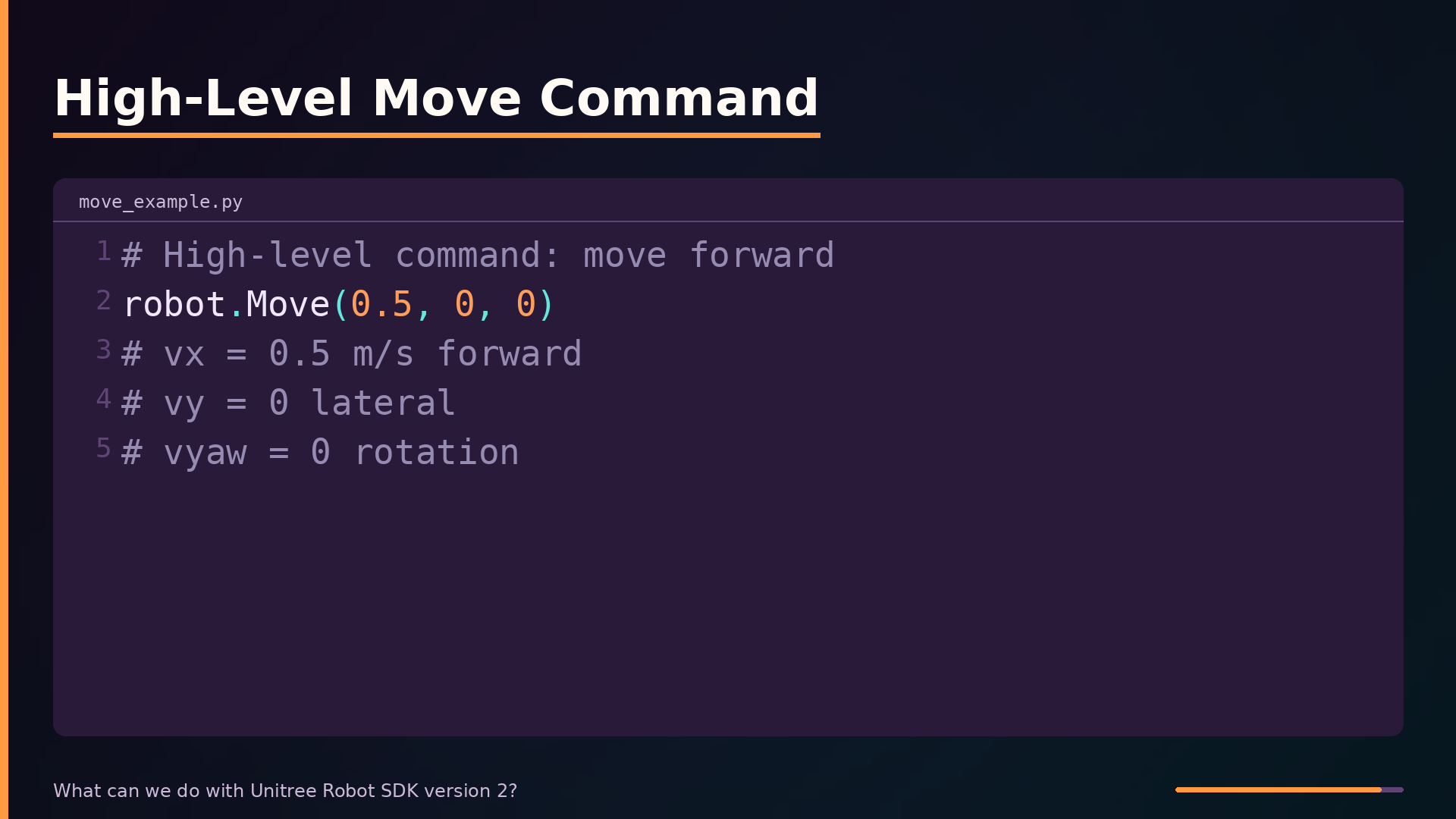
Here’s a high-level Move command. The first argument is forward velocity in meters per second, the second is lateral velocity, and the third is yaw rate. This call commands the robot to walk forward at half a meter per second with no sideways or rotational movement. The SDK’s built-in gait generator handles the joint trajectories internally.
Takeaways
Takeaways
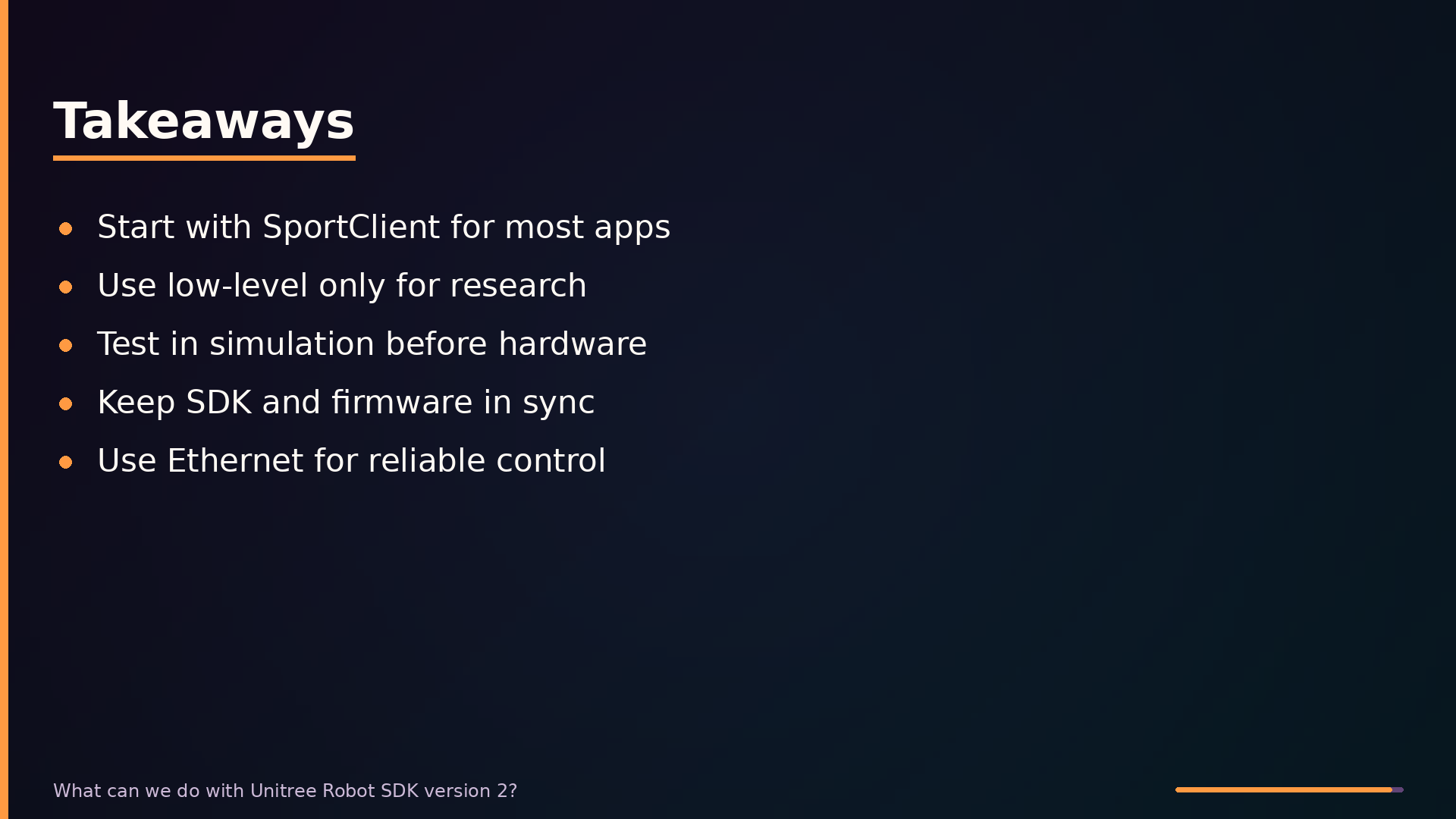
Unitree Robot SDK v2 is a practical tool for controlling Go2 and B2 robots, but its value depends on matching the right abstraction level to your task. For most applications, start with SportClient high-level commands—they handle gait generation and safety checks. Reserve low-level control for research where you need custom gaits, and only if you have the control background to manage the risk. The SDK does not solve everything. It is not a simulation environment, so validate algorithms in Gazebo or MuJoCo before touching hardware. Network reliability is your responsibility.