A technical look at how Microsoft 365 governs Copilot agents
Your organization just deployed a fleet of AI agents that can read emails, update CRM records, and chat with customers. Who decides what they’re allowed to touch? Without a governance layer, every agent is a potential data leak or compliance violation waiting to happen. The Microsoft Agent Governance Toolkit is one answer to that problem: a set of tools and services within Microsoft 365 that lets administrators discover, monitor, and control AI agents built with Copilot Studio and integrated into the Microsoft ecosystem.
The toolkit is not a general-purpose AI safety framework. It manages agents that run inside Microsoft 365, relying on Microsoft’s own telemetry and management APIs. It cannot see or control third-party agents running on AWS or other platforms. What it does provide is centralized inventory, policy-based governance, activity auditing, and data loss prevention—all surfaced through the Microsoft 365 admin center and Purview portal, with PowerShell cmdlets for scripting governance tasks.
By the end of this article, you will understand the toolkit’s architecture, its component layers, and how policies flow from definition to enforcement. You will also know its limitations, including licensing requirements and the fact that policies may not apply retroactively to agents created before the policy existed. The repository is modest in scale—a focused set of PowerShell examples and configuration guidance rather than a large codebase—but it documents a real operational need: governing agents that act autonomously inside your tenant.
What It Is (and Isn’t)
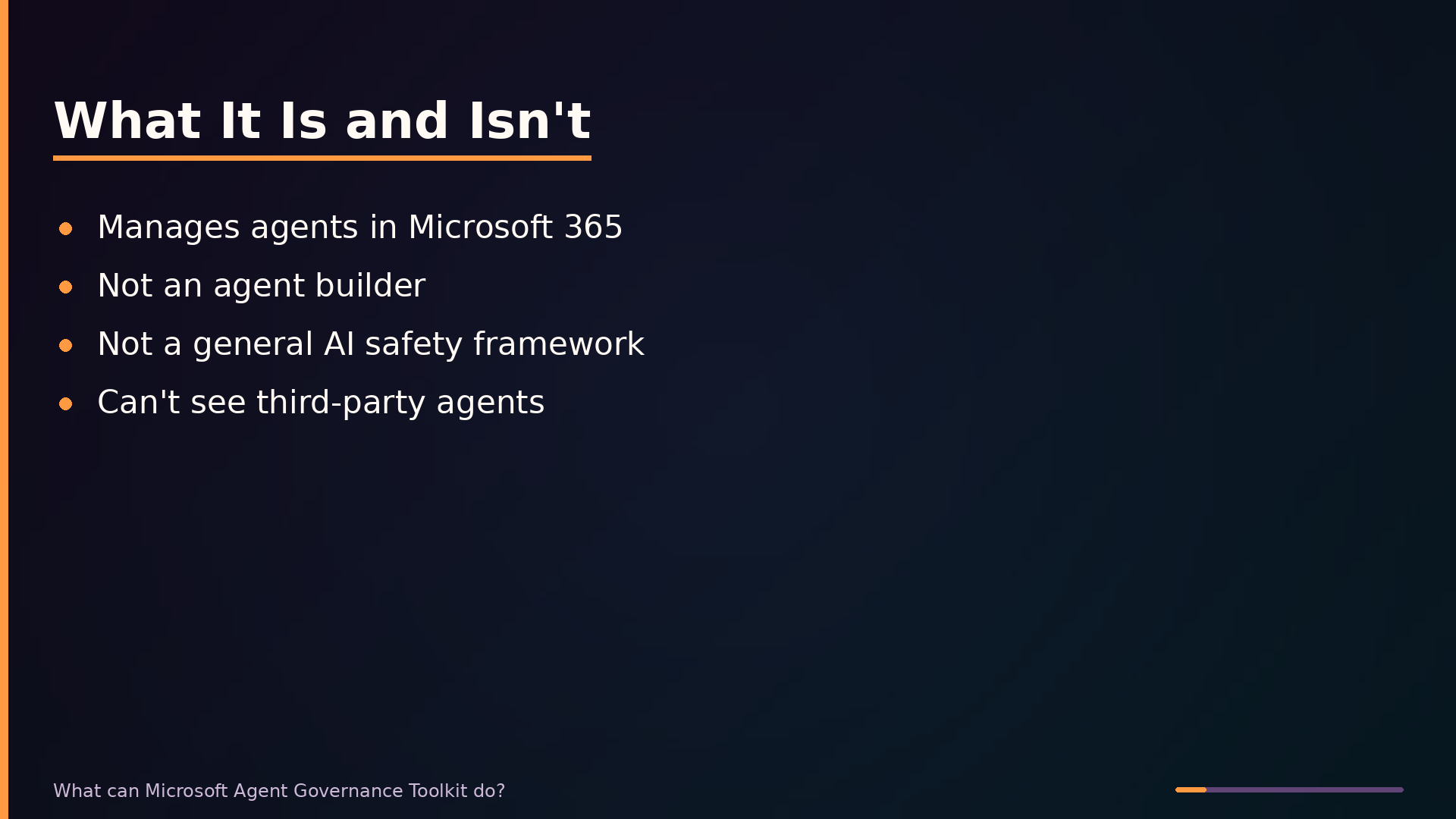
Microsoft Agent Governance Toolkit is a set of management and security services within Microsoft 365 that lets administrators discover, monitor, and control AI agents built with Copilot Studio or integrated into the Microsoft 365 ecosystem. It provides a centralized inventory of agents, policy-based governance for data access, activity auditing, and data loss prevention enforcement. The toolkit operates through the Microsoft 365 admin center and Microsoft Purview, giving IT administrators, security teams, and compliance officers operational oversight of agent behavior.
The toolkit is not an agent builder. Agent creation happens in Copilot Studio, which sits at the development layer. The governance toolkit manages what already exists. It is also not a general-purpose AI safety framework; it does not address model alignment, prompt injection hardening, or other AI-specific risks beyond policy enforcement and monitoring. Finally, it cannot govern third-party or non-Microsoft agents. The toolkit relies on Microsoft’s telemetry and management APIs, so agents running on AWS, custom platforms, or other external systems are invisible to it.
Positioning the toolkit relative to adjacent Microsoft services clarifies its scope. Microsoft Purview handles data security and compliance broadly, including data loss prevention rules that the governance toolkit enforces on agent interactions. Copilot Studio is where agents are built and configured; agents created there are automatically visible to the governance toolkit. Microsoft Entra ID (formerly Azure Active Directory) provides identity and access management, determining who can create and use agents. The governance toolkit sits between these layers, focused specifically on operational oversight rather than creation, identity, or general data security.
Architecture: How Governance Flows Through Microsoft 365
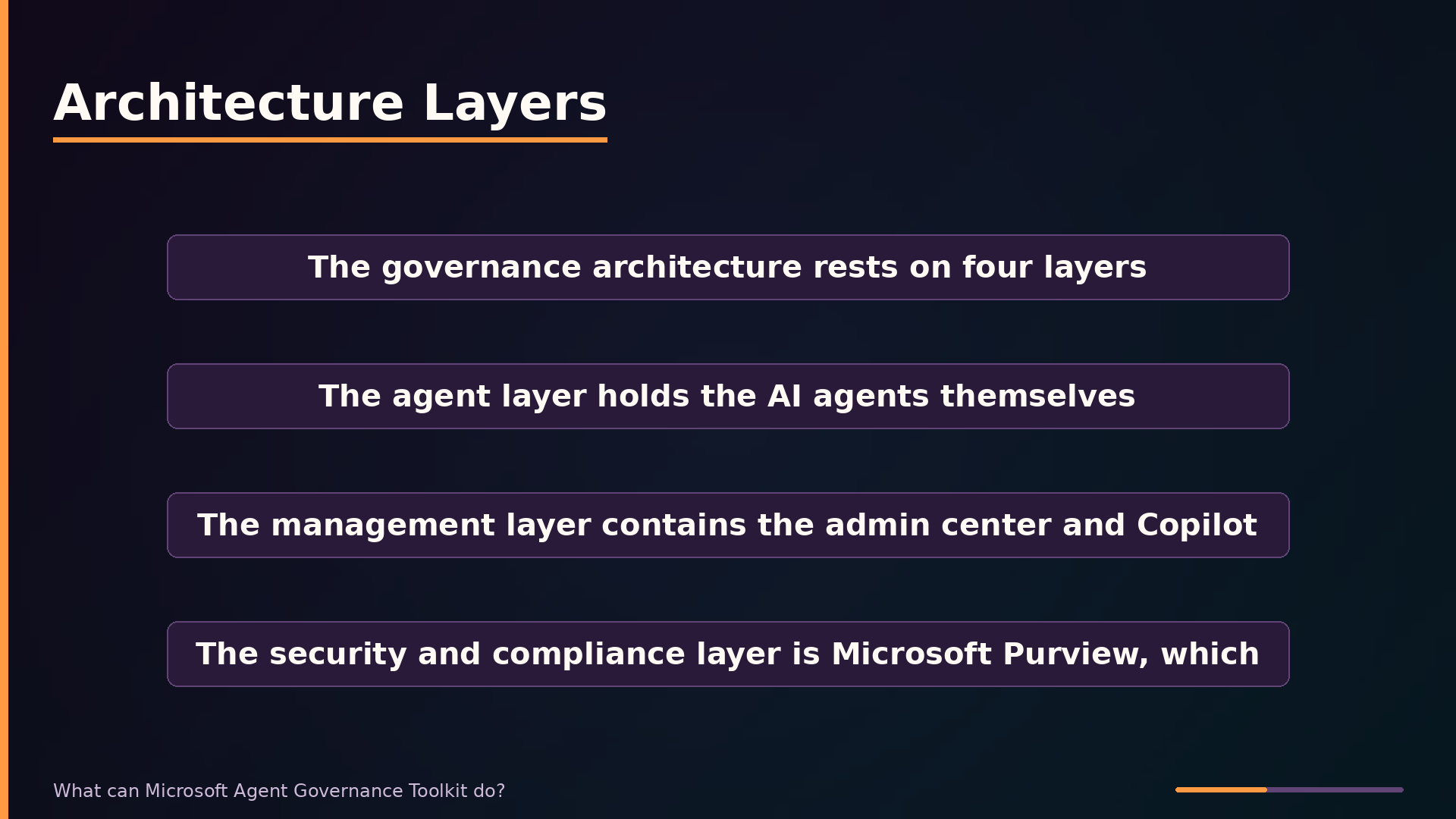
The governance architecture rests on four layers. The agent layer holds the AI agents themselves—their configurations, connections, and runtime behavior. The management layer contains the Microsoft 365 admin center and Copilot Studio, where administrators inventory agents and define governance settings. The security and compliance layer is Microsoft Purview, which enforces data loss prevention rules and maintains audit logs. The identity layer, Microsoft Entra ID (formerly Azure Active Directory), controls which users and agents can access what.
| |
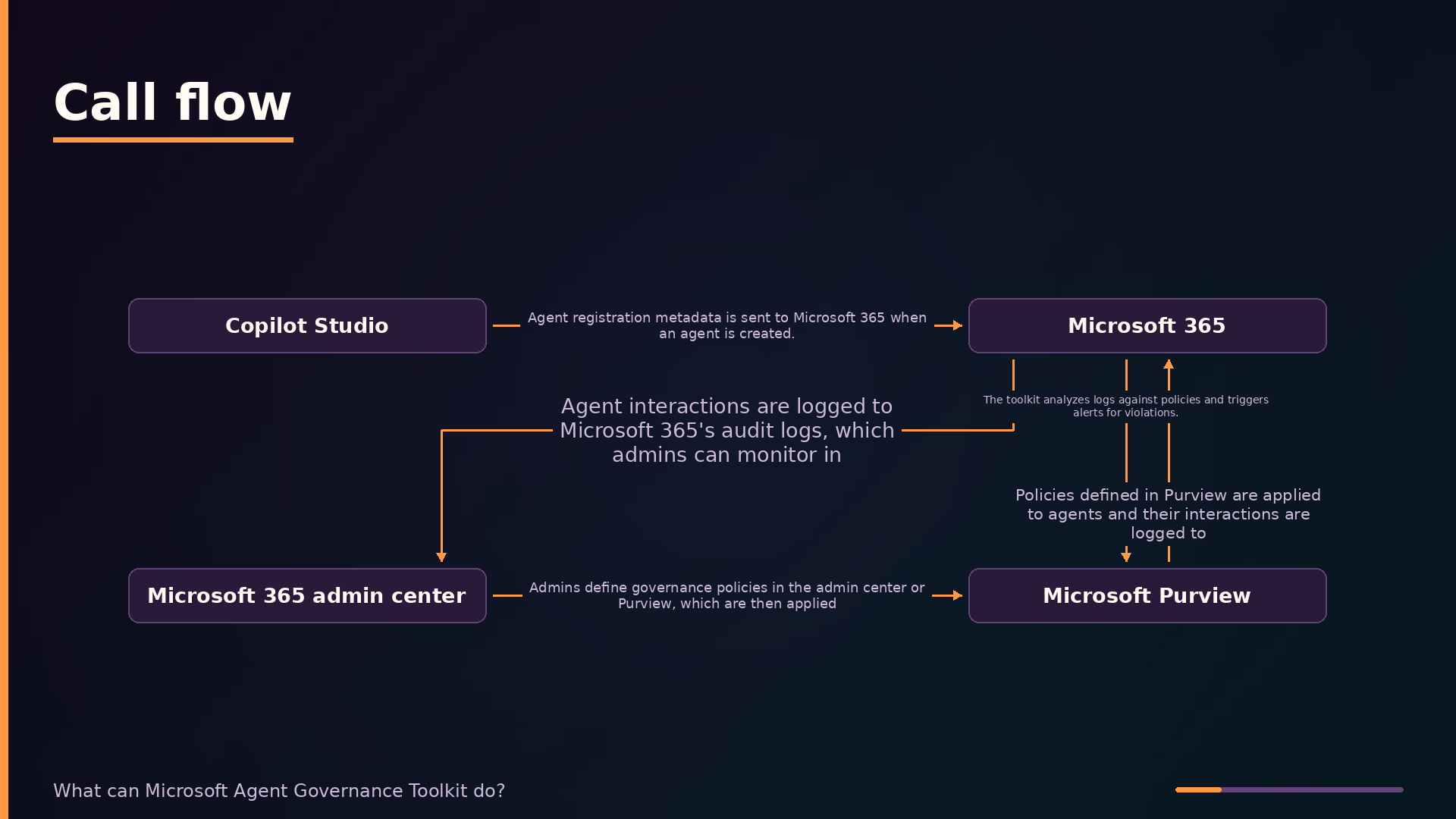
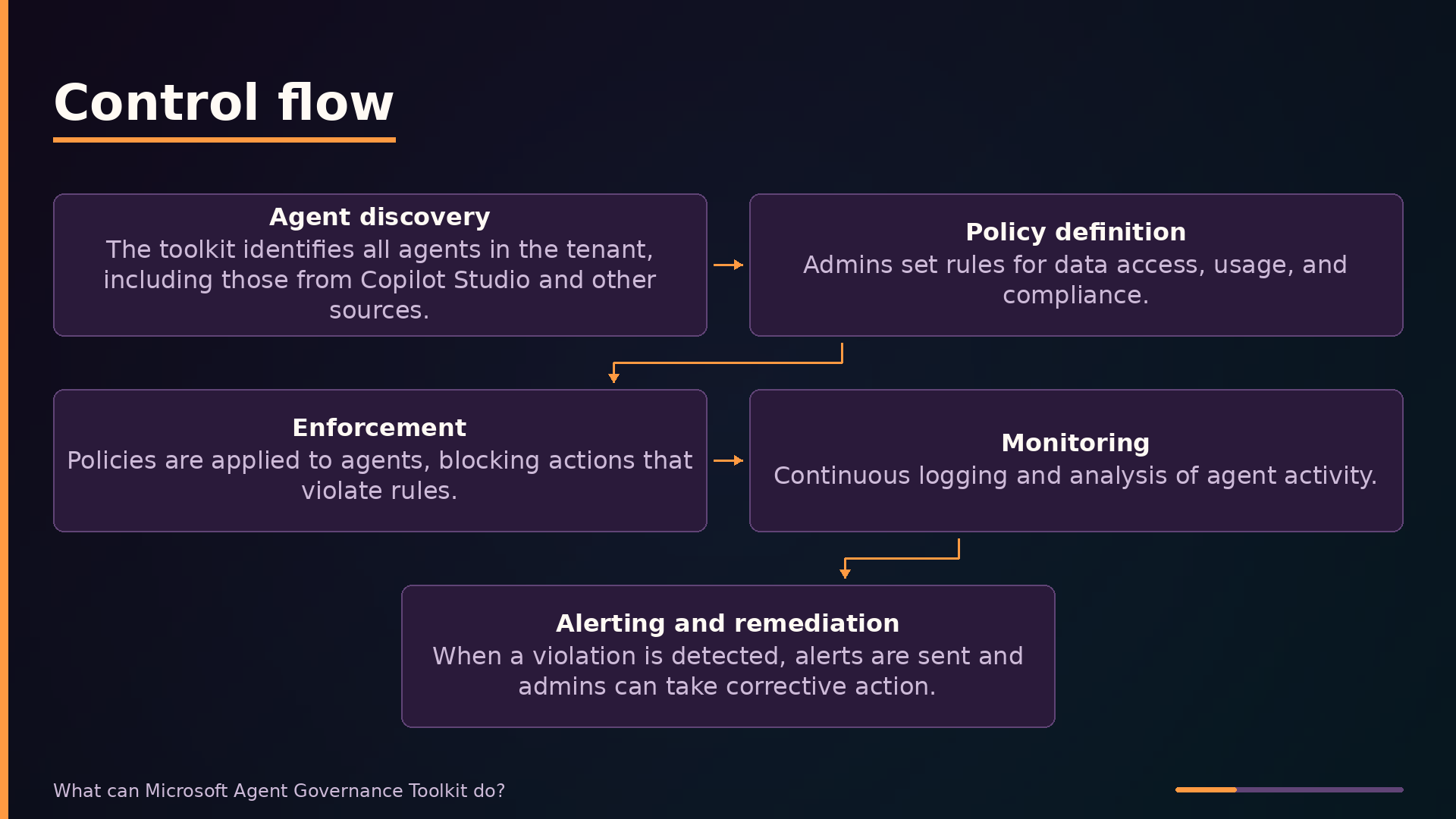
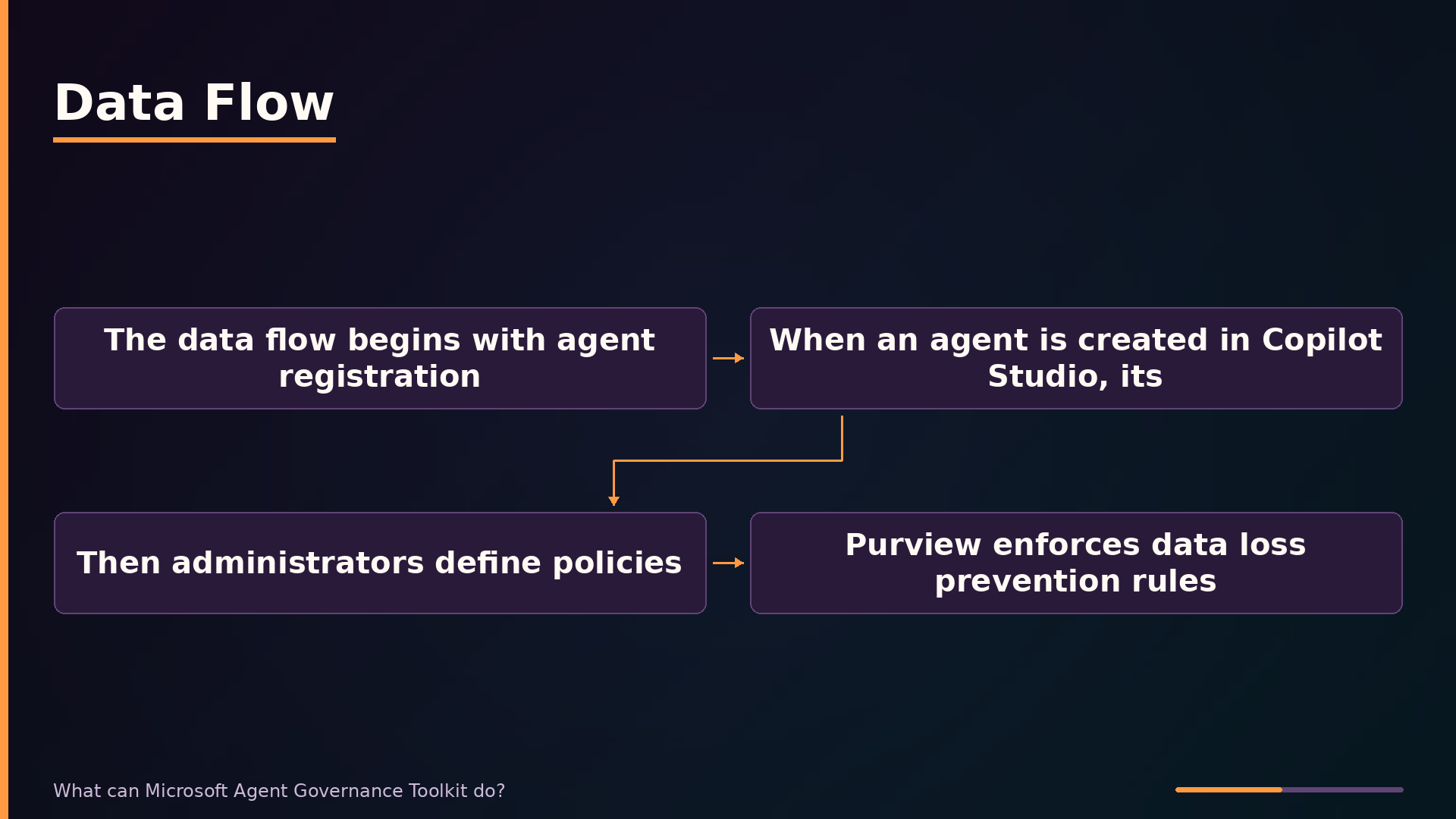
The data flow begins with agent registration. When an agent is created in Copilot Studio, its metadata is sent to Microsoft 365, making it visible to the governance toolkit. This registration step is the linchpin of the entire architecture: agents that are not registered in the tenant are invisible to governance tooling and cannot be policed, monitored, or audited.
Once registered, administrators define policies in the admin center or directly in Purview. These policies encode rules for data access, usage boundaries, and compliance requirements. Purview then enforces data loss prevention rules on agent interactions, blocking actions that would share sensitive information outside approved channels.
Every agent interaction is written to Microsoft 365’s audit logs. The toolkit continuously analyzes these logs against the defined policies, and when a violation is detected, it triggers alerts that surface in the admin center. This closed loop—registration, policy definition, enforcement, logging, and alerting—is what makes governance actionable rather than aspirational.
Key Features: What Problems They Solve
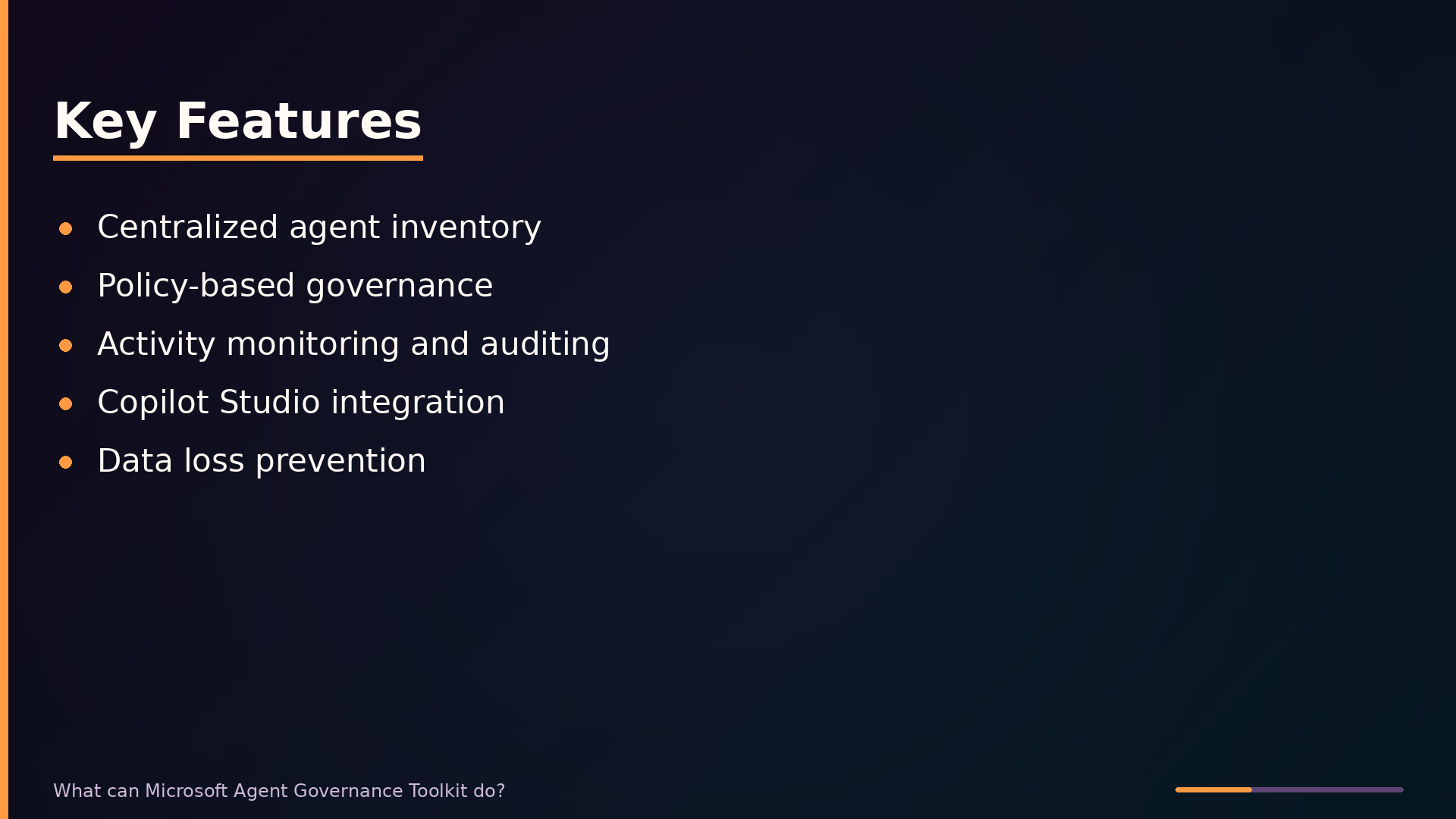
The centralized agent inventory in the Microsoft 365 admin center directly addresses the “shadow AI” problem. When agents are created across departments without oversight, administrators lose track of what exists and what permissions those agents hold. The inventory lists every agent in the tenant with its status and access rights, giving administrators a single source of truth before any governance policy can be applied.
Policy-based governance lets administrators define data access rules that agents must follow. Rather than trusting each agent’s configuration to respect organizational boundaries, administrators encode those boundaries once and apply them uniformly. This ensures an agent built for customer support reads CRM records but cannot reach financial systems, regardless of how the agent was originally configured.
Activity monitoring and auditing provides the compliance trail that internal investigations and GDPR obligations demand. Every agent interaction is logged to Microsoft Purview audit logs, so when a question arises about what an agent accessed or did, administrators can reconstruct the sequence of events. This turns governance from a preventive measure into an investigable record.
Copilot Studio integration removes the manual oversight burden for the most common agent creation path. Agents built in Copilot Studio register their metadata with Microsoft 365 automatically, so they appear in the inventory and fall under governance policies without administrators having to discover and onboard them individually.
Data loss prevention policies in Purview block agents from transmitting sensitive data such as credit card numbers or health records. This operates at the data level rather than the permission level: even if an agent legitimately accesses a record, DLP prevents it from sharing that content outside approved channels. For organizations handling regulated data, this is the difference between a policy violation and a reportable breach.
Use Cases: Where It Fits and Where It Doesn’t
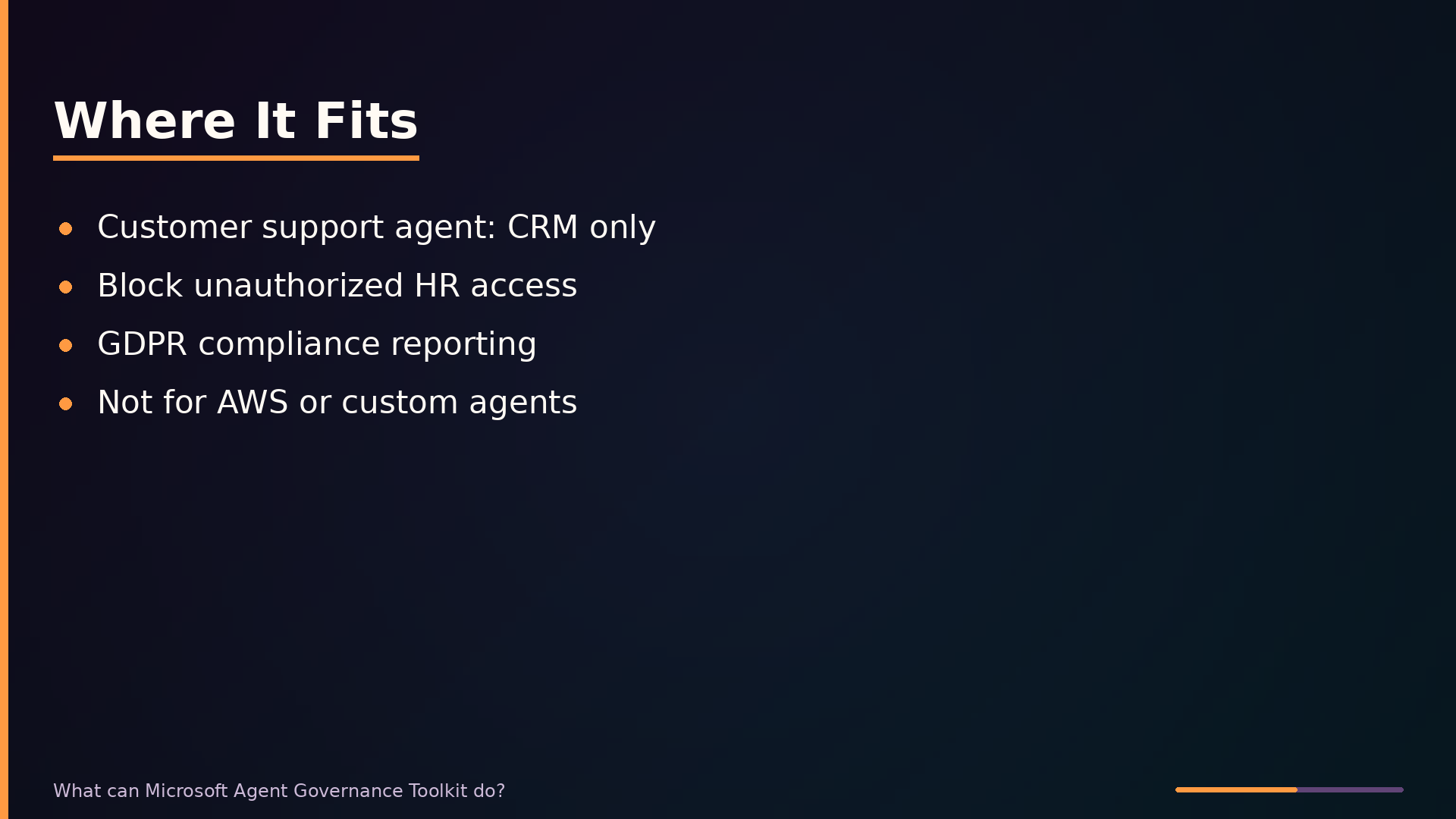
The toolkit fits naturally in scenarios where agents operate within Microsoft 365’s boundaries. A customer support agent built in Copilot Studio that should read CRM records but not financial data is a textbook case: administrators define data-access policies in Purview, and the toolkit enforces them at runtime. Similarly, when an employee creates an agent that attempts to reach HR files without authorization, the toolkit blocks the action and alerts the admin, preventing lateral data movement inside the tenant.
Compliance reporting is another strong fit. Organizations subject to GDPR can use the toolkit’s audit logs to demonstrate that agent interactions stayed within approved data categories. The logs provide the evidentiary trail auditors require, without manual collection from disparate systems.
The toolkit is the wrong choice for governing agents outside Microsoft’s ecosystem. An agent running on AWS or another non-Microsoft platform is invisible to the toolkit—it cannot see the agent’s activity, apply policies to it, or log its interactions. This limitation stems from the toolkit’s reliance on Microsoft 365’s telemetry and management APIs, which only receive data from agents registered within the tenant.
For multi-cloud strategies, this means the toolkit cannot serve as a single governance plane. Organizations running agents across AWS, Google Cloud, and Microsoft must either accept per-platform governance or adopt a vendor-neutral third-party platform that can observe agents wherever they run. The toolkit’s value is real but bounded: it governs what Microsoft can see, and nothing more.
Interface and Usage: PowerShell and the Admin Center
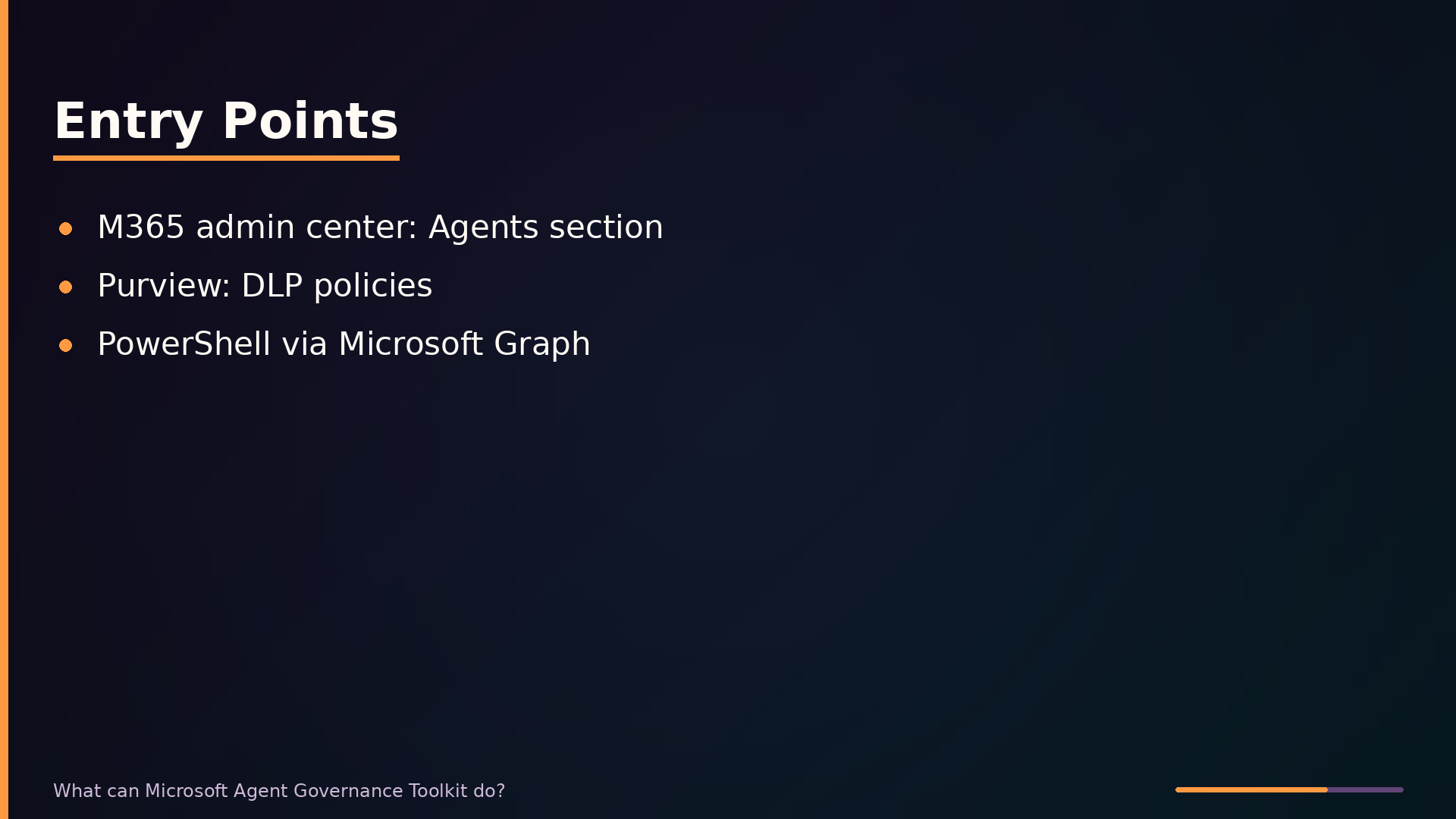
The toolkit exposes three entry points, each suited to different administrative tasks. The Microsoft 365 admin center provides the primary web interface; navigate to the Agents section to view the agent inventory, check status, and manage settings. Microsoft Purview handles data loss prevention and compliance policy configuration. For scripting and automation, the Microsoft 365 PowerShell module supports governance operations through Microsoft Graph.
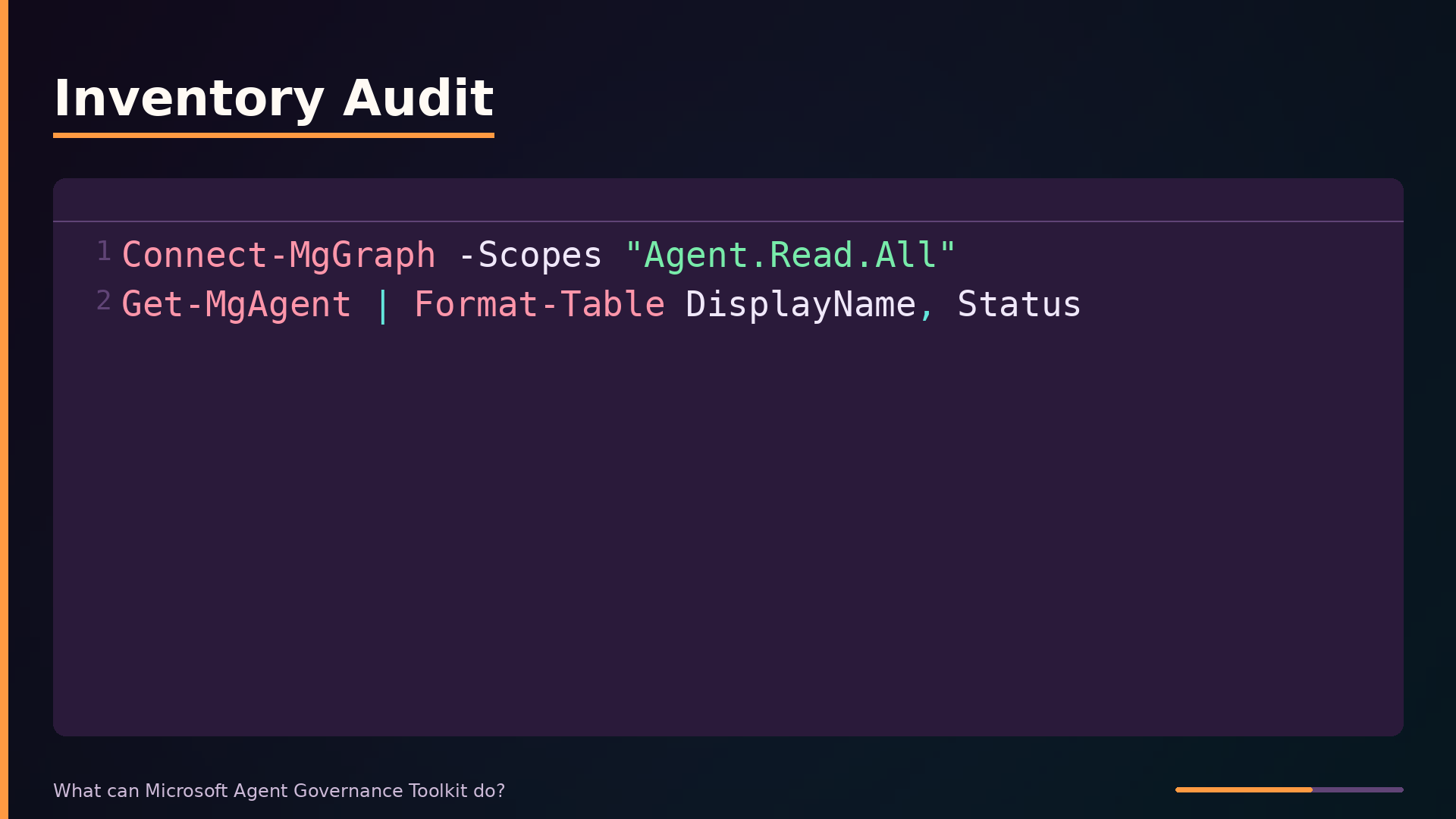
A typical inventory audit starts by connecting to Microsoft Graph and listing all registered agents:
| |
The first cmdlet authenticates and requests read access to agent data. The second retrieves every agent in the tenant and displays its name and operational state in a table. This gives administrators an immediate picture of what agents exist before any policy work begins.
The exact cmdlet names shown here are illustrative; the production API surface may differ. What matters is the pattern: connect, enumerate, then act. Common administrative workflows include running an inventory audit, creating governance policies that restrict data access, and assigning those policies to specific agents. Policy assignment typically follows a create-then-bind sequence, where an administrator defines rules once and applies them across multiple agents rather than configuring each agent individually.
Comparison with Alternatives
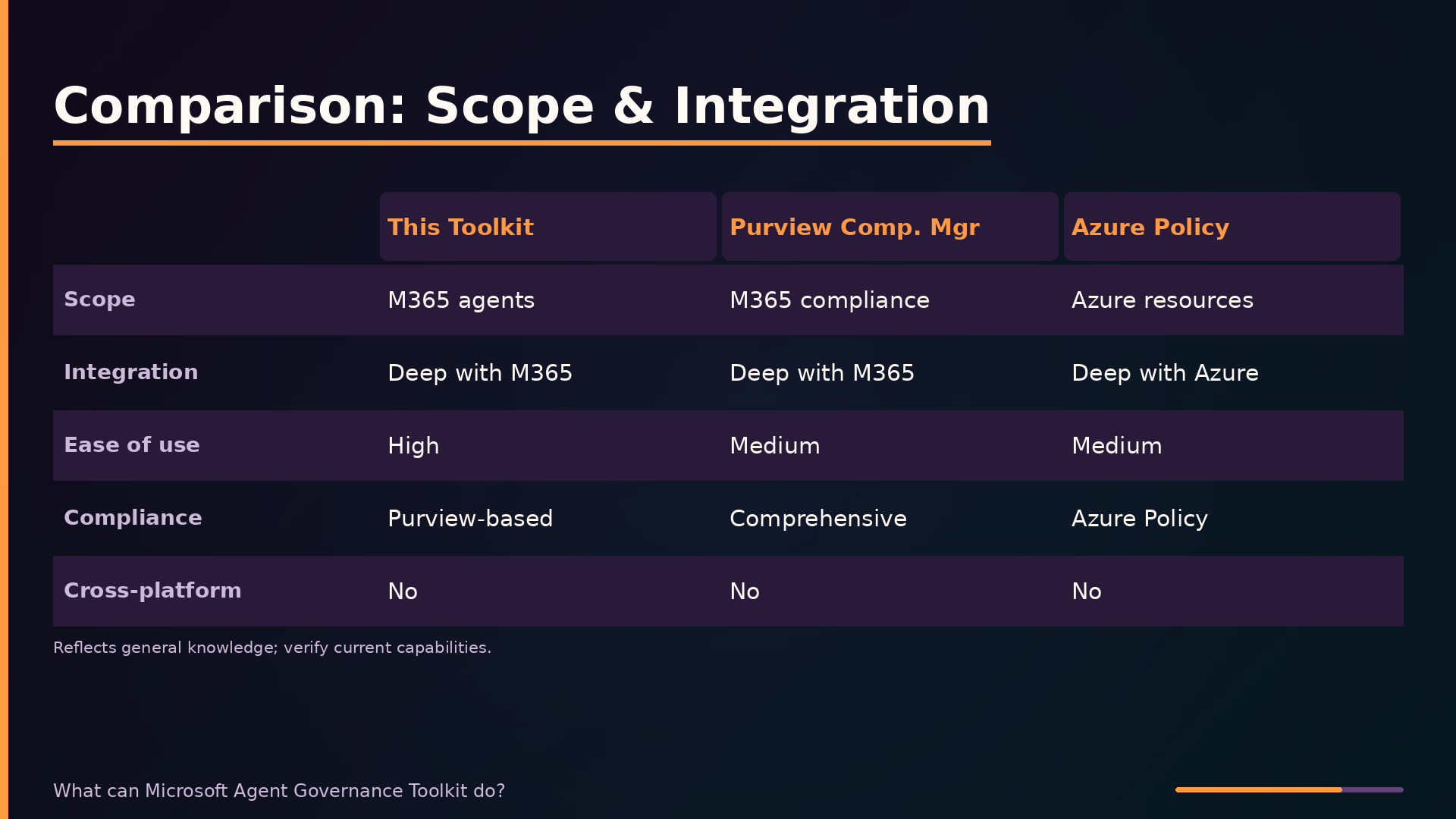
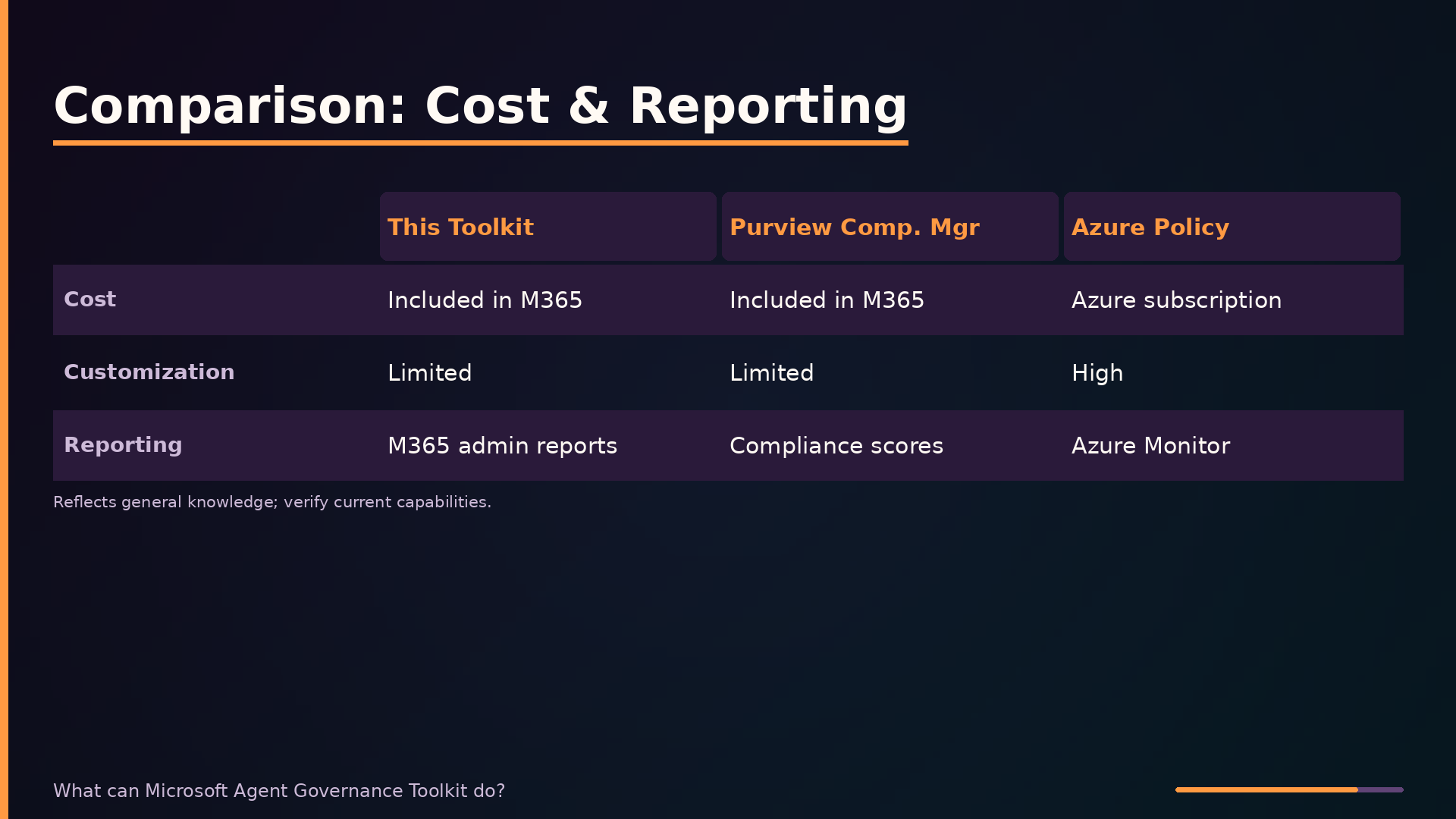
The Agent Governance Toolkit occupies a specific niche: governing agents that live inside Microsoft 365. To understand its trade-offs, it helps to compare it against the alternatives an organization might consider.
| Axis | Agent Governance Toolkit | Purview Compliance Manager | Azure Policy | Third-Party Platforms |
|---|---|---|---|---|
| Scope | Microsoft 365 agents | Regulatory compliance across M365 | Azure resources | Multi-cloud agents |
| Integration | Deep with M365 | Deep with M365 | Deep with Azure | Varies |
| Ease of use | High (admin center) | Medium | Medium (Azure portal) | Medium (third-party UI) |
| Compliance | Purview-based | Comprehensive compliance framework | Azure Policy definitions | Custom frameworks |
| Cross-platform | No | No | No | Yes |
| Cost | Included in M365 | Included in M365 (tier-dependent) | Azure subscription | Extra licensing |
| Customization | Limited | Limited | High | High |
| Reporting | M365 admin reports | Compliance scores and assessments | Azure Monitor | Third-party dashboards |
This comparison reflects general knowledge of these products and may be out of date; verify current capabilities before making procurement decisions.
The key trade-off is structural. The toolkit’s strength is its deep integration with Microsoft 365: agents built in Copilot Studio are automatically visible, Purview policies apply directly, and audit logs feed into the admin center. That same integration is its limitation. The toolkit cannot see agents running on AWS, Google Cloud, or other non-Microsoft platforms. Purview Compliance Manager covers broader regulatory needs but is not agent-specific. Azure Policy governs Azure infrastructure but not Microsoft 365 agents. Third-party platforms like Credo AI or Holistic AI offer genuine cross-platform governance but require additional integration effort and licensing costs.
Organizations already committed to Microsoft 365 get the most value from the toolkit with minimal additional overhead. Organizations running agents across multiple clouds will find the toolkit insufficient and should evaluate third-party platforms despite the integration costs.
Gotchas and Limitations
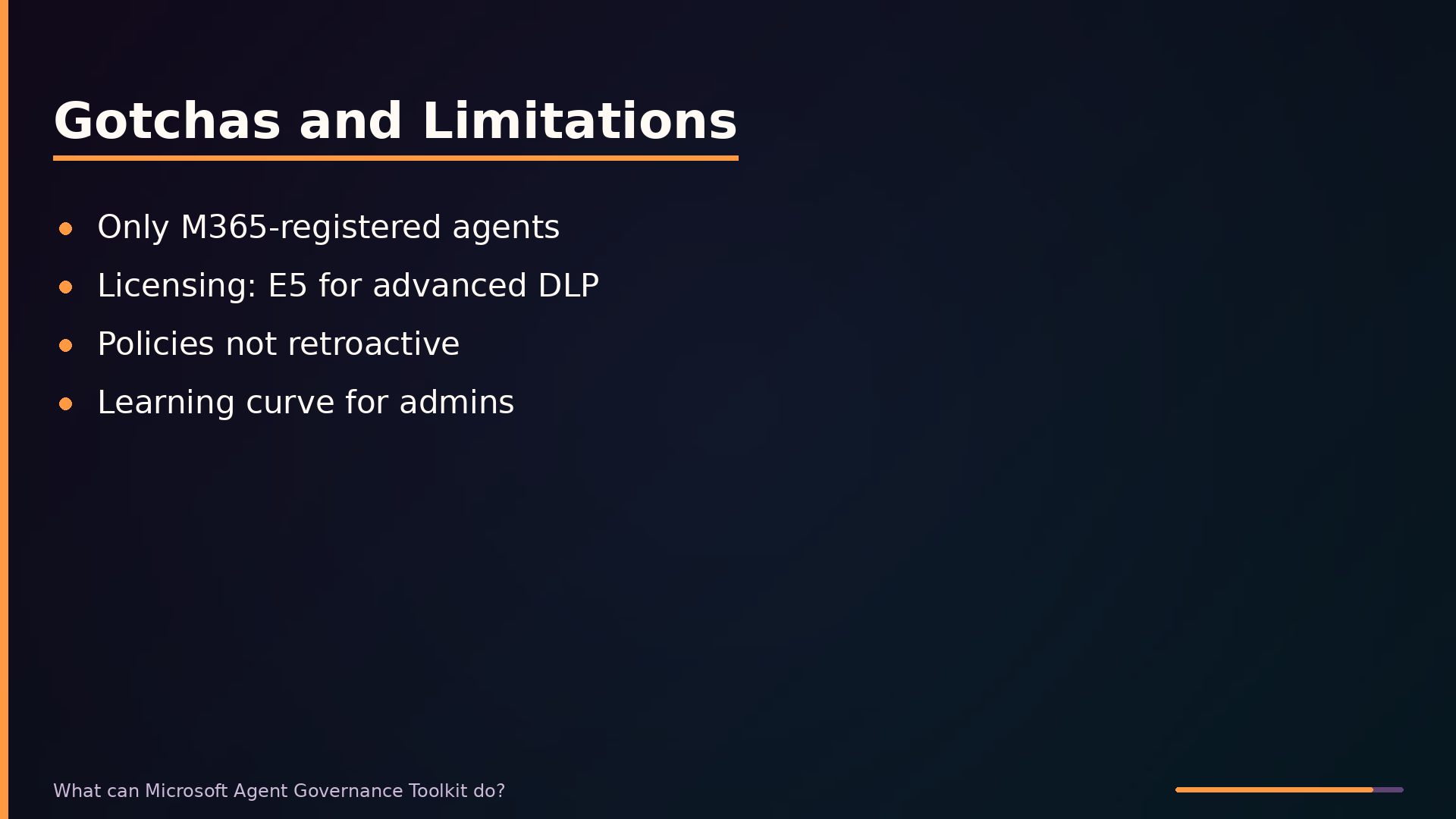
The toolkit’s governance scope is bounded by the Microsoft 365 ecosystem. It only manages agents registered in Microsoft 365—typically those built with Copilot Studio—and cannot see or control custom agents running outside this environment. Organizations running agents on other platforms must look to separate governance tooling.
Licensing is a practical constraint. Advanced Purview capabilities, such as sophisticated data loss prevention rules, may require Microsoft 365 E5 or equivalent licensing tiers. Teams on lower-tier plans will find some governance features unavailable, so verify your entitlement before designing policies around specific controls.
Policy application is not retroactive. Agents created before a governance policy was defined will not automatically inherit that policy; administrators must explicitly assign policies to pre-existing agents. Plan for a remediation pass when rolling out governance across an established agent inventory.
There is a real learning curve for administrators unfamiliar with the Microsoft 365 admin center and Purview compliance portal. The governance surface is spread across these two consoles, and understanding where each policy type lives—data access rules in the admin center, DLP in Purview—takes time.
Finally, the exact feature set varies by licensing plan, and the toolkit’s coverage of agents built with other Microsoft AI services, such as Azure AI Foundry, is not fully documented in available material. Treat the documented capabilities as a baseline and validate against your specific tenant configuration before committing to a governance strategy.
What to take away
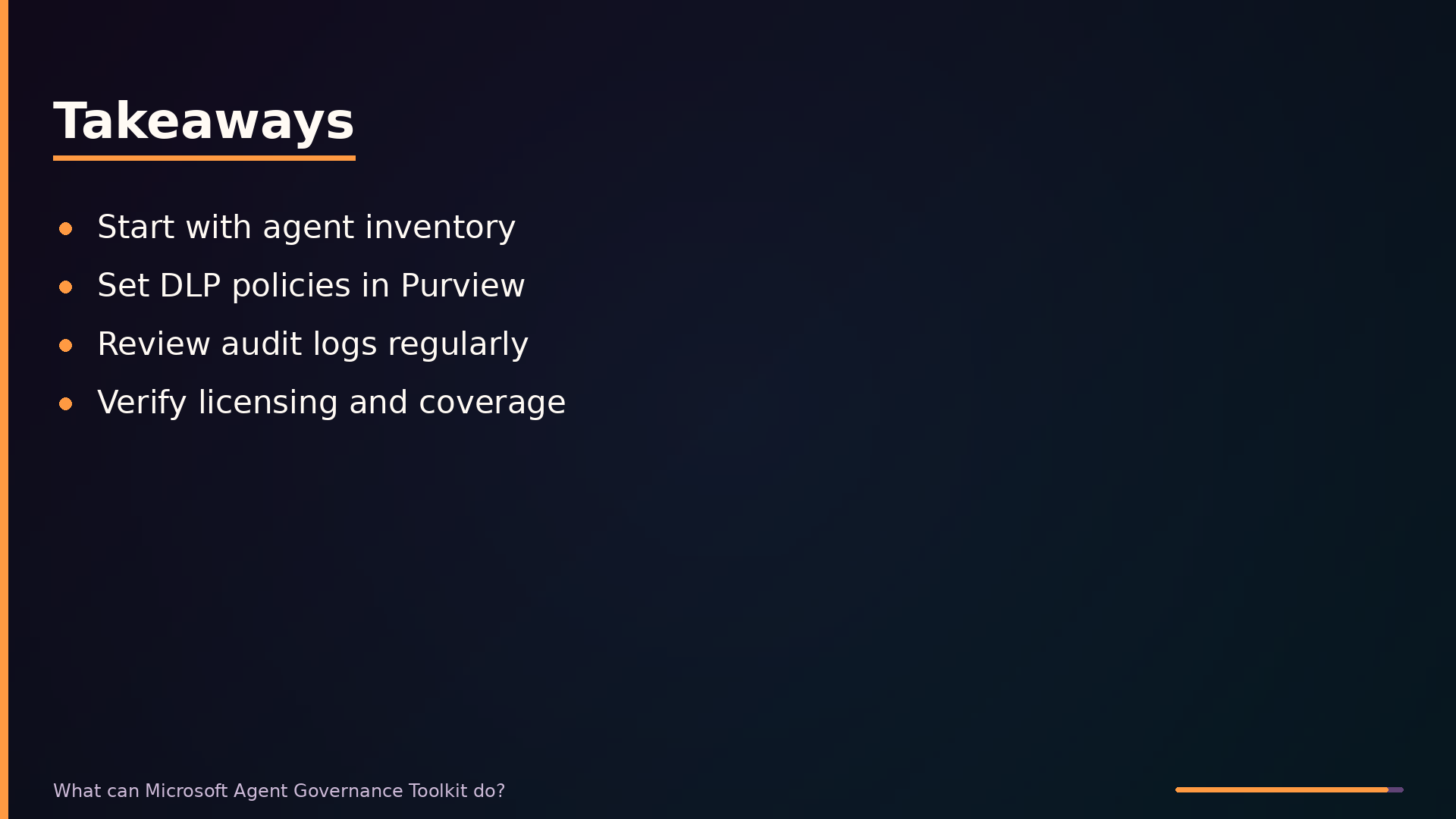
Start with the admin center’s agent inventory. It gives you a concrete list of every agent in your tenant, which is the prerequisite for any governance work. From there, define Purview DLP policies that restrict what agents can share, and review audit logs on a schedule rather than after an incident. These three actions cover the majority of what the toolkit offers.
The toolkit’s boundary is its ecosystem. It governs agents built in Copilot Studio and registered in Microsoft 365; anything running on AWS, custom infrastructure, or third-party platforms is invisible to it. If your agent estate spans clouds, you will need a separate governance layer for the non-Microsoft portion.
Two things remain unclear from the available documentation. The exact feature set varies by licensing tier, and the toolkit’s coverage of agents built with Azure AI Foundry is not fully specified. Verify both against your tenant before committing to a governance workflow built on this tool.
The repository for the Agent Governance Toolkit is at github.com/microsoft/agent-governance-toolkit. The README there is the authoritative source for current capabilities and licensing requirements.
Further diagrams