How a Python app chains LLMs, TTS, stock footage, and MoviePy to turn a topic into an MP4
Producing a short-form video for TikTok or YouTube Shorts is a multi-step pipeline: write a script, record or synthesize a voiceover, source stock footage, generate subtitles, and composite everything into an MP4. Done manually, that is hours per video, and doing it at volume for a content operation is not sustainable. MoneyPrinterTurbo, a Python application at github.com/harry0703/MoneyPrinterTurbo, automates the entire chain from a single topic string. With 117k stars and active releases (v1.2.6 in May 2025), it is a mature reference for chaining LLMs, TTS, stock-footage APIs, and MoviePy into one pipeline.
This article examines how the system actually works under the hood. You will see the task orchestration in app/services/task.py, how the LLM service abstracts a dozen providers behind one interface, how subtitles are corrected against the script using Levenshtein distance, and how the video composer avoids memory overflow by merging clips progressively. The goal is not a feature tour; it is a structural understanding of the architecture—entrypoints, control plane, data plane, and storage—so you can extend or adapt it.
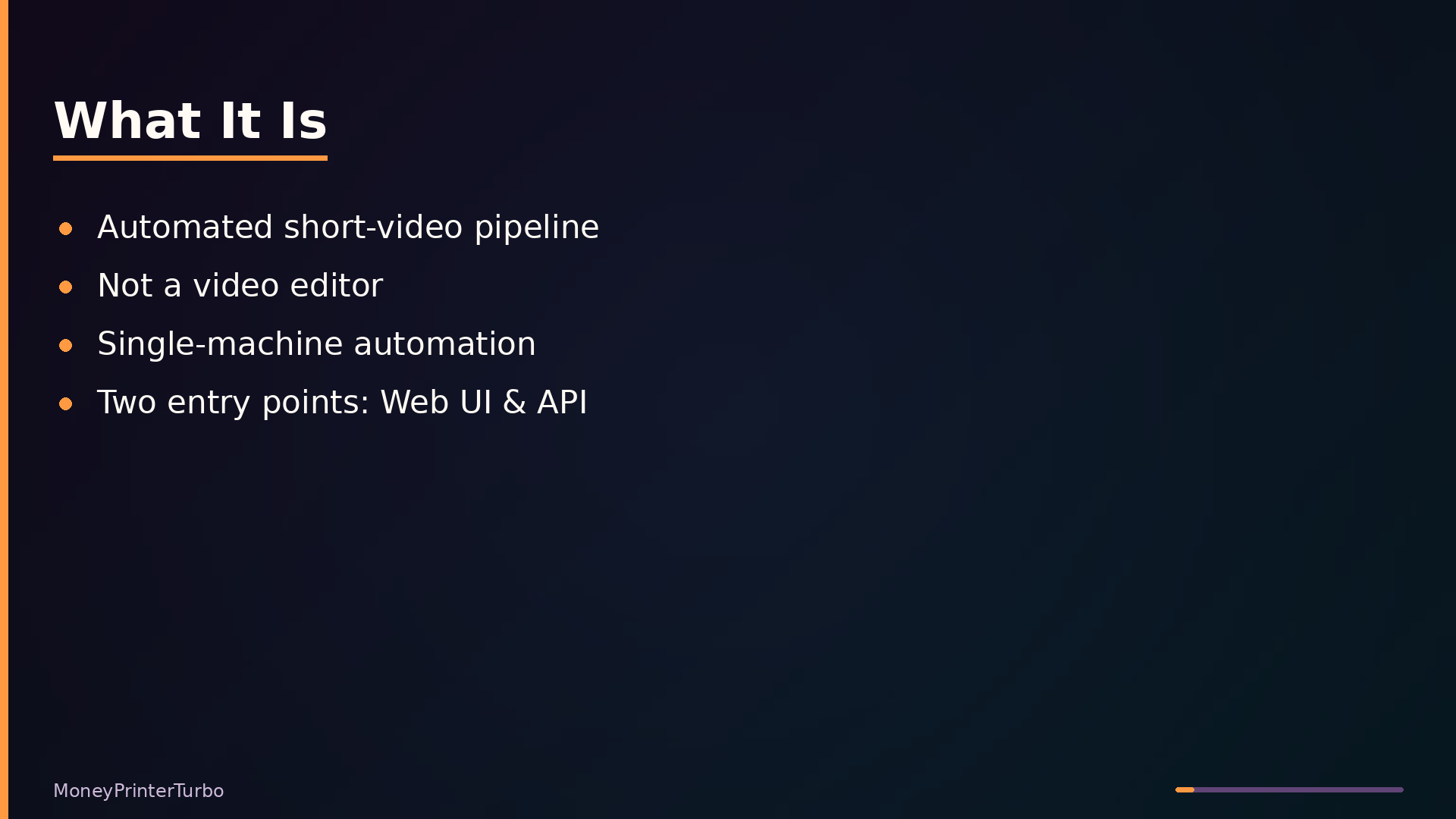
What It Is: A Pipeline, Not an Editor
MoneyPrinterTurbo is an automated short-video generation pipeline. Given a topic, it chains together an LLM for scriptwriting, a text-to-speech service for voiceover, stock footage APIs for video clips, and MoviePy for final assembly into an MP4 with subtitles and background music. The entire flow runs sequentially from a single keyword or subject.
It is not a video editing suite, a social media scheduler, or a general-purpose media server. You do not scrub timelines, trim clips, or adjust keyframes. The tool makes all creative decisions for you, from script wording to clip selection to subtitle timing. It is also not a distributed system; it is a single-machine automation tool with a threaded task manager, not a production-grade job queue.
The project sits above external LLM, TTS, and stock footage APIs, and below the user who consumes the generated videos. It exposes two entry points: a Streamlit web UI and a FastAPI REST API, both triggering the same underlying task pipeline. You can run it locally or in Docker.
The project is open-source under the MIT license, actively maintained with frequent releases (v1.2.6 in May 2025), and has accumulated 117k stars. It requires external API keys for LLM providers and stock footage services, plus network access for most operations; only local materials and Whisper-based subtitles work offline.
Architecture: Two Front Doors, One Pipeline
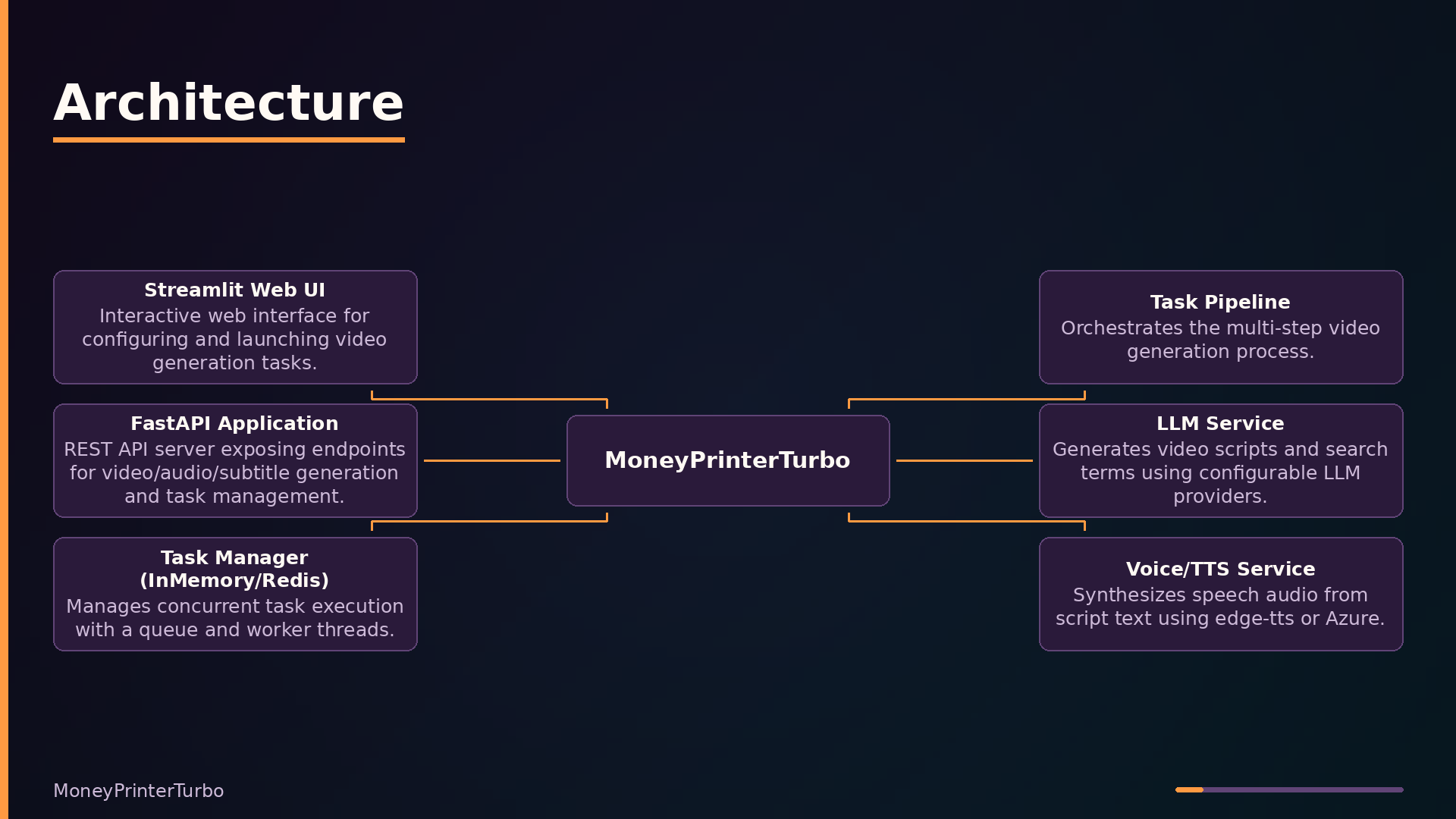
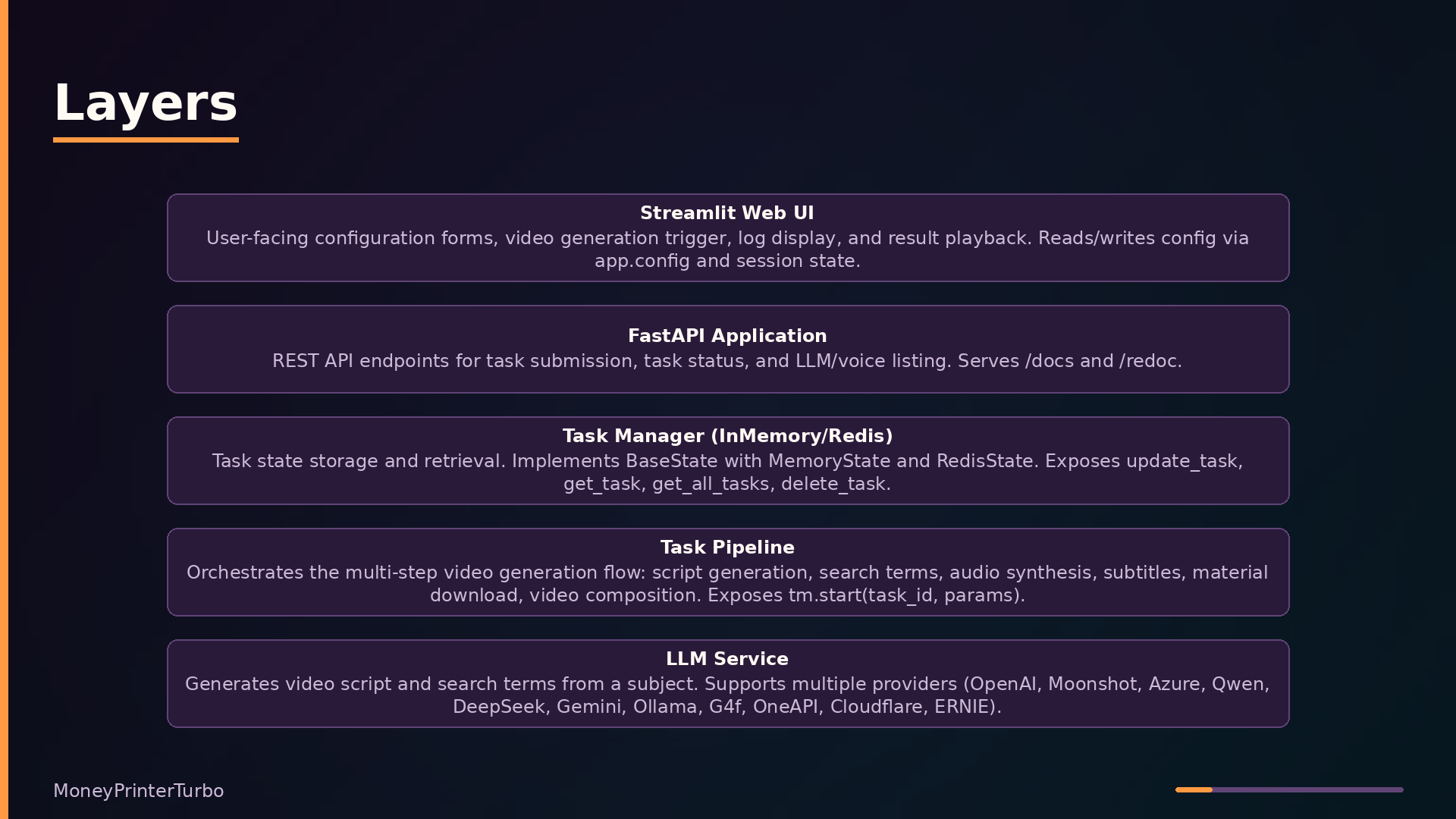
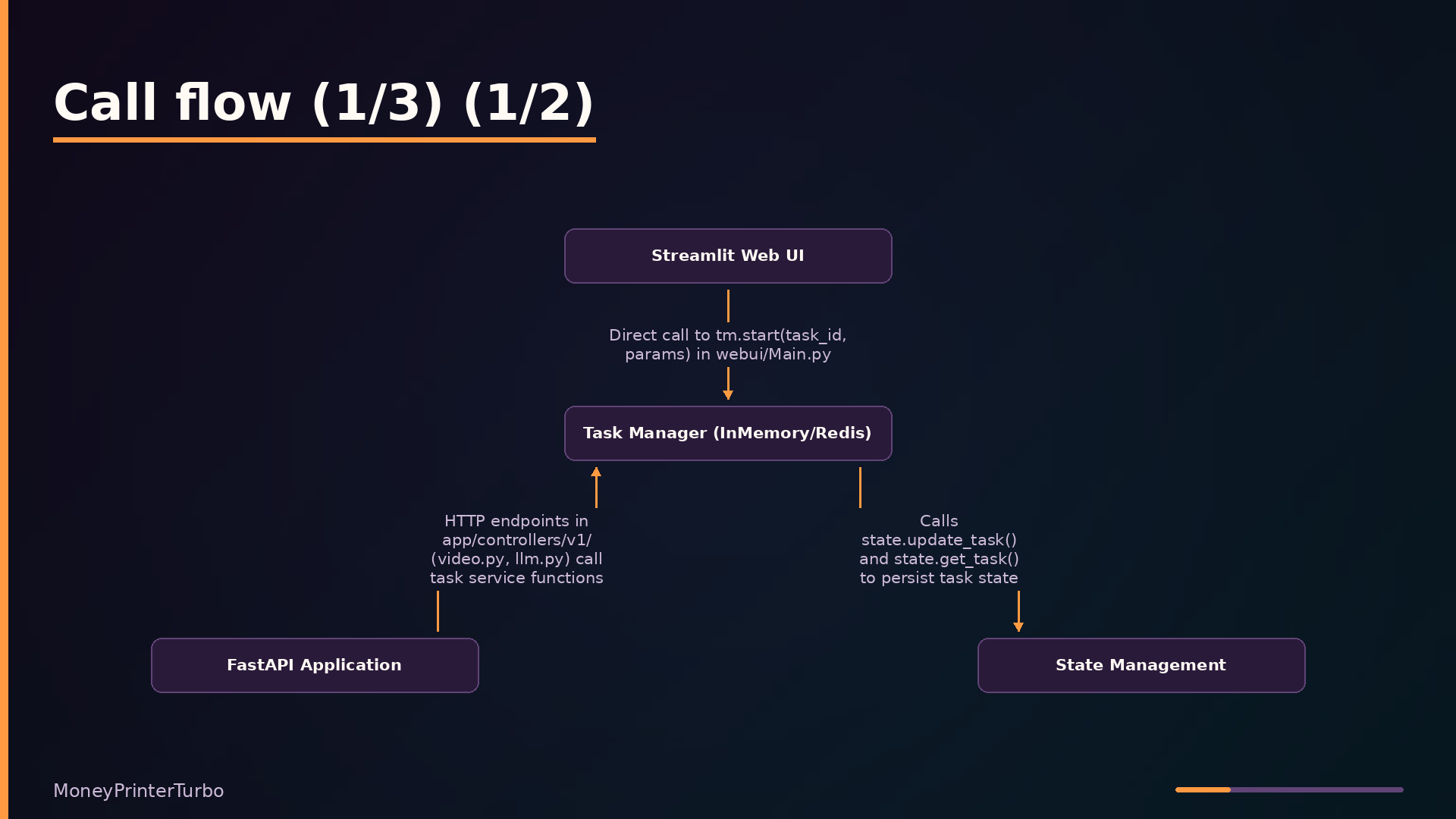
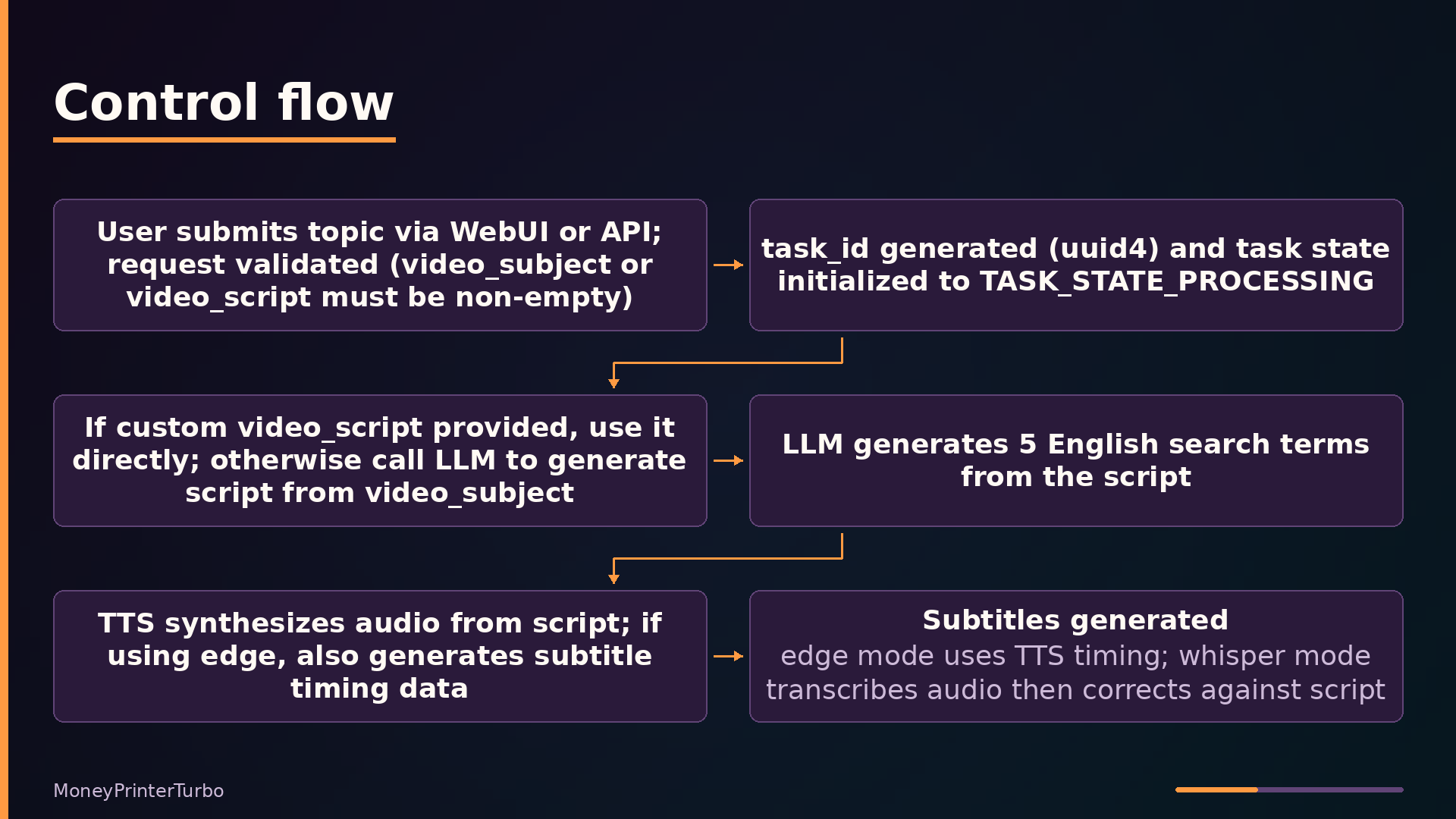
MoneyPrinterTurbo exposes two entrypoints that converge on a single task pipeline. The Streamlit web UI (webui/Main.py) runs in-process and calls tm.start(task_id, params) directly, where tm is the task module imported from app.services.task. The FastAPI application (app/asgi.py) serves REST endpoints that route through controllers in app/controllers/v1/, ultimately invoking the same task service. Both entrypoints generate a UUID task ID and pass a VideoParams object downstream.
| |
The task manager sits between the API and the pipeline, controlling concurrency. It maintains a queue and worker threads, checking the current task count against max_concurrent_tasks; tasks beyond the limit wait in the queue. The Web UI bypasses this manager and calls the pipeline directly, which is acceptable for single-user interactive use.
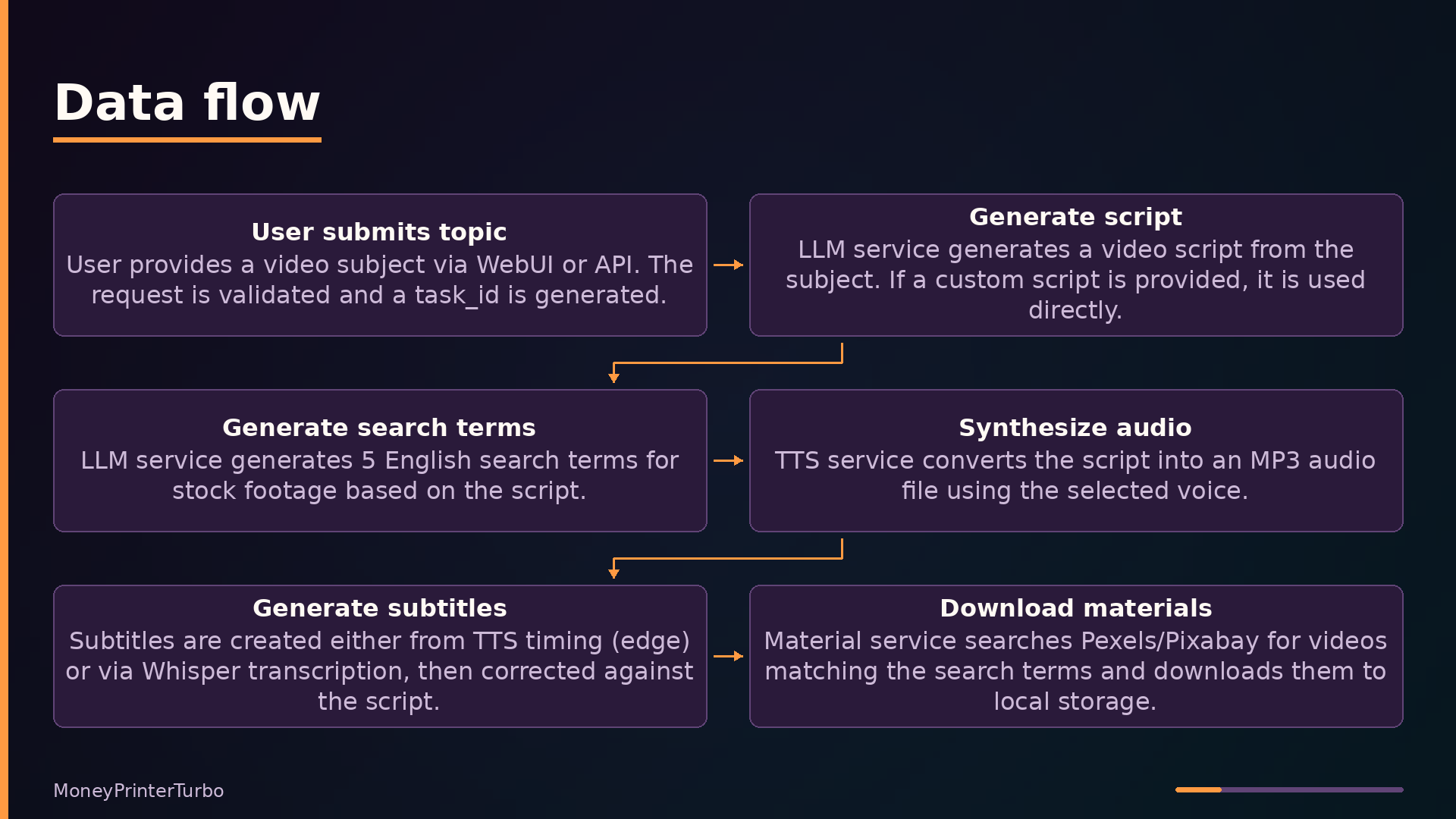
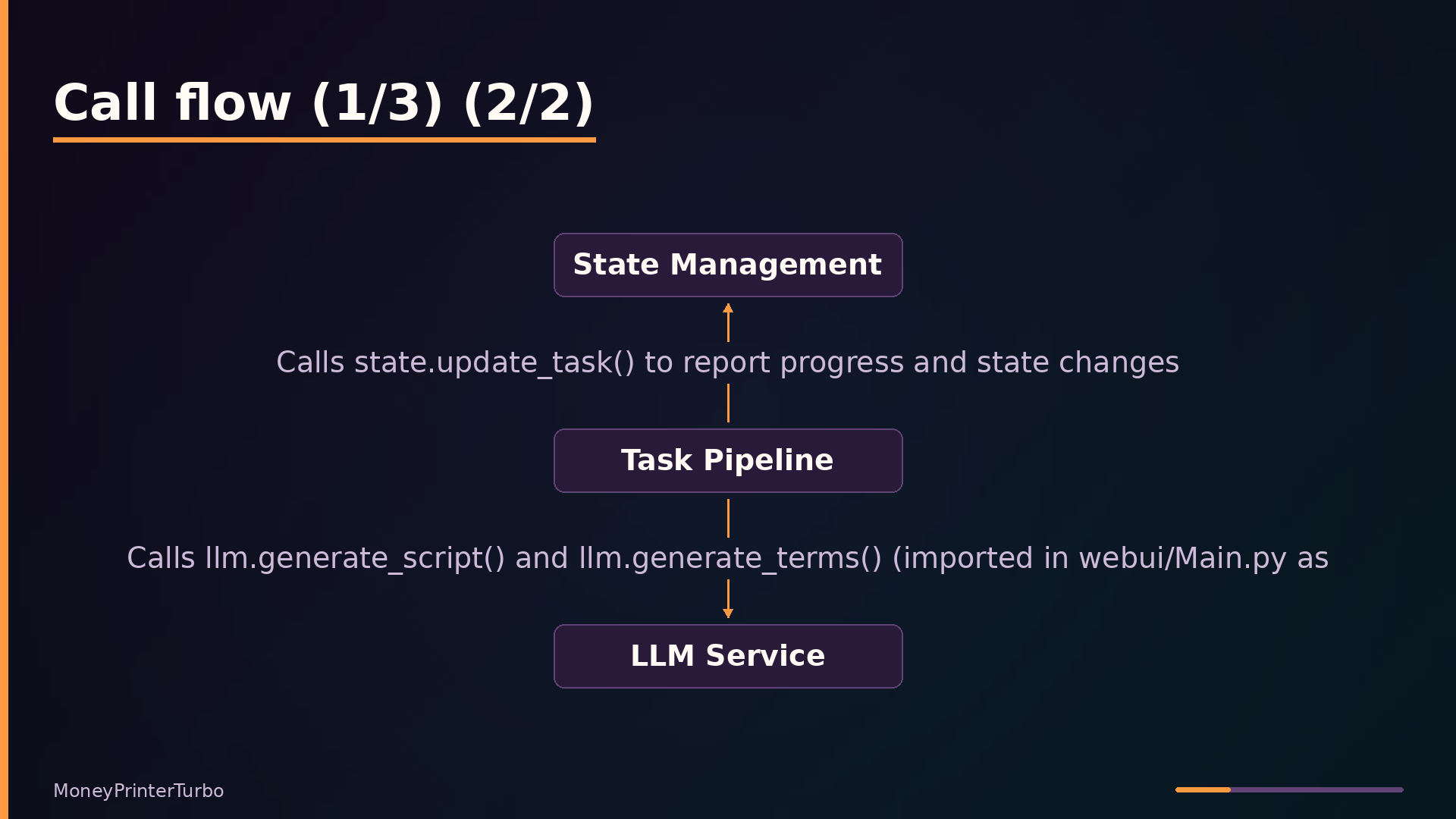
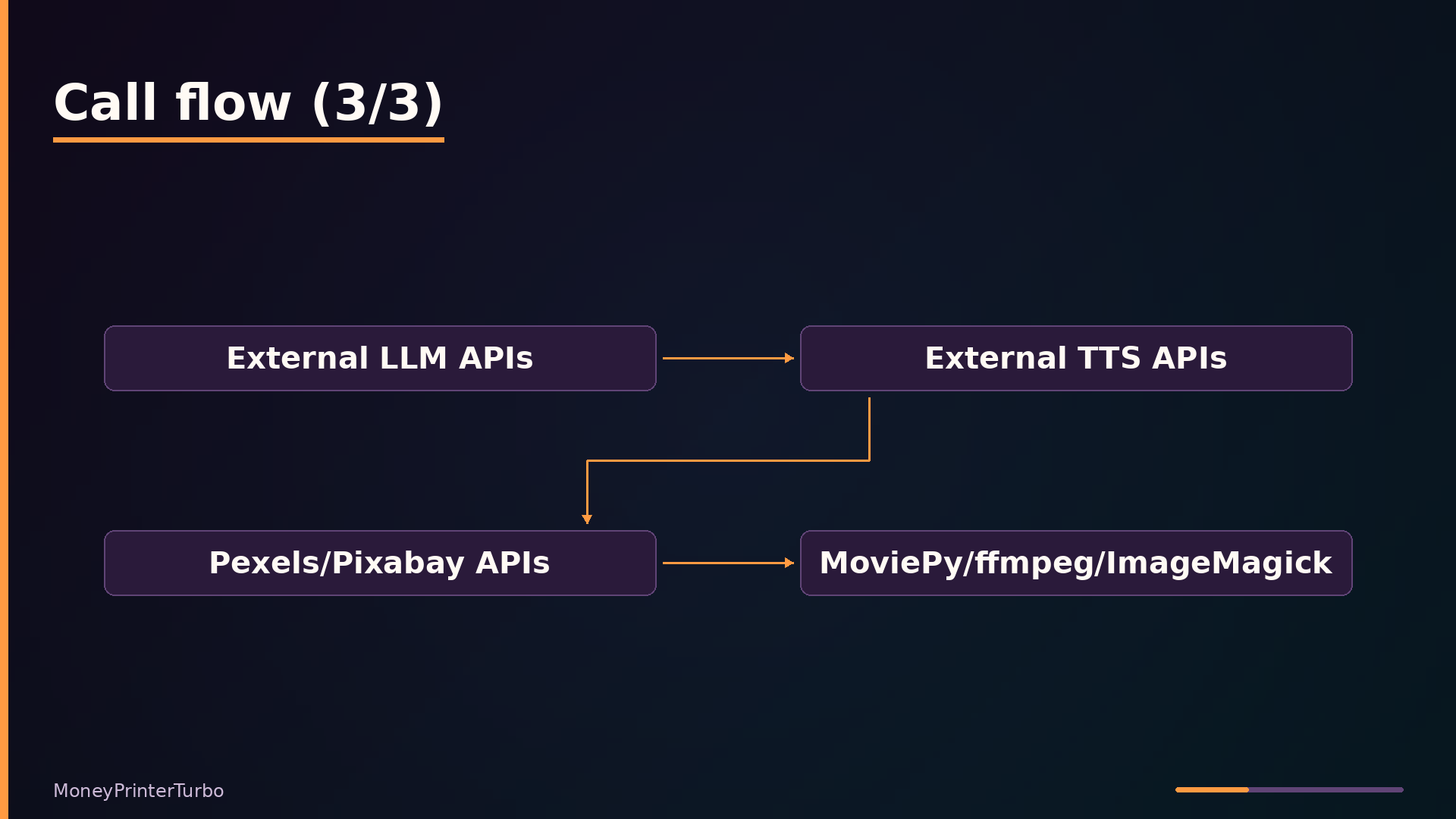
The pipeline itself is a sequential state machine. It generates a script via the LLM service, produces five English search terms, synthesizes audio through TTS, generates subtitles (either from TTS timing or Whisper transcription), downloads stock footage from Pexels or Pixabay, and finally composes the video with MoviePy. A stop_at parameter lets the pipeline halt after any stage, enabling partial generation for debugging or API flexibility.
State management tracks each task’s status and progress. The state.py module defines an abstract BaseState with two implementations: MemoryState uses an in-process dictionary, while RedisState stores task fields as Redis hashes.
Key Features: What Each One Removes
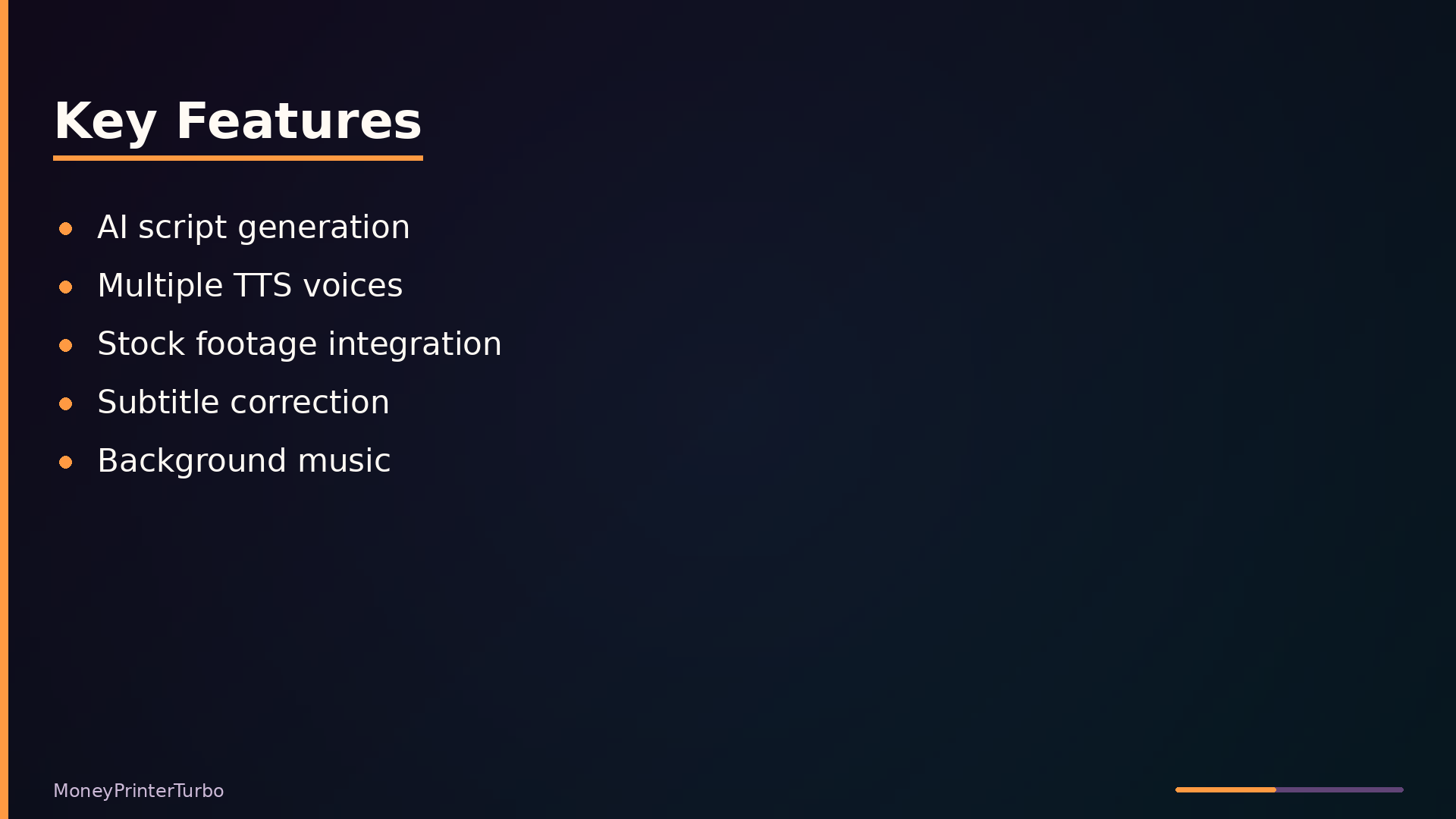
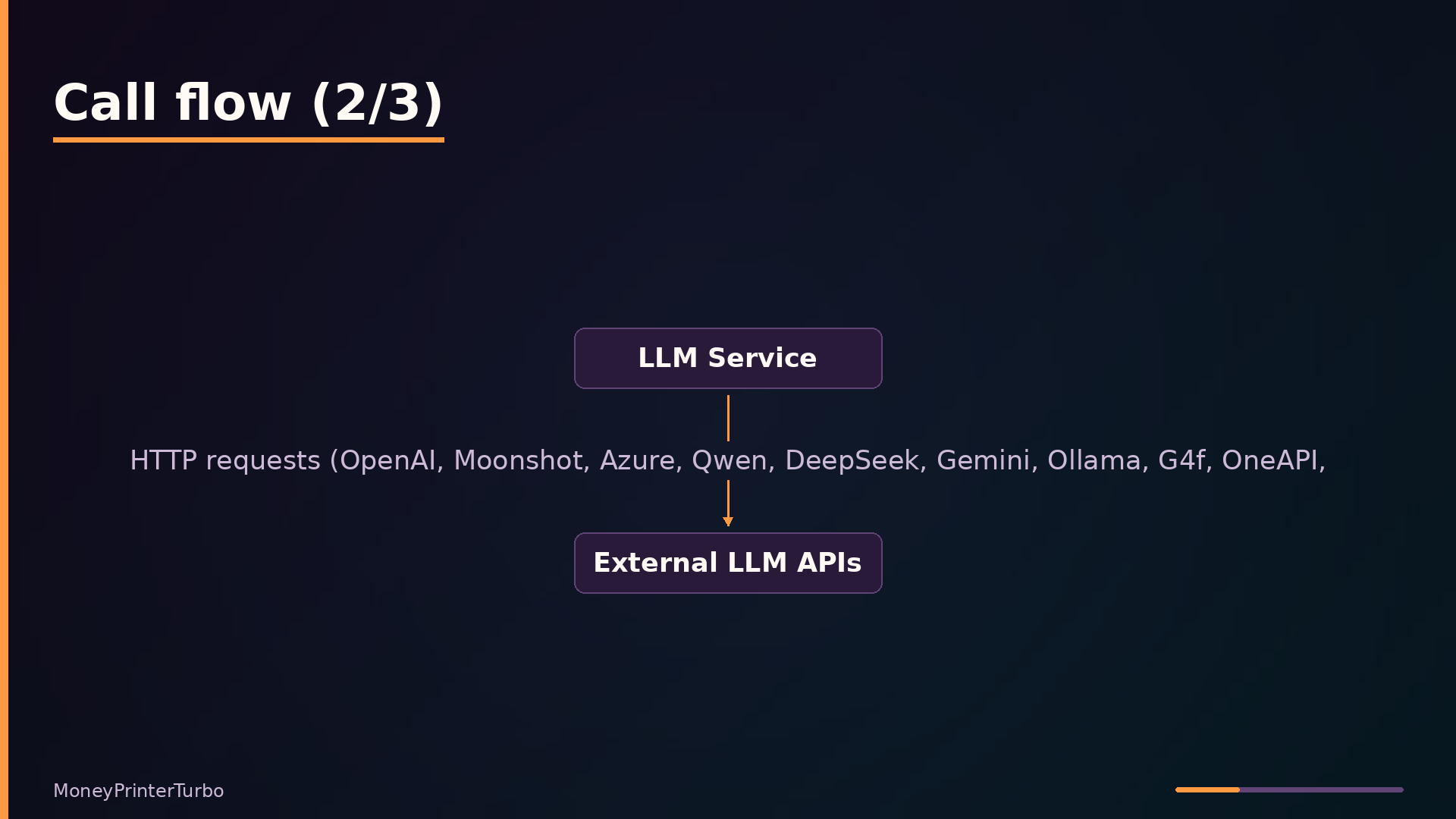
The pipeline eliminates six manual production steps, each replaced by a dedicated service. AI script generation in app/services/llm.py removes manual scripting: given a topic, the configured LLM provider produces both the narration script and the English search terms used downstream for footage retrieval. The provider abstraction lets you swap OpenAI, Gemini, Ollama, or others without changing pipeline code.
Multiple TTS voices remove voiceover recording. The voice service in app/services/voice.py synthesizes narration from the script using edge-tts, Azure, or SiliconFlow, with a large hardcoded list of Azure voices for language and gender selection. No microphone or recording session is needed.
Stock footage integration removes manual clip sourcing. The material service in app/services/material.py queries Pexels or Pixabay using the LLM-generated search terms, downloads matching videos, and caches them by URL hash to avoid redundant network transfers.
Subtitle generation and correction removes manual subtitling. The subtitle service in app/services/subtitle.py produces timing either from edge-tts’s SubMaker or via Whisper transcription, then aligns the result against the original script using Levenshtein distance fuzzy matching. This corrects Whisper’s transcription errors so on-screen text matches the narration exactly.
Background music removes audio editing. The video composition service in app/services/video.py mixes a randomly selected or user-specified track from local files into the final render at a configurable volume, eliminating a separate audio-editing pass.
Batch generation removes repetitive runs. The video_count parameter in app/services/task.py produces multiple variations in a single task, letting you pick the best result without resubmitting the same request.
Under the Hood: Progressive Merging and Subtitle Correction
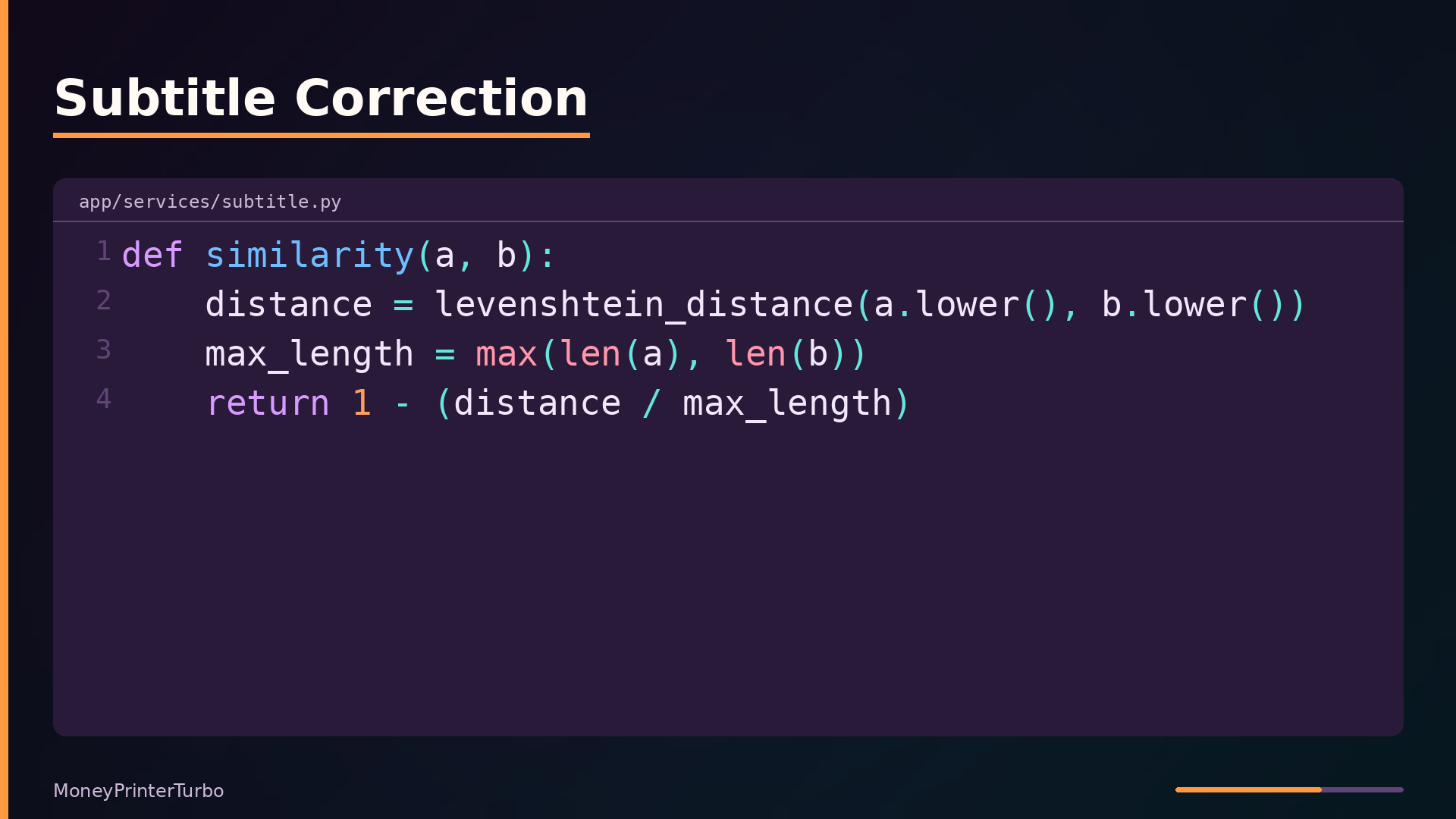
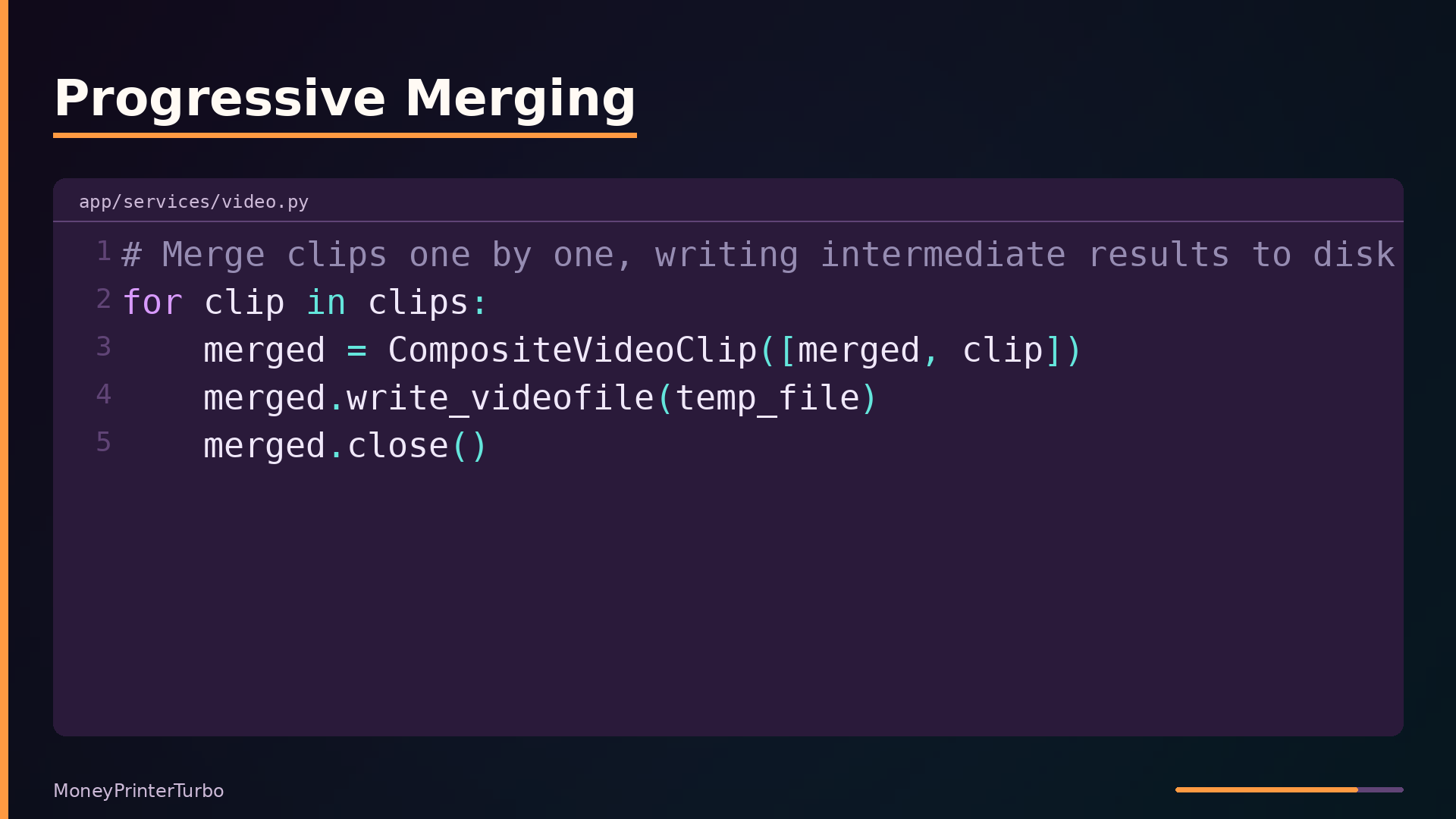
Two techniques in the pipeline prevent common failure modes: memory exhaustion during video composition and misaligned subtitles from speech recognition.
The video composition service in app/services/video.py avoids loading all clips into memory at once. Instead of concatenating every clip in a single MoviePy operation, it merges clips progressively, writing each intermediate result to a temporary file before loading the next clip. This bounds memory usage to roughly two clips plus the accumulated output, regardless of how many clips the final video contains.
A related safeguard handles the case where downloaded clips are shorter than the audio track. The code cycles through the processed clips, appending them again until the video duration matches the audio. This guarantees the voiceover never gets cut off, even when stock footage is scarce.
Subtitle generation has a similar robustness problem. Whisper’s transcription often differs from the original script—word order changes, filler words appear, punctuation shifts. The correct function in app/services/subtitle.py aligns Whisper output with the script using Levenshtein distance:
| |
The correction loop walks both the script lines and subtitle items in parallel. When a subtitle line doesn’t match the script line exactly, it greedily merges subsequent subtitle lines until the combined text’s similarity to the script line exceeds 0.8. If the merge succeeds, the script line replaces the subtitle text, preserving the original timing. If similarity stays below the threshold, the script line is still written, but the mismatch is logged for debugging. This fuzzy matching tolerates Whisper’s transcription errors while keeping subtitle text faithful to the intended script.
Use Cases: Where It Fits and Where It Doesn’t
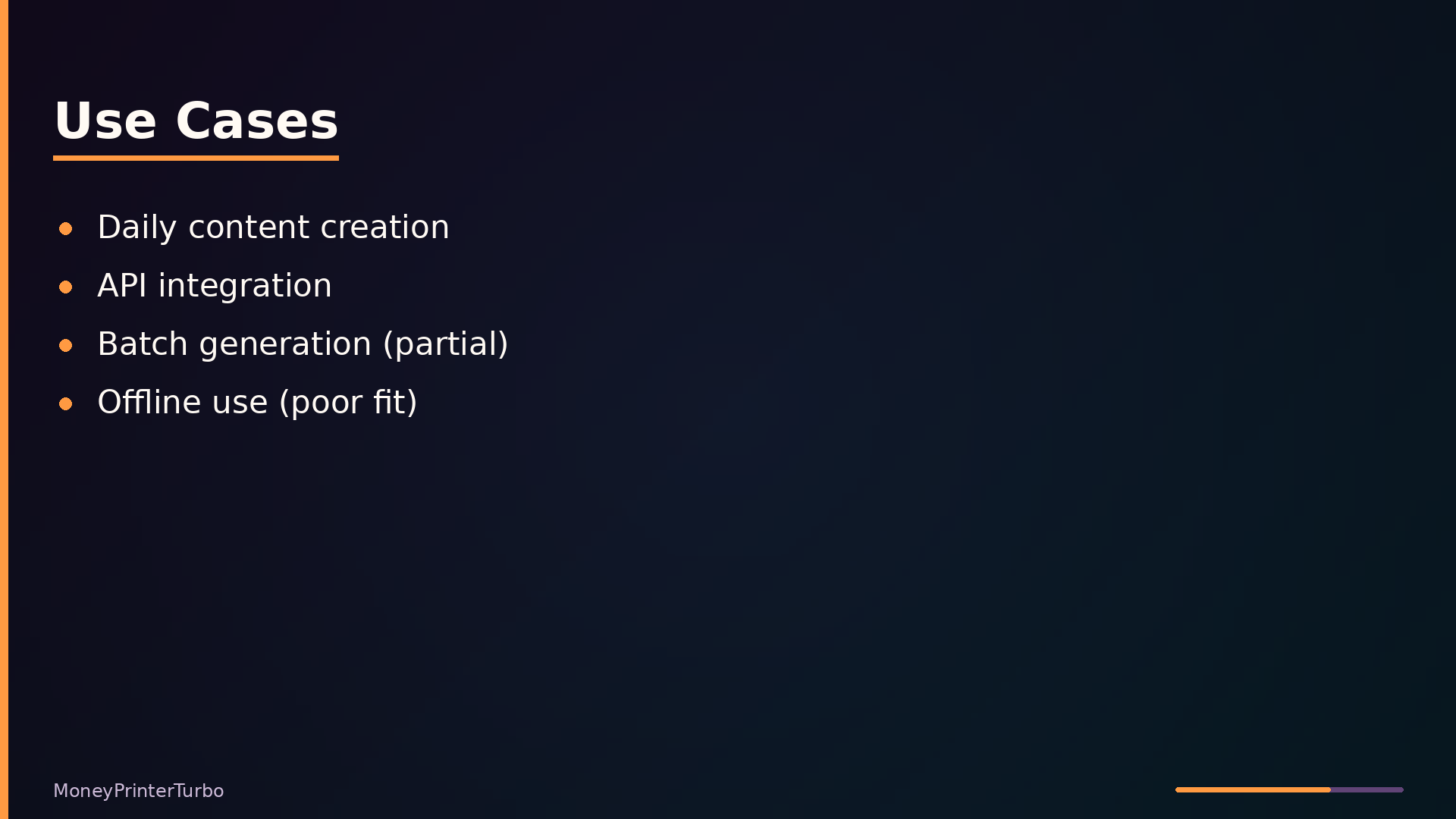
The clearest fit is a content creator producing daily short videos without manual editing. Given a topic, the pipeline handles scripting, voiceover, footage sourcing, subtitles, and composition end-to-end. A creator who would otherwise spend hours per video in an editor can instead review and publish the generated MP4.
A developer integrating video generation into an existing application is also well served. The FastAPI backend exposes granular endpoints for scripts, audio, subtitles, and full video generation, each returning a task ID that can be polled. This makes it straightforward to wrap the tool as an internal service or embed it in a larger workflow.
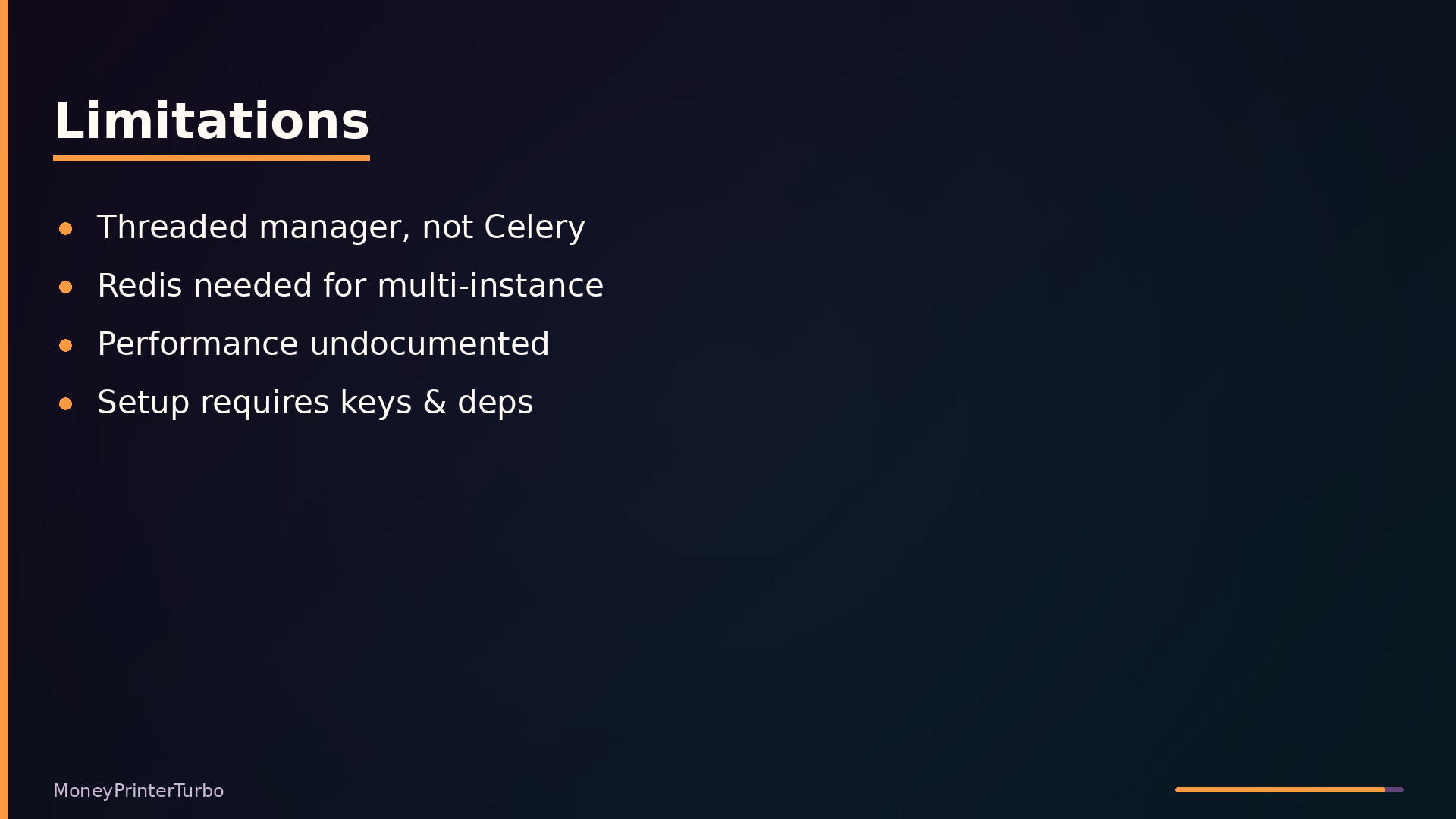
Batch generation for hundreds of videos works but is only a partial fit. The video_count parameter produces multiple variations in one task, and the in-memory task manager queues work with a configurable concurrency limit. However, the threaded queue is not a distributed system; scaling to many concurrent tasks requires the Redis backend and a multi-instance deployment.
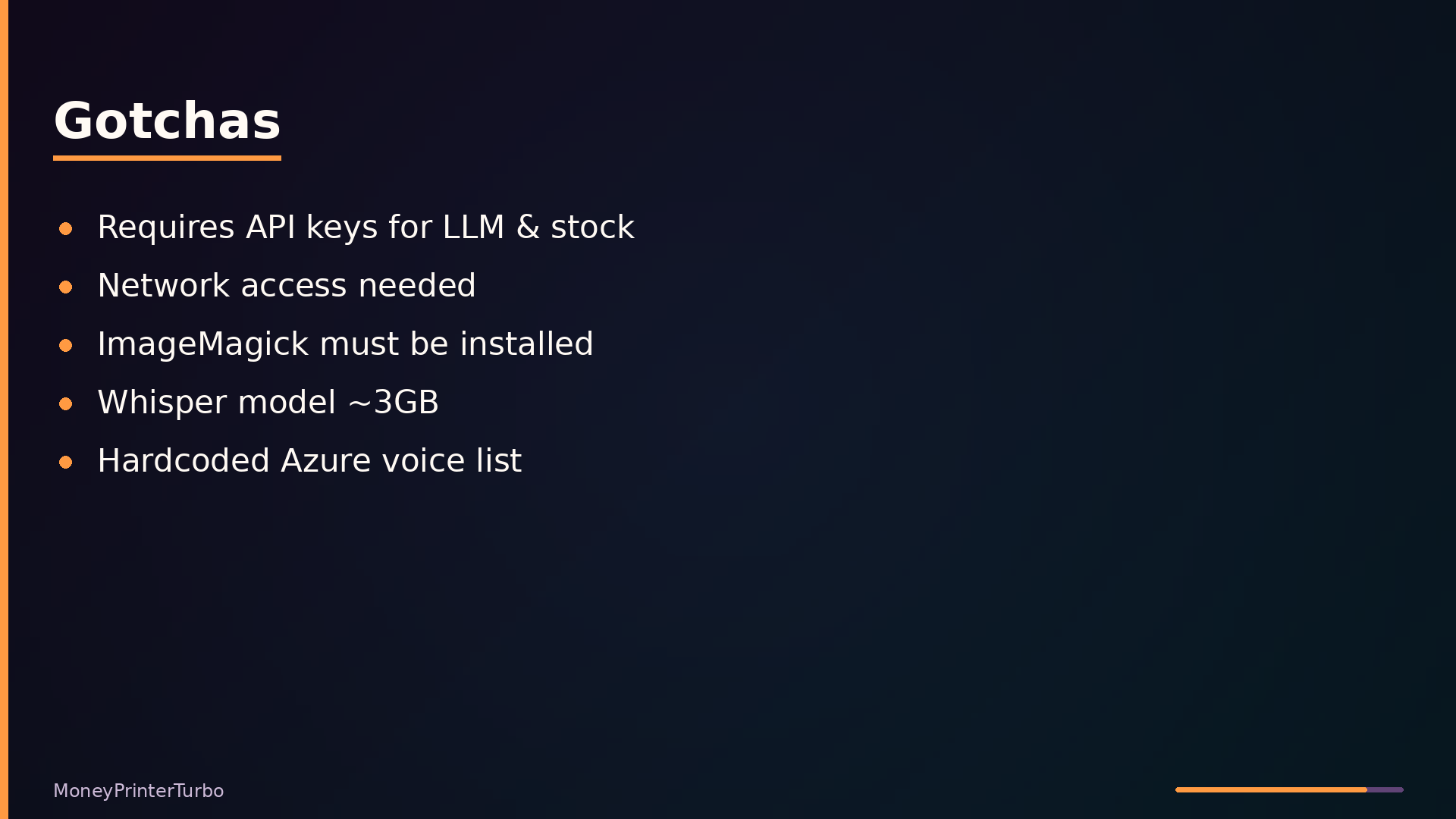
The poor fit is fully offline use. Script generation requires an LLM API, and footage sourcing requires Pexels or Pixabay. Only local video materials and Whisper-based subtitles function without network access. Operational gotchas compound this: you need API keys for both LLM and stock providers, ImageMagick installed and configured, a ~3 GB Whisper model download if HuggingFace is unreachable, and a project path without Chinese characters to avoid filesystem issues.
Interface and Usage: From Topic to Video in Two Calls
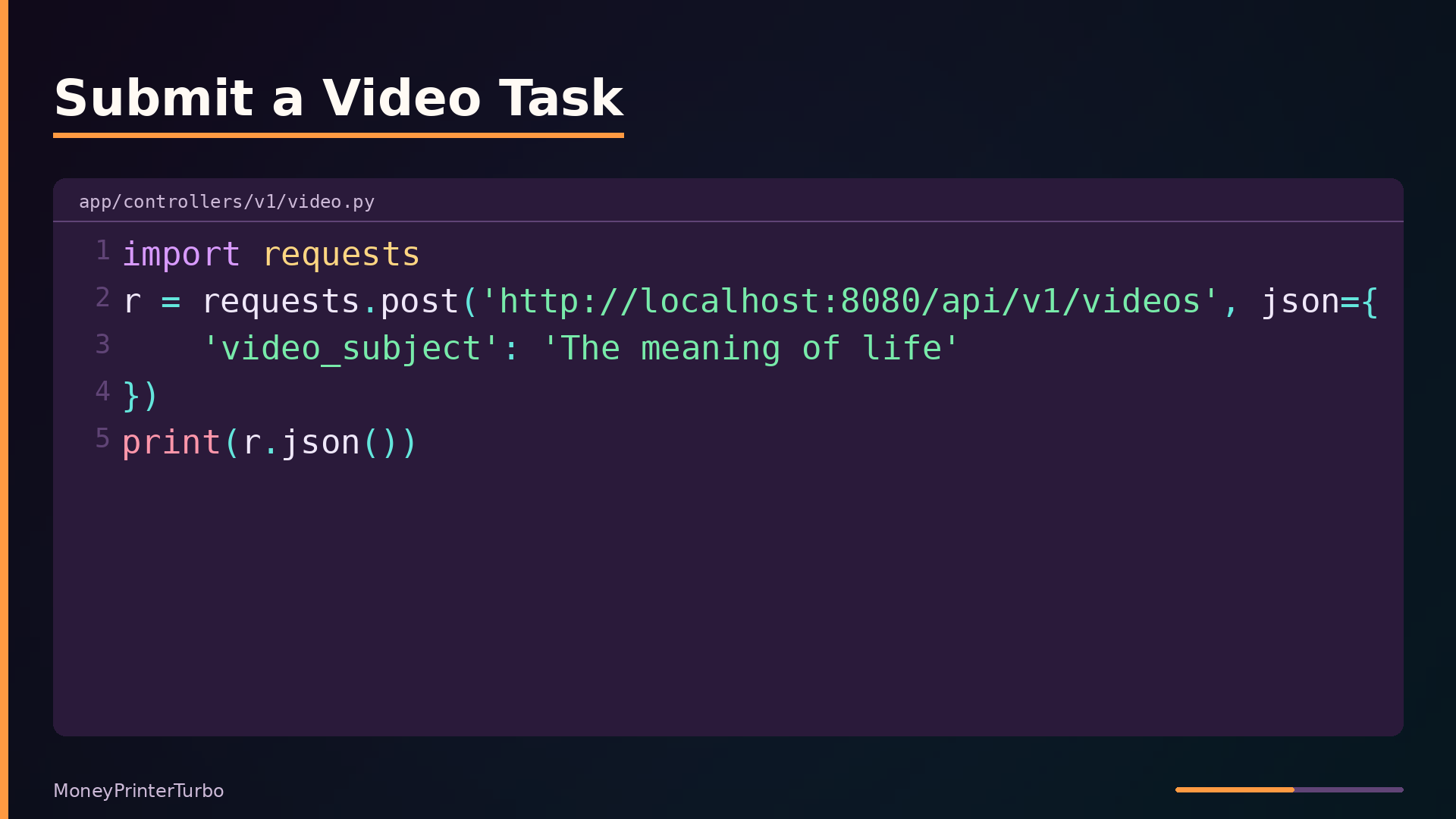
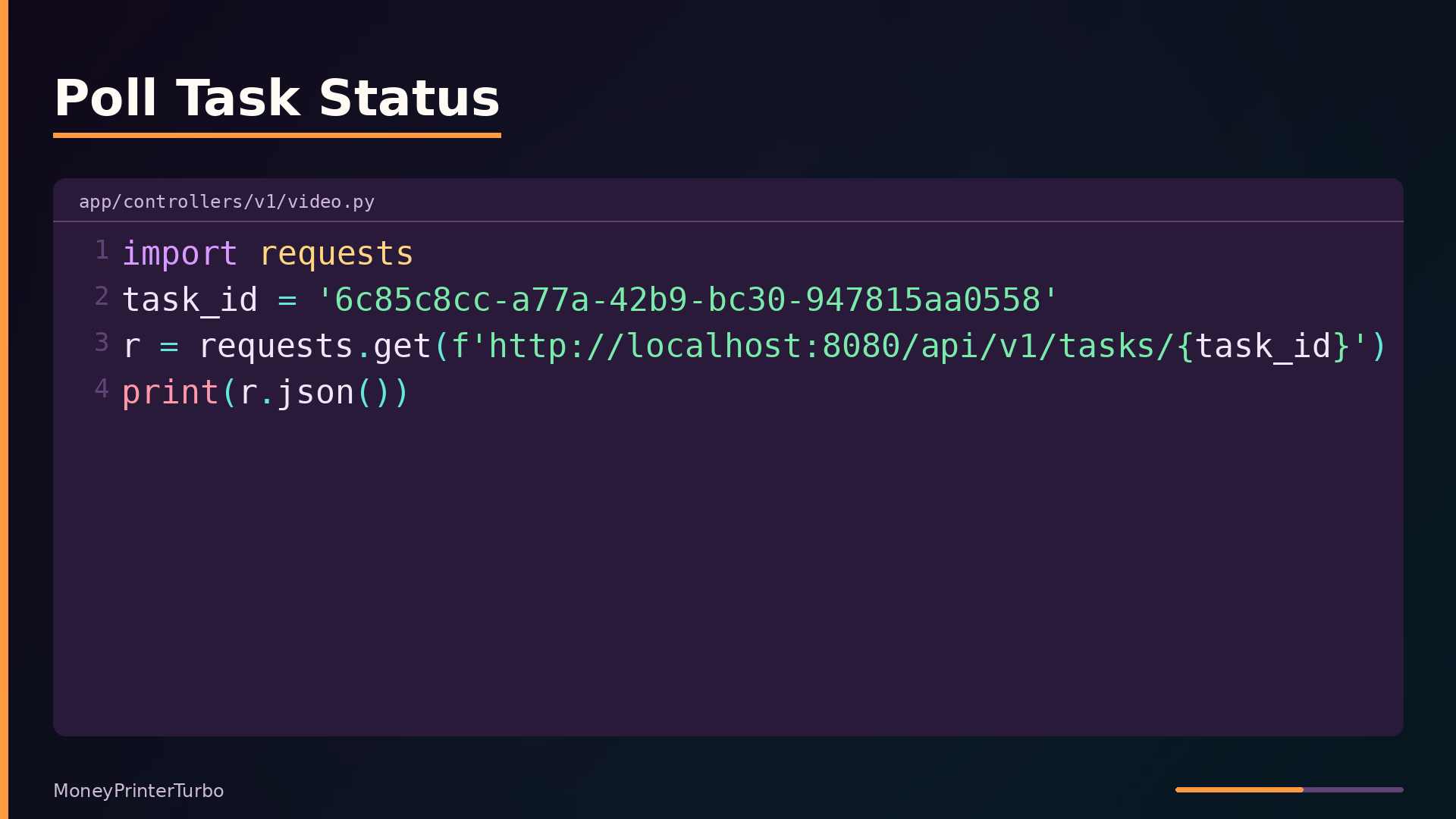
The REST API exposes a minimal two-step workflow: submit a video task, then poll for its status. The endpoint definitions live in app/controllers/v1/video.py. A single POST /api/v1/videos call accepts a TaskVideoRequest body, generates a UUID, and hands the task to a manager that runs it on a background thread.
| |
The stop_at="video" argument tells the pipeline to run through all stages. The same create_task helper is reused for the /audio and /subtitle endpoints with different stop_at values, so partial generation is available without duplicating logic.
Driving the pipeline from Python is a two-call sequence. First, submit the topic:
| |
The response contains a task_id. Poll GET /api/v1/tasks/{task_id} until the state field reports completion; the response then includes videos and combined_videos arrays with URLs. The controller converts local file paths to HTTP URIs using the configured endpoint before returning them.
For script-only generation, POST /api/v1/scripts accepts a subject and returns the LLM-generated text directly. The same pattern applies to /terms, /audio, and /subtitle endpoints, each returning a task ID for polling. A GET /api/v1/musics call lists available BGM files, and POST /api/v1/musics uploads an MP3.
The Streamlit Web UI at webui/Main.py is an alternative entry point that calls the same task pipeline in-process rather than over HTTP. It is useful for interactive experimentation, but the API is the intended interface for programmatic integration.
How It Compares: Open-Source vs. Commercial vs. Original
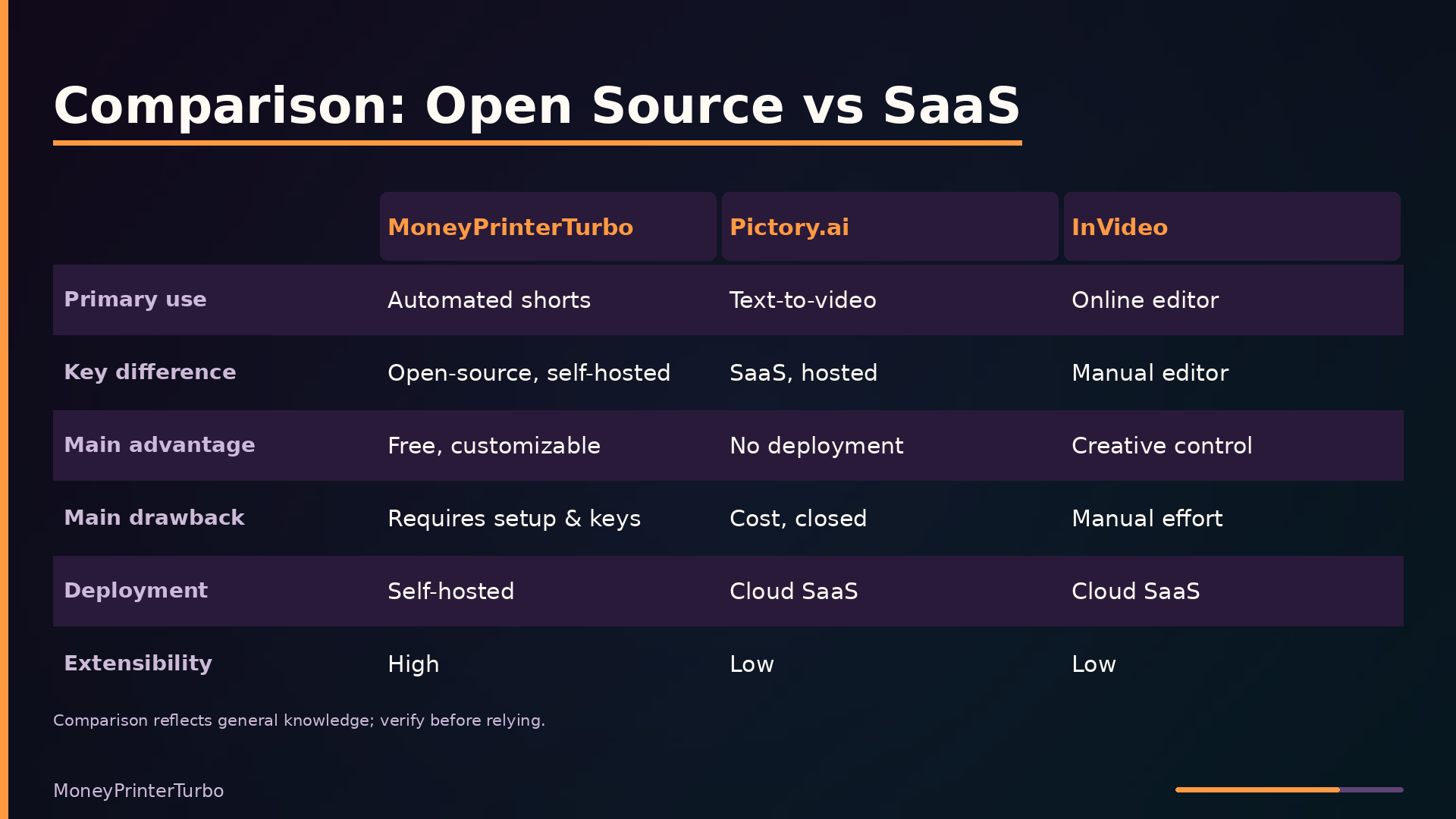
MoneyPrinterTurbo occupies a distinct position among video-generation tools. The table below compares it against the original MoneyPrinter project it forked from, plus two commercial SaaS alternatives. The comparison reflects general knowledge and may be out of date; performance figures are marked unknown where no reliable data exists.
| Axis | MoneyPrinterTurbo | Original MoneyPrinter | Pictory.ai | InVideo |
|---|---|---|---|---|
| Primary use case | Automated short-video generation | Automated short-video generation | AI video creation from text | Online video editor |
| Commonality | Generates videos from text/topic | Same core idea | Text-to-video | Template-based creation |
| Key difference | Open-source, self-hosted, full pipeline | Original, less polished | SaaS, hosted | Manual editor, not automated |
| Main advantage | Free, customizable, active dev | Simpler original | No deployment, polished | Creative control, templates |
| Main drawback | Requires setup and API keys | Fewer features | Cost, closed source | Manual effort, subscription |
| Performance | unknown | unknown | unknown | unknown |
| Maturity | Active, 117k stars | Older, less active | Mature commercial | Mature commercial |
| Deployment | Self-hosted (local/Docker) | Self-hosted | Cloud SaaS | Cloud SaaS |
| Language | Python | Python | Unknown (proprietary) | Unknown (proprietary) |
| Extensibility | High (code, providers) | Medium | Low (closed) | Low (closed) |
| Operational burden | High (setup, keys, deps) | High | Low | Low |
| Licence | MIT | MIT | Proprietary | Proprietary |
The decisive trade-off is operational burden versus control. MoneyPrinterTurbo is free, self-hosted, and MIT-licensed; you can modify any stage of the pipeline, add LLM or TTS providers, and run it without per-video costs. That flexibility comes at a price: you must provision API keys for LLM and stock-footage services, install ImageMagick and ffmpeg, and maintain the deployment yourself.
The commercial options invert that trade. Pictory and InVideo require no setup and offer polished interfaces, but they are closed, subscription-based, and expose no extension points.
Extension Points and Trade-offs
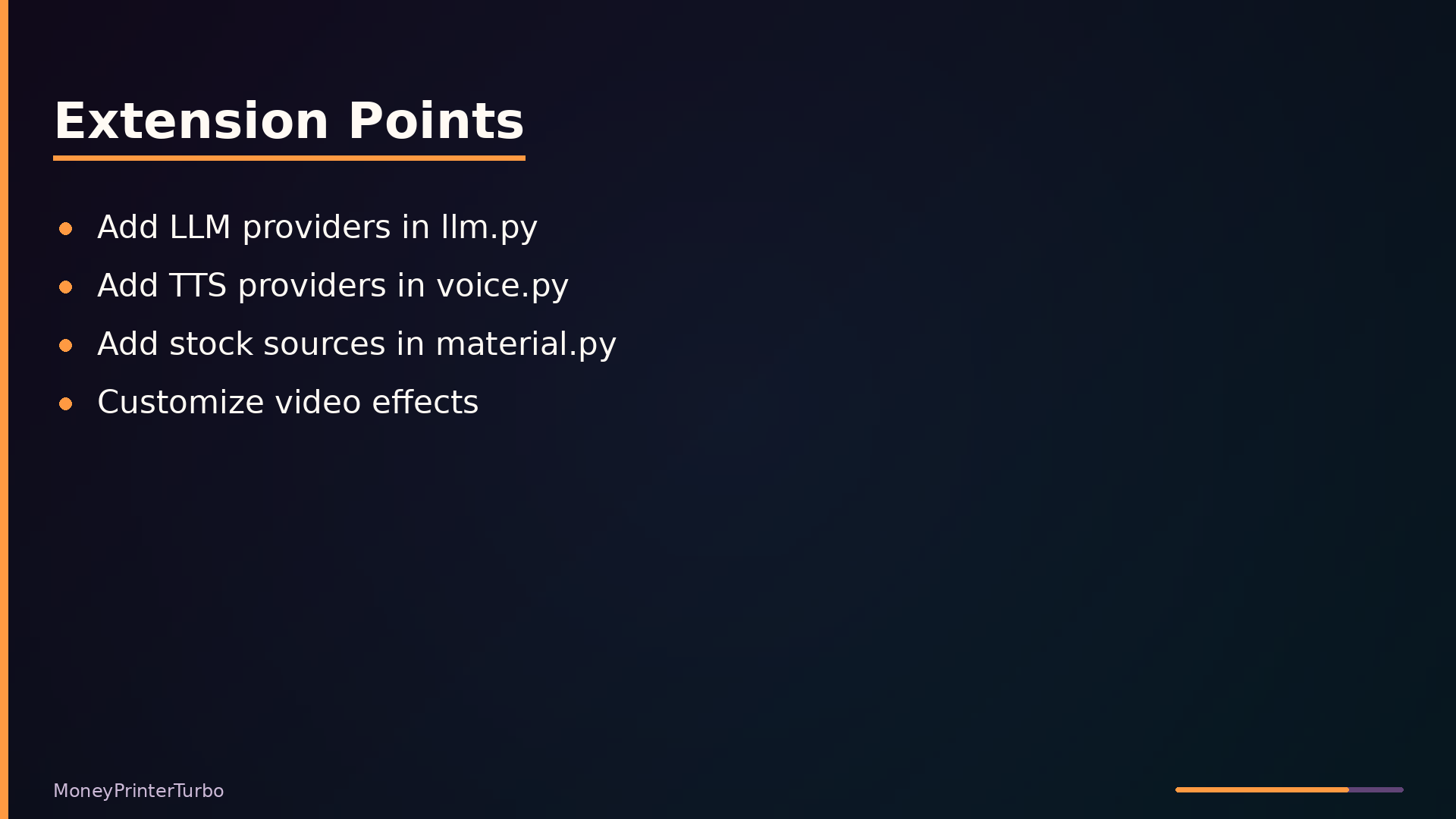
The pipeline’s extension points are deliberately simple. Adding a new LLM provider means extending the if/elif chain in app/services/llm.py; the _generate_response function branches on the configured provider name and returns a unified response object. The calling code in task.py never sees provider-specific logic. The same pattern holds for TTS in app/services/voice.py and for stock footage sources in app/services/material.py—each new provider is a new branch in an existing function, not a new abstraction layer.
This design favors speed of contribution over architectural purity. A contributor can add a provider in one file without understanding the rest of the system. The cost is that each file grows linearly with provider count, and the branching logic becomes harder to test as the chain lengthens.
The major trade-offs are structural. MoviePy is used instead of raw ffmpeg calls because it keeps video composition in Python, but it adds a layer of indirection that can be slower for large files. State management supports both in-memory and Redis backends; the in-memory path is zero-configuration but breaks across processes, while Redis enables multi-instance deployments at the cost of setup and serialization overhead. The task manager uses a threaded queue rather than Celery—simpler to run, but thread safety and crash recovery are left to the operator.
One decision worth noting: the Azure voice list is hardcoded in voice.py. This avoids a runtime API call to enumerate voices, but the list can drift from what Azure actually offers, and the file carries a large static string that must be manually updated.
What to take away
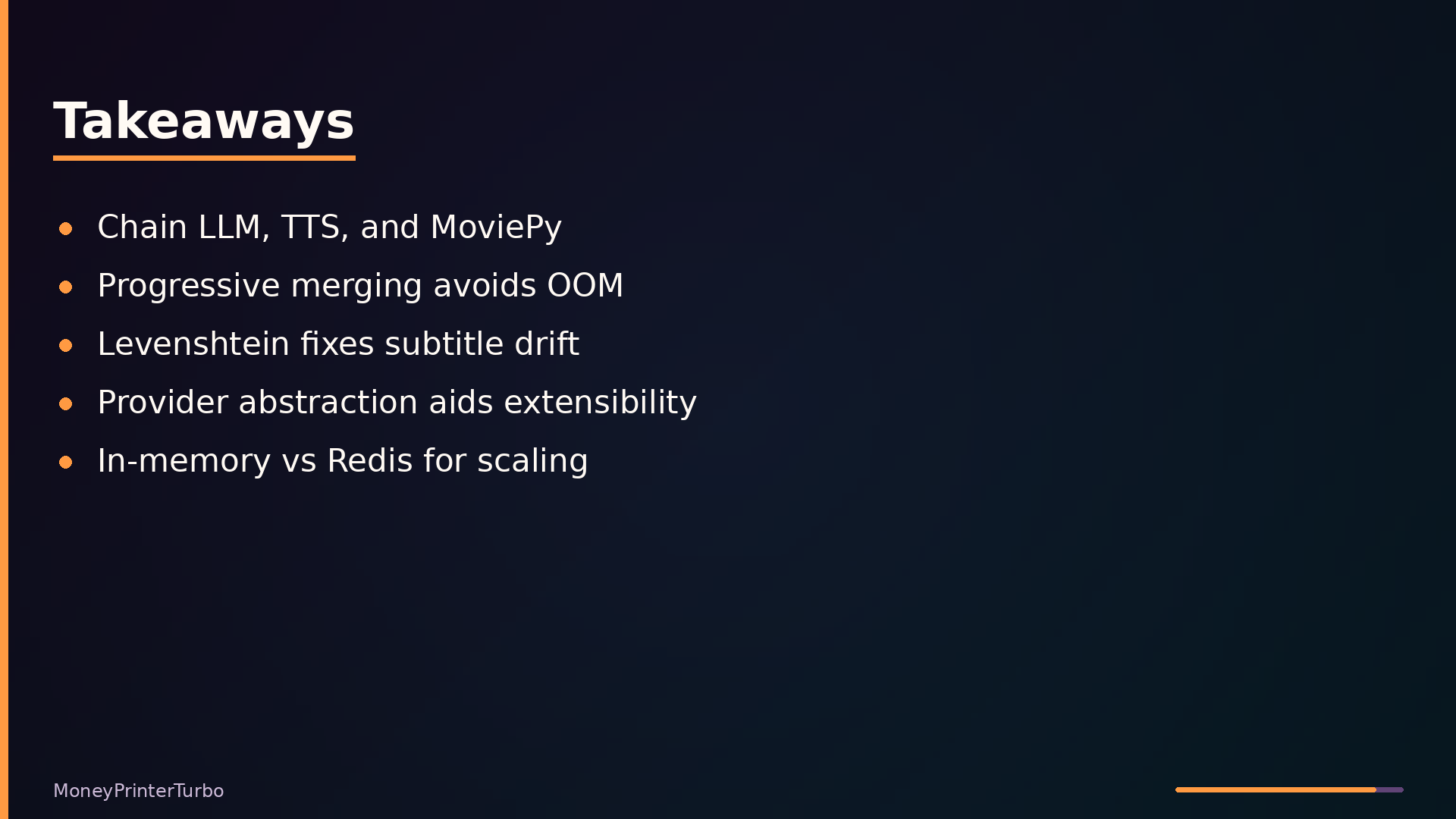
MoneyPrinterTurbo demonstrates that a complex media pipeline can be assembled from a handful of well-scoped services. The architecture is straightforward: an entrypoint (Streamlit or FastAPI) hands a task to a threaded manager, which runs a sequential pipeline that calls LLM, TTS, material, subtitle, and video services. Each service is independently replaceable, and the stop_at parameter lets you halt the pipeline at any stage for debugging or partial generation.
Three techniques are worth borrowing for your own projects. First, progressive video merging—writing intermediate results to disk instead of holding all clips in memory—prevents OOM failures with long videos. Second, Levenshtein-based subtitle correction aligns Whisper output with the source script, fixing transcription drift without manual editing. Third, the provider abstraction in llm.py and voice.py lets you add new backends by extending a single branch, not by touching callers.
Be honest about the limits. The threaded task manager is not a substitute for a proper queue like Celery; multi-instance deployments need Redis, and even then the project is not designed for large-scale parallel processing. Performance characteristics are undocumented, and the hardcoded Azure voice list will drift. Setup requires API keys, network access, and ImageMagick.
The repository is at github.com/harry0703/MoneyPrinterTurbo, MIT-licensed, with 117k stars and active releases. It is a solid reference for pipeline design and a practical tool for low-volume automated video generation.
What this analysis could not determine
- Exact performance characteristics (speed, memory usage) of the video generation pipeline.
- The full list of supported LLM providers and their configuration details beyond what is shown in the digest.
- Whether the Redis task manager is fully functional and tested in production.
- The exact behavior of the ‘stop_at’ parameter for all stages.
- Details about the ‘sites’ directory and its VuePress documentation setup beyond what is shown.
Further diagrams